To list your site in search engines, you do not pay anyone or fill in a submission form. You verify your site in Google Search Console and Bing Webmaster Tools, submit an XML sitemap, and make sure each page has links from the rest of your site. After that, the search engines decide which pages to crawl, index and show.
This guide covers getting into the index. If your pages already appear and you want them to look better in results, read my guide to search engine listing optimization instead.
What does "listed" really mean?
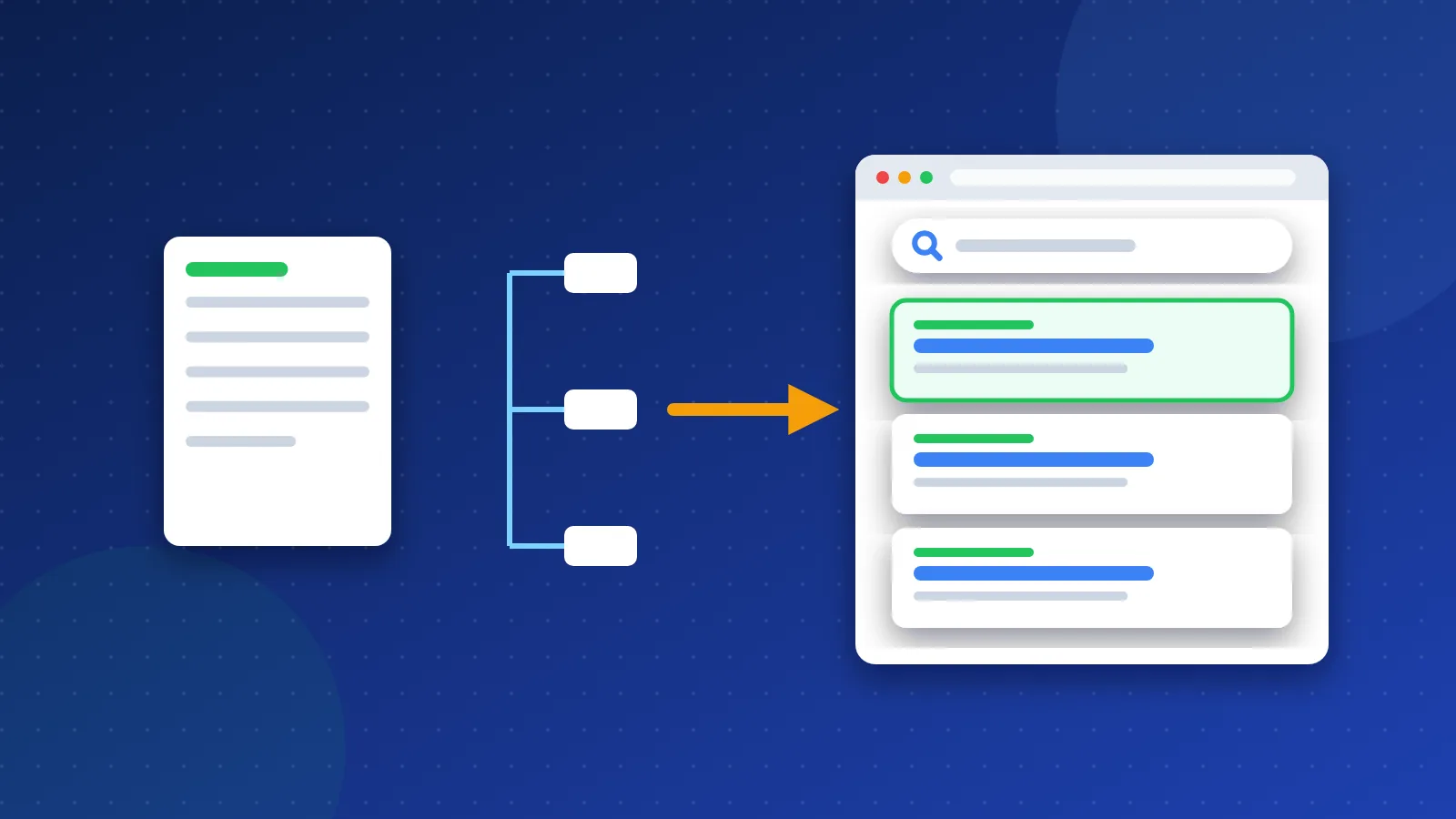
Google describes three stages. First, its crawler finds and downloads your page. Next, it tries to understand the page and stores it in its index. Last, it shows the page when someone searches for something it matches. A page is "listed" when it sits in the index. Ranking well is a separate step.
Two facts from Google's own documentation matter here:
- Google says it does not accept payment to crawl a site more often or to rank it higher.
- Google does not guarantee that it will crawl, index or show a page, even if the page follows its rules.
So any service that "guarantees" you a place in Google is promising something Google itself does not promise.
Step 1: Add your site to Google Search Console
Search Console is Google's free dashboard for site owners. I used it back when it was still called Google Webmaster Tools, and it is still the first place I look when a page goes missing.
- Sign in at Search Console with a Google account.
- Add a property. A Domain property covers every version of your site (http, https, www and subdomains). It needs a DNS record at your domain registrar.
- If DNS feels too hard, choose a URL-prefix property and verify with an HTML file or a meta tag.
- Wait a day or two for data to appear.
Step 2: Submit an XML sitemap
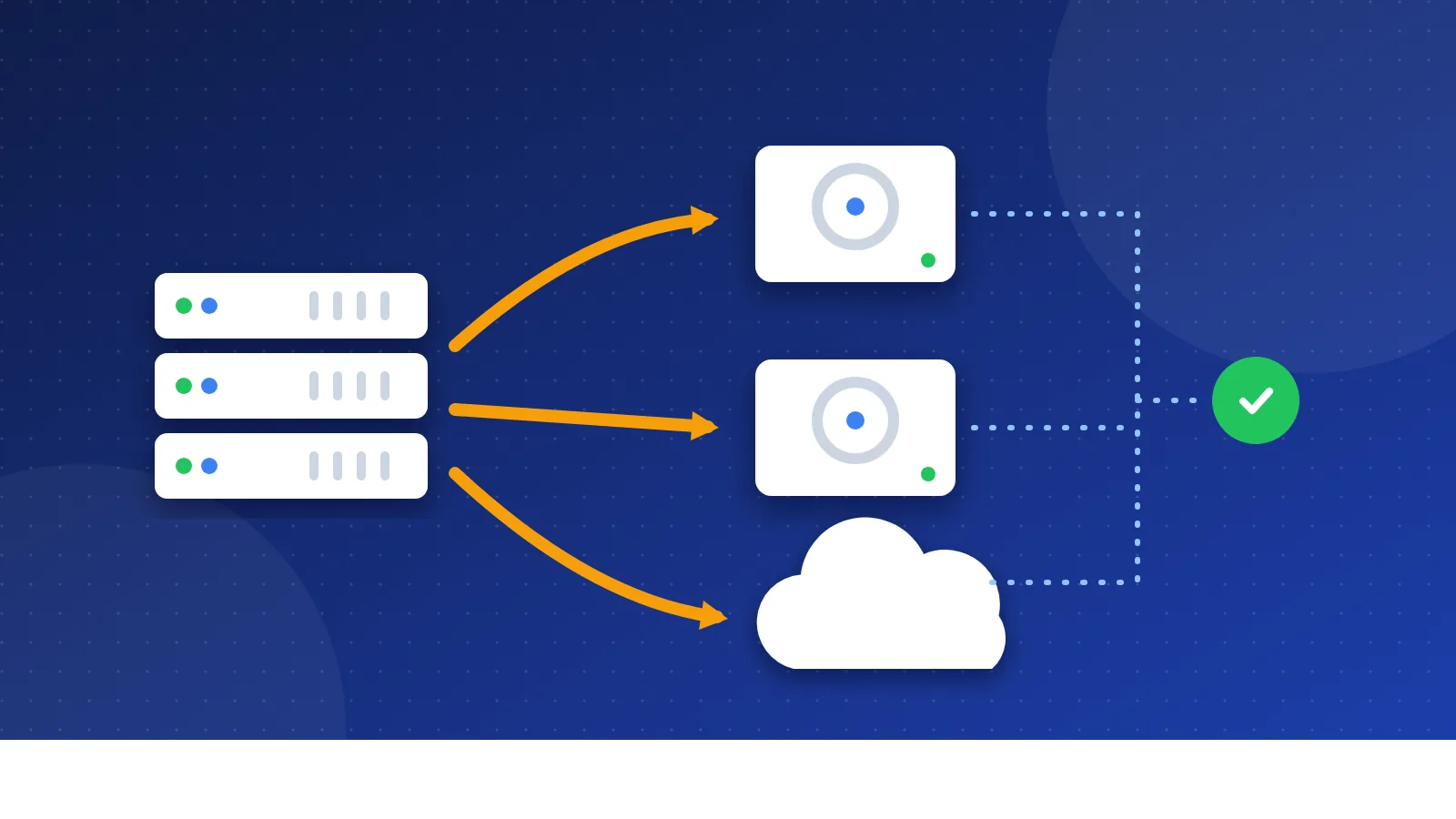
A sitemap is a file that lists the URLs you want search engines to know about. Most CMS tools and SEO plugins create one for you, often at /sitemap.xml. Open Search Console, go to Sitemaps, paste the address and press Submit. Also add a line like Sitemap: https://example.com/sitemap.xml to your robots.txt file so every crawler can find it.
Keep the sitemap clean. List only pages that return a 200 status, that you want in search, and that point to themselves as the main version. A sitemap full of redirects, deleted pages and duplicates sends mixed signals. If you have moved pages, set up a proper 301 redirect and drop the old URL from the sitemap.
Step 3: Add your site to Bing Webmaster Tools
Bing powers more than Bing.com, so it is worth the ten minutes. Since 2019 Bing has let you import sites straight from Google Search Console, which skips the separate verification step. Once inside, submit the same sitemap.
Bing also supports IndexNow. This is an open protocol that lets you ping search engines the moment you add, change or delete a page.
According to the IndexNow FAQ, Bing, Yandex, Naver, Seznam.cz, Yep and Amazon use it, and one request can carry up to 10,000 URLs. Google is not on that list. Many CMS plugins and hosts now send IndexNow pings automatically. The FAQ is clear that a ping makes engines aware of a change but does not guarantee indexing.
Step 4: Ask Google to crawl a new or updated page
For a single important page, use the URL Inspection tool in Search Console and press "Request indexing". Google notes a few limits:
- There is a quota for individual requests.
- Asking again and again for the same URL does not speed anything up.
- Crawling can take from a few days to a few weeks.
- A request does not guarantee the page will ever appear.
For many URLs at once, the sitemap is the right tool.
How to list your site in search engines: a quick comparison
| Method | Works for | Best use |
|---|---|---|
| Search Console + sitemap | Every site, from day one | |
| URL Inspection request | A few key new or changed pages | |
| Bing Webmaster Tools + sitemap | Bing and engines that use its index | Every site, from day one |
| IndexNow ping | Bing, Yandex, Naver, Seznam, Yep | Sites that change often |
| Internal links | All crawlers | Every page, always |
Why do some pages stay unindexed?
This part is personal. On my own sites, many pages stayed out of Google for years, even though I linked to them from other pages. I never found one clear reason at the time. Today the Page indexing report in Search Console at least tells you which bucket a page falls into:
- Discovered – currently not indexed: Google knows the URL but has not crawled it yet. Google says it often delays the crawl because it expects the visit to overload the site.
- Crawled – currently not indexed: Google visited the page and chose not to add it. Google says it may or may not index it later and that you do not need to resubmit it.
- Duplicate without user-selected canonical: Google sees the page as a copy of another page and shows the other one instead.
Looking back, my best guess is that many of those pages were thin or too close to other pages on the same site. Here is what I would check first today:
- A stray noindex tag. Themes and plugins sometimes add one. URL Inspection shows it.
- A robots.txt block. A blocked page cannot be crawled at all.
- Thin or near-duplicate content. Merge weak pages into one stronger page.
- Weak internal links. A page linked only from a deep archive page gets little attention. Link to it from a page that already gets traffic.
- Broken links and errors. Crawlers waste time on dead ends. Our guide to fixing broken links covers this.
- A slow or unstable server. If your host struggles, Google slows down its crawling.
Do paid indexing services help?
Some services promise to push URLs into Google faster. Google's official Indexing API only supports job posting and livestream video pages, so a normal blog post or service page is outside its intended use. If you want the full picture of one popular service, read my Rapid URL Indexer review. For your own site, the free steps above cover what most people need.
What about Yahoo, DuckDuckGo and other engines?
You cannot submit a site to every search engine one by one, and you do not need to. Many smaller engines build their results partly from a bigger engine's index or from their own crawlers that follow links. If your pages are in Google and Bing and have links from other sites, most engines will find them.
Regional engines are different. Baidu and Yandex, for example, have their own webmaster tools, and you only need them if you target those markets. The search engine listing guide collects the main options in one place.
To sum up: you list your site in search engines by verifying it in Search Console and Bing Webmaster Tools, submitting a clean sitemap, linking every page from your own site, and fixing what the Page indexing report shows. It is free, it takes an afternoon, and patience does the rest.
Frequently asked questions
How long does it take for Google to index a new site?
There is no fixed time. Google says crawling can take from a few days to a few weeks. A new site with few links from other sites usually waits longer than an established one. Check progress in the Page indexing report.
Do I have to pay to be listed in Google or Bing?
No. Both search engines index sites for free, and Google says it does not accept payment to crawl or rank sites. Paid ads are a separate product and do not affect the normal results.
Should I submit my site to hundreds of search engines?
No. Mass "submit to 500 engines" services add nothing useful. Focus on Google and Bing, plus a regional engine if your audience uses one. Good links from relevant sites help crawlers find you everywhere else.