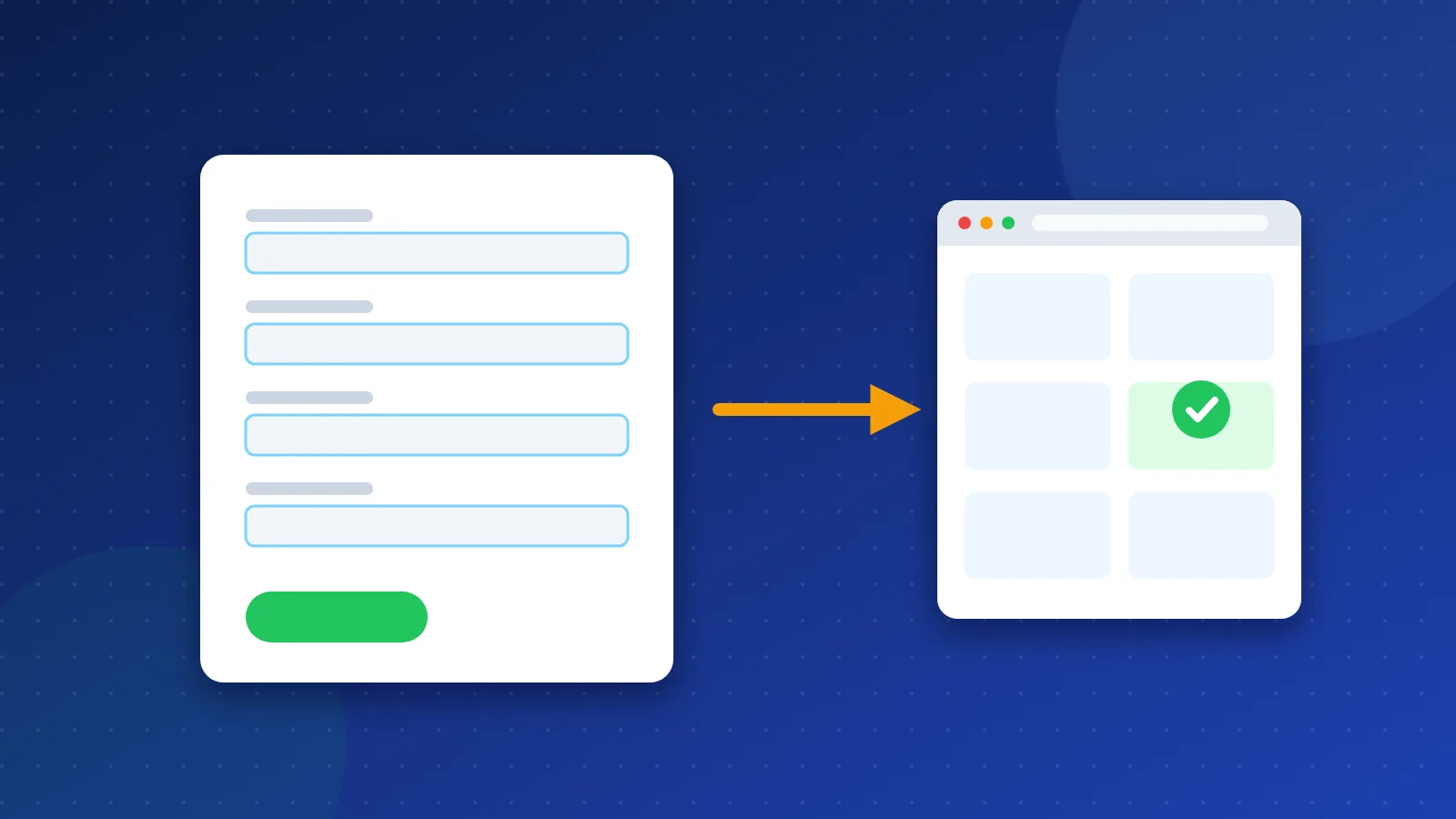
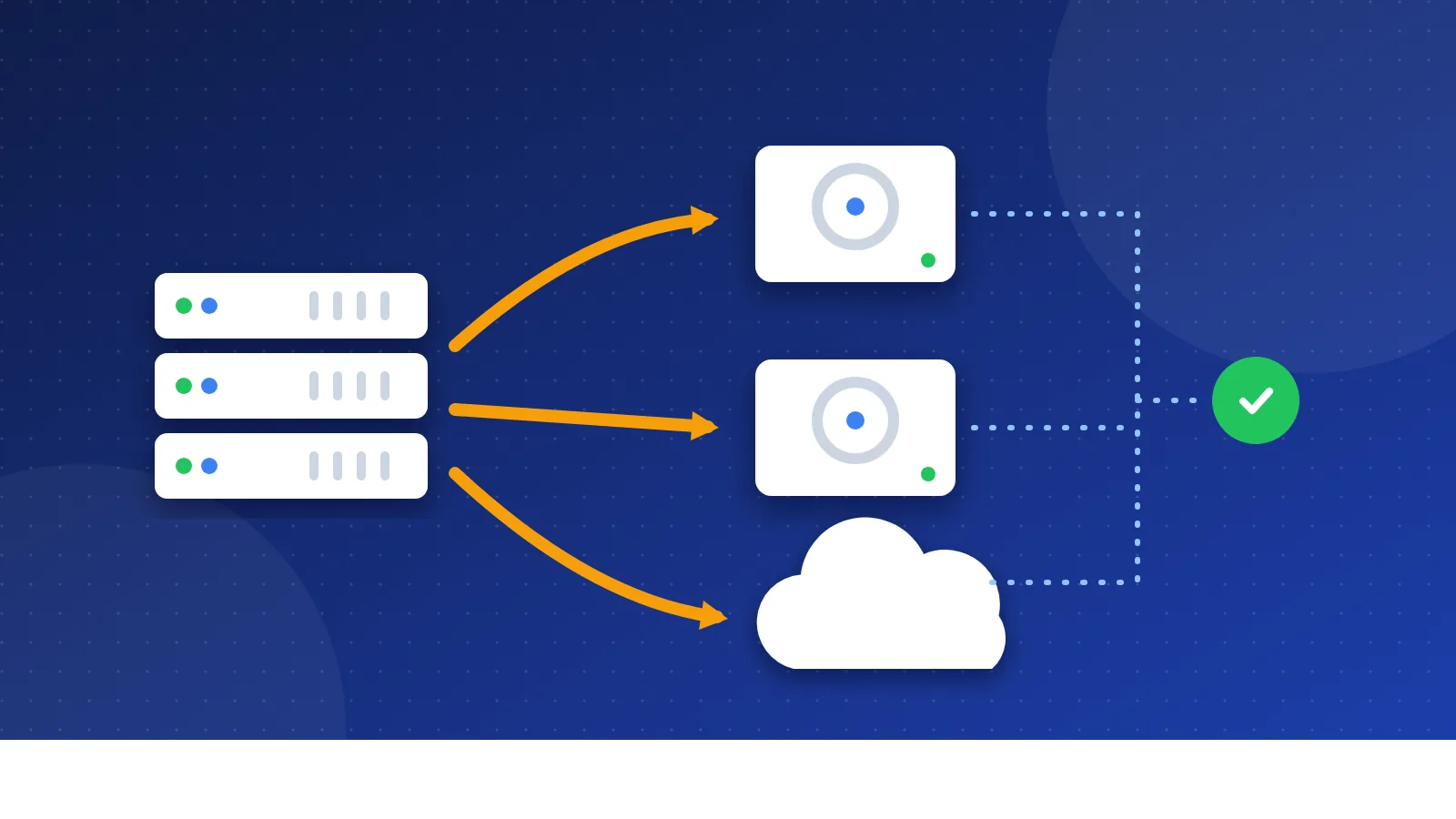
A robots.txt generator builds the small text file that tells search engine and AI crawlers which parts of your site they may visit. Pick your platform, tick the folders to keep crawlers out of, choose which AI bots to block, and download a ready robots.txt with your sitemap line. The built-in tester then shows whether a page is allowed or blocked.
What robots.txt does, and what it does not do
Robots.txt is a plain text file at the root of your site, for example https://example.com/robots.txt. Well-behaved crawlers read it before they visit your pages. Google supports four rules in it: user-agent, disallow, allow and sitemap.
The file controls crawling, not indexing. Google says a blocked page can still appear in search results if other sites link to it, usually with no description. To keep a page out of Google, use a noindex robots meta tag and leave the page open to crawling, so Google can read that tag.
| Goal | Right tool |
|---|---|
| Save crawl time on search pages and filters | robots.txt Disallow |
| Keep a page out of search results | noindex meta tag |
| Protect private files | Password or login |
| Show crawlers your important pages | Sitemap line plus a sitemap |
How to use the robots.txt generator
- Enter your site address. The tool uses it to suggest the sitemap line.
- Choose your platform. For WordPress, it blocks
/wp-admin/but keepsadmin-ajax.phpopen, because many themes need it. - Tick what to keep crawlers out of. Internal search results are the most common choice. They create endless pages with little value.
- Add your own paths, one per line. A star matches any text, so
/*?sort=blocks every sorted listing page. - Decide on AI crawlers (see below).
- Download the file and upload it to the main folder of your site, then open
yoursite.com/robots.txtin a browser to check it.
Before you upload, type a few important paths into the tester. It follows Google's logic: the most specific crawler group applies, the longest matching rule wins, and "Allow" wins a tie.
Should you block AI crawlers?
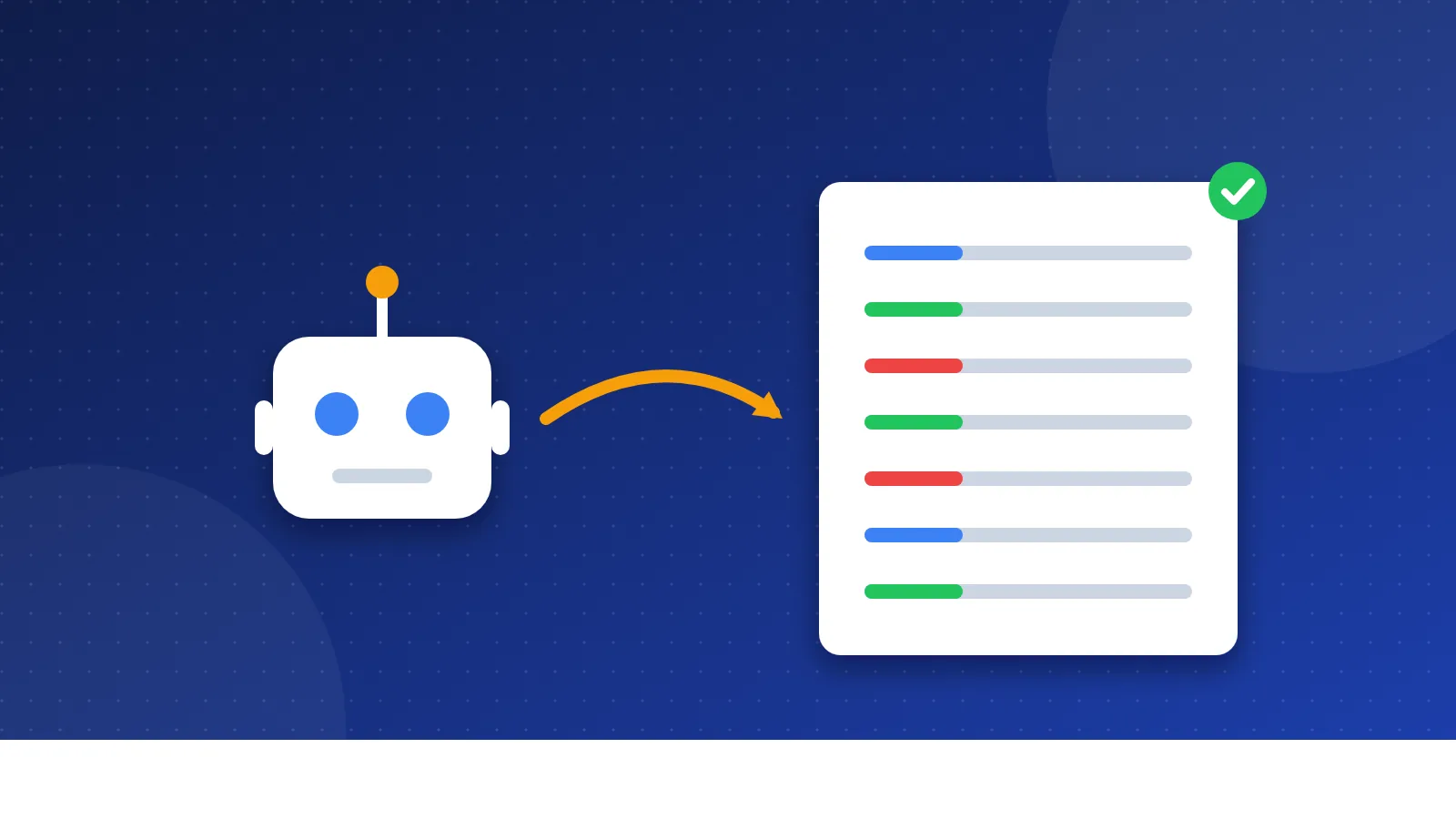
Several AI companies publish the names of their crawlers so site owners can block them in robots.txt. There are two kinds:
- Training crawlers collect pages to train AI models: GPTBot (OpenAI), ClaudeBot (Anthropic), CCBot (Common Crawl) and Google-Extended (Gemini). Google states that Google-Extended does not affect inclusion or ranking in Google Search.
- AI search crawlers fetch pages to show in AI search answers: OAI-SearchBot (ChatGPT search), Claude-SearchBot and PerplexityBot. Blocking these can remove your pages from those answers, and from the visits they send.
For a small blog that wants visitors, blocking training crawlers and leaving AI search crawlers open is a reasonable middle way. If you sell original content, you may want to block both. There is no single right answer, so the tool leaves every box unticked by default.
Mistakes that hide a whole site
Disallow: /left over from a test site. This one line blocks everything. Developers add it to staging copies and forget to remove it at launch. The tool shows a red warning whenever the whole site is blocked.- Blocking CSS and JavaScript. Google needs these files to see your pages the way visitors do. Blocking
/wp-content/or an/assets/folder can hurt how Google understands your layout. - Blocking pages you want removed. If you block a page and add noindex, Google never sees the noindex. Remove the block first.
- A file in the wrong place. Robots.txt only works at the root of the host. A file in
/blog/robots.txtis ignored.
I know how confusing indexing problems are. For years, many Bloghints articles stayed out of Google even though I linked to them from other pages, and I did not know why. A robots.txt mistake is the first thing to rule out in a case like that, because it takes one minute to check. Our guide on how to list your site in search engines covers the next steps.
Robots.txt and redirects
If you moved pages, keep the old addresses open to crawlers. Google has to visit an old URL to see its redirect. Blocking old folders in robots.txt can leave dead addresses in search results for a long time. Build your redirect rules with the .htaccess redirect generator first, then use this robots.txt generator to block only the pages that truly waste crawl time.
Frequently asked questions
Do I need a robots.txt file at all?
No. Without one, crawlers simply visit every page they find. A short file is still useful, because it points crawlers to your sitemap and keeps them out of search result pages and admin areas.
How long until Google sees my new robots.txt?
Google usually caches robots.txt for up to a day. In Search Console, the robots.txt report shows the version Google fetched last and lets you ask for a recrawl after an urgent fix.
Can robots.txt stop bad bots and scrapers?
No. Robots.txt is a polite request, and only well-behaved crawlers follow it. To stop abusive bots, block them at your server, firewall or hosting control panel instead.