Here is how to choose web hosting for a new blog in one line: pick a cheap shared plan from a host with good uptime, fair renewal prices, free SSL and real backups. You do not need a VPS, a dedicated IP or a speed booster on day one. Upgrade later, when your traffic and income can pay for it.
The rest of this guide is a simple checklist you can use on any host's sales page. I also share what I learned from paying for hosting since 2006, including the extras I now think were a waste.
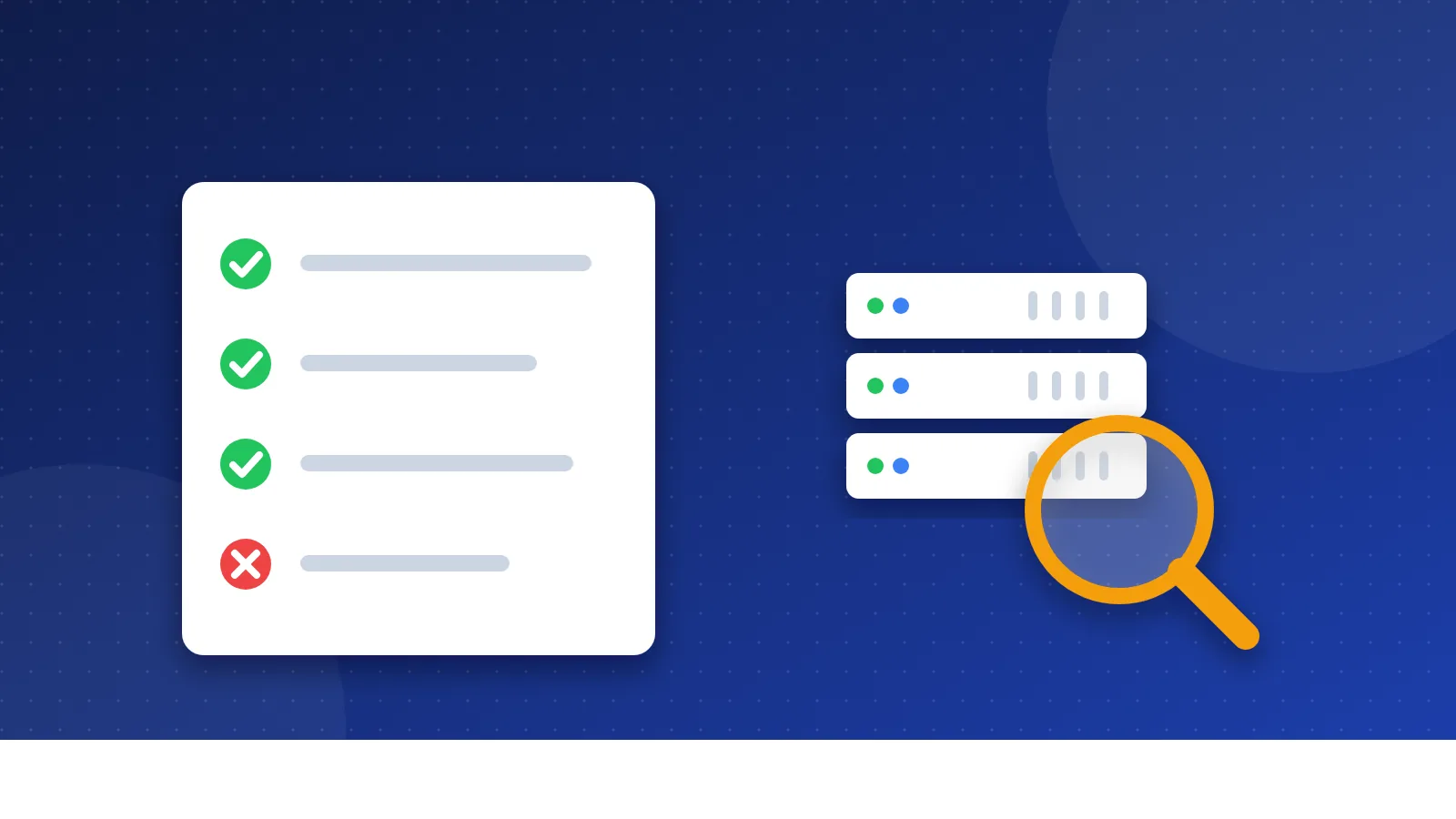
How to choose web hosting for a new blog: the checklist
Hosting sales pages are long and full of big words. Most of it does not matter for a new blog. These seven points do.
1. Uptime
Uptime is the share of time your site stays online. Many hosts promise 99.9%. That sounds perfect, but it still allows about 43 minutes of downtime in a 30-day month. Look for a clear uptime promise and what the host gives back if it misses it, such as account credit. Reviews from real users and public status pages tell you more than the promise itself.
2. Renewal price vs intro price
This is the point that catches most beginners. Hosts show a low monthly price, but you only get it if you pay for several years up front. After that, the plan renews at the normal price.
Renewal prices are often much higher than the first-term deal. That is a normal pattern across the industry, not a trick by one company. Check the host's pricing page for the renewal price before you pay. Write down both prices and work out what you will pay in the first term and after it.
3. Backups
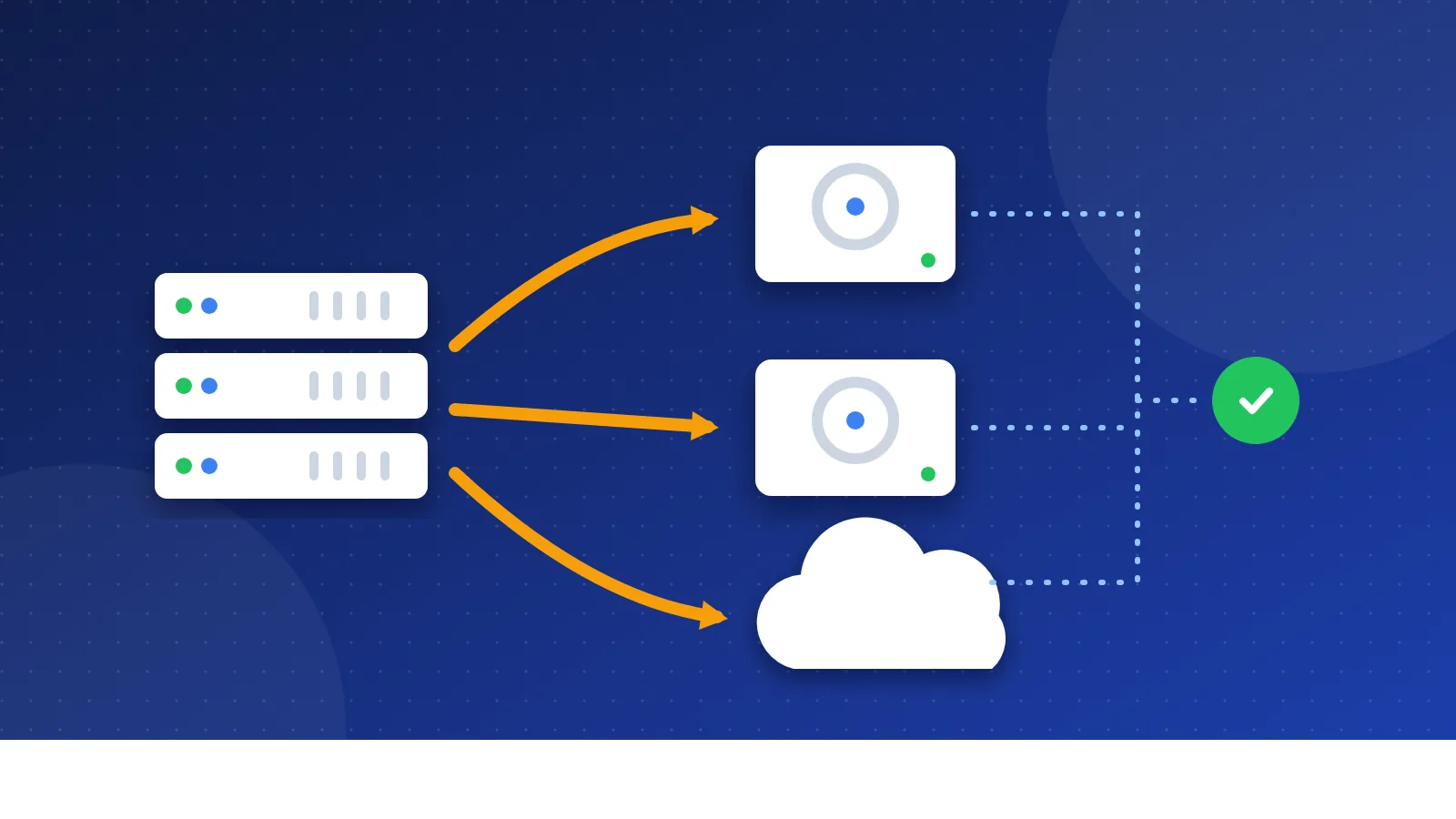
A backup is a saved copy of your site's files and database. If an update breaks your blog or someone hacks it, a backup brings it back. Check how often the host makes backups, how many copies it keeps and whether you can restore one yourself in a few clicks.
Plans differ a lot here. The cheapest plan at a host may back up only once a week, while a higher plan backs up every day. Whatever your host offers, keep your own copy too. Our guide on website backup basics shows simple ways to do it.
4. Support
At some point, something will break, and you will need help. Look for 24/7 live chat or tickets, and test it before you buy. Ask a simple question such as "Do you include free SSL?" and see how fast and how clearly they answer. A friendly answer in plain words is a good sign.
5. Server location
Data takes time to travel. A server close to your readers can answer a little faster than one on the other side of the world. If most of your readers live in one country or region, pick a data center near them. Many hosts let you choose the location when you sign up.
6. Free SSL
SSL turns on the padlock and "https" in the browser. It keeps data between the reader and your site private, and browsers warn people about sites without it. You should not pay extra for a basic certificate. Let's Encrypt gives trusted certificates at no cost to anyone who owns a domain, and most hosts install and renew them for you.
7. Email
A blog address like hello@yourblog.com looks more serious than a free webmail address. Check whether the plan includes email boxes, how many and for how long. Some plans include email free for the first year only, then charge for it. If you only need one inbox, a free webmail account can work fine at the start.
What did my own hosting mistakes teach me?
For years I believed speed was the golden rule of SEO. So I moved away from cheap hosts like HostGator to ScalaHosting and A2 Hosting, and I paid for a dedicated IP address. I feared a "bad neighborhood" of spam sites on a shared IP. I also paid hundreds of dollars a year for an A2 Turbo plan that was sold as up to 20x faster.
Honestly, I felt no difference on my small sites. I could not even tell whether my dedicated IP was really dedicated, because I did not know how to check. In the end, I moved to cheap Hostinger shared hosting because the yearly price was lower. My sites have not felt slower since. This is my own experience, not a test or a ranking of hosts.
My advice now: hosting is full of extras that sound important. Start with cheap hosting that has good uptime, and save your budget. Upgrade only when your traffic is large and your site earns enough to pay for better hosting. Now I believe content, clean pages and good structure matter more than any server upgrade.
Which extras can a new blog skip?
- Dedicated IP address: a new blog does not need one. Search engines rank pages, not IP addresses.
- Speed multipliers: claims like "20x faster" are hard to check. Caching and light images help more.
- Paid SSL: free certificates work for normal blogs.
- Site lock or malware add-ons: many hosts already scan for malware. Check what the plan already does first.
- SEO packages at checkout: they rarely do anything you cannot do yourself for free.
How do you compare two hosts quickly?
- Open both pricing pages and pick the cheapest plan that runs WordPress or your blog tool.
- Write down the intro price, the term you must pay for and the renewal price.
- Note the backup schedule, the SSL offer and the email offer.
- Check the server locations and pick the one nearest your readers.
- Ask each host's support one question and compare the answers.
- Read recent user reviews about downtime and support, not just speed scores.
- Check the refund window, so you can leave if the host lets you down early.
If the words shared, VPS and cloud still feel fuzzy, read shared vs VPS vs cloud hosting first. If you are new to the whole idea, start with what web hosting is.
Should you buy the domain from your host?
You can. Many hosts include a free domain for the first year, which is handy. Just check the domain's renewal price too. Some people keep the domain at a separate registrar so that a hosting problem never puts the domain at risk. Our guide on domain name vs web hosting explains the trade-off.
That is how to choose web hosting for a new blog without wasting money. Check uptime, renewal price, backups, support, location, SSL and email. Start small and cheap, and let real traffic and real income tell you when to move up.
Frequently asked questions
How much should I spend on hosting for a new blog?
For most new blogs, a basic shared plan is enough. Look at the full cost over the first few years, including renewal, not just the low monthly intro price. Spend more only when traffic or income gives you a clear reason.
Does cheap hosting hurt SEO?
Not by itself. Google says it always tries to show the most relevant content, even when the page experience is weaker. A host that is often down or very slow can hurt, so uptime matters more than the price tag.
Should I pay for several years up front?
It lowers the monthly price, but it locks in your money. If you are unsure about a host, a shorter term costs more per month but is easier to leave. Always check the refund window before you pay.