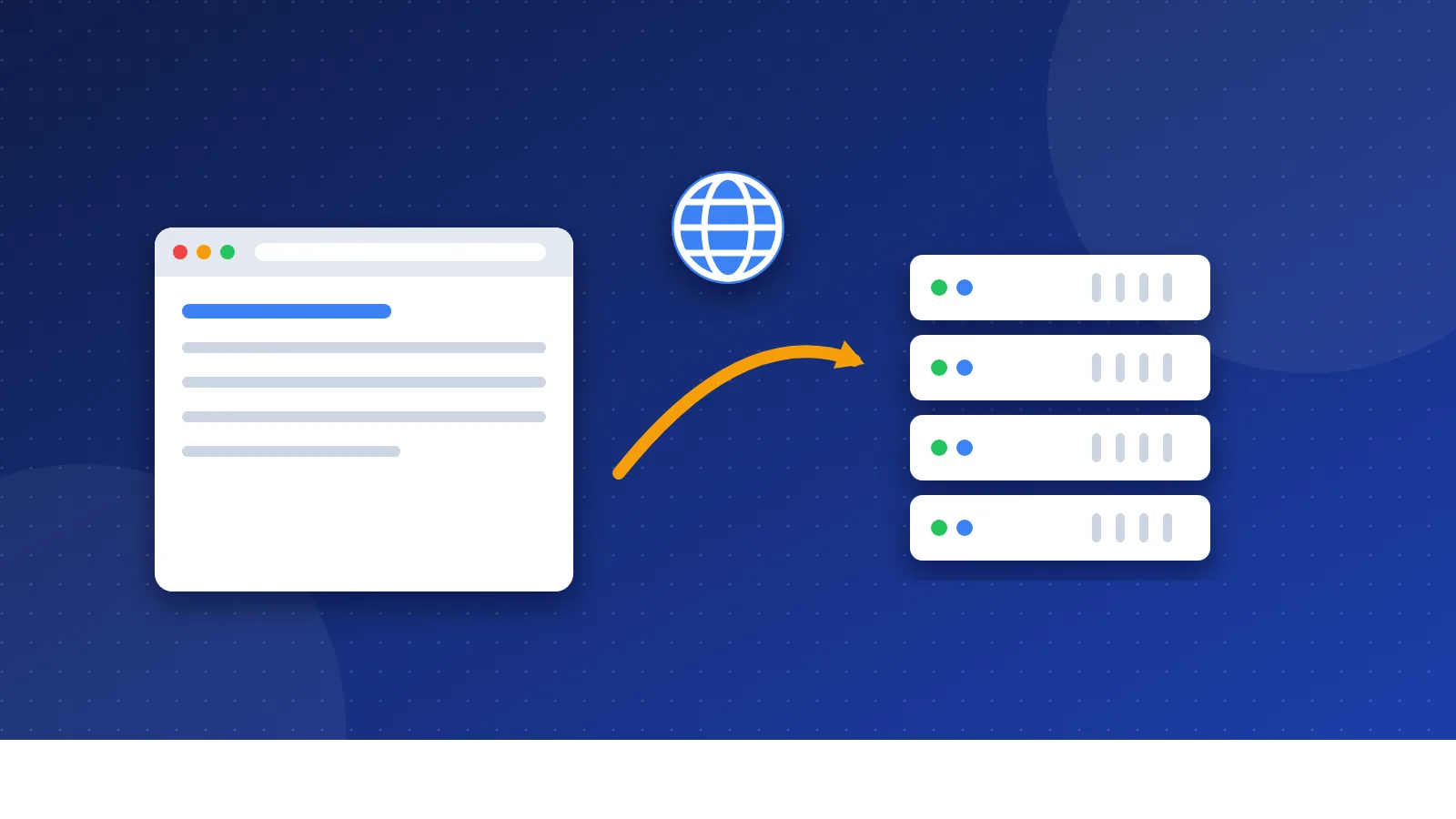
What is web hosting? Web hosting is rented space on a server, which is a computer that stays online all day and night. The server stores your website's files and sends them to anyone who visits. You pay a hosting company for that space, and your domain name tells people where to find it.
I have paid for hosting since I started Bloghints as a small web directory in 2006. I moved hosts a few times along the way. This guide explains hosting in plain words, the way I wish someone had told me back then.
What does a web host actually do?
A website is just a set of files. There are text files with your pages, image files, a style file for colors and fonts, and maybe some scripts. Those files need to live on a computer that never sleeps and is always connected to the internet.
That computer is the server. MDN, the web guide from Mozilla, describes a web server as a computer that stores web server software and a site's files, such as HTML pages, images, CSS and JavaScript. The software part listens for requests from browsers and answers them.
You could run a server at home, but it is hard work. You would need a fast line, power that never drops and the skills to keep it safe. A hosting company does all of that for you. It owns the servers, keeps them running, fixes broken parts and handles security updates. You rent a slice of that and pay by the month or the year.
What is web hosting made of?
When you buy a hosting plan, you get a few parts that work together. Here they are in plain words:
- Server space: room on the host's disk for your files and your database. A database is where tools like WordPress store posts and settings.
- Bandwidth: how much data the server can send to your visitors each month.
- A control panel: a web page where you manage files, email, databases and backups without typing commands.
- An IP address: the number that tells other computers where your server sits on the internet.
- An SSL certificate: a small file that turns on the padlock and the "https" in the browser. It keeps data between the visitor and your site private. Let's Encrypt gives these out at no cost, and most hosts install one for you.
The domain name is a separate part. It is the address, like example.com, that people type. You can buy it from the same company or from a different one. Our guide on domain name vs web hosting explains how the two fit together.
What happens when someone visits your site?
A visit feels instant, but a few steps happen behind the scenes. Here is the short version:
- A visitor types your domain name into a browser, or clicks a link to your site.
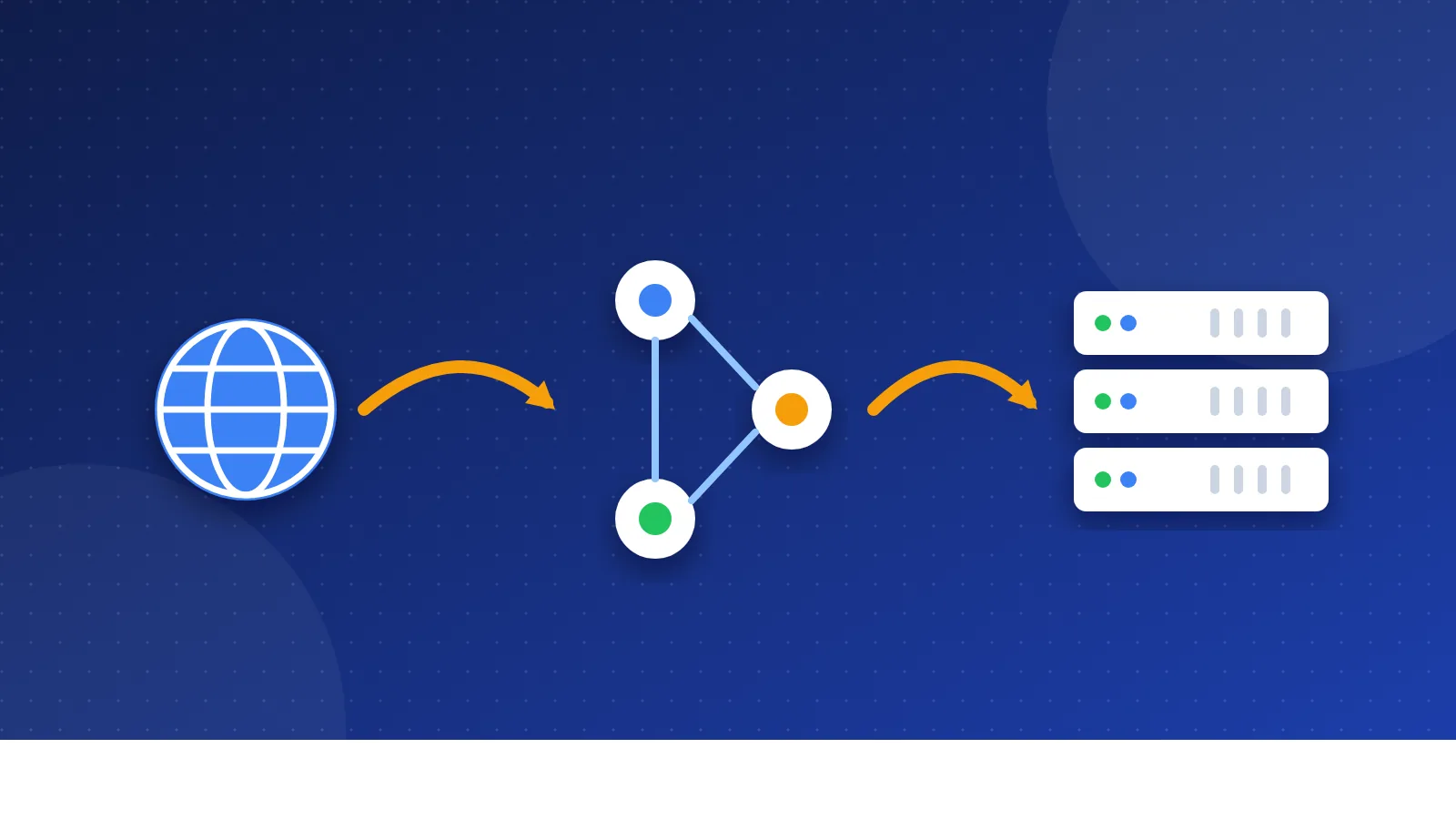
- The browser asks the Domain Name System, or DNS, where that name lives. DNS works like the phone book of the internet.
- DNS answers with your server's IP address. The record that holds this number is called an A record.
- The browser sends a request to that server and asks for the page.
- The server finds the right file and sends it back. If it cannot find the file, it sends a "404 not found" error.
- The browser puts the text, images and styles together and shows the page.
All of this takes about a second on a good host. If the server is slow or down, step five breaks, and your visitor sees an error or a blank screen. That is why uptime, the share of time a server stays online, matters more than most fancy features.
If you want to connect a new domain to your host, follow our steps to point a domain to hosting.
Which types of hosting can you choose from?
Hosting plans differ in how much of a server you get and how much work the host does for you. These are the main types:
- Shared hosting: many sites share one server and its power. It is the cheapest option and the easiest to start with.
- VPS hosting: a virtual private server. One server splits into private parts, and you get a fixed share of memory and power.
- Cloud hosting: your site runs on a group of servers. You can add power quickly when traffic grows.
- Managed WordPress hosting: hosting tuned for WordPress, with updates, backups and caching done for you.
- Dedicated server: a whole machine just for you. It is powerful and costly, and big sites use it.
We compare the first four side by side in shared vs VPS vs cloud hosting.
What does a beginner actually need?
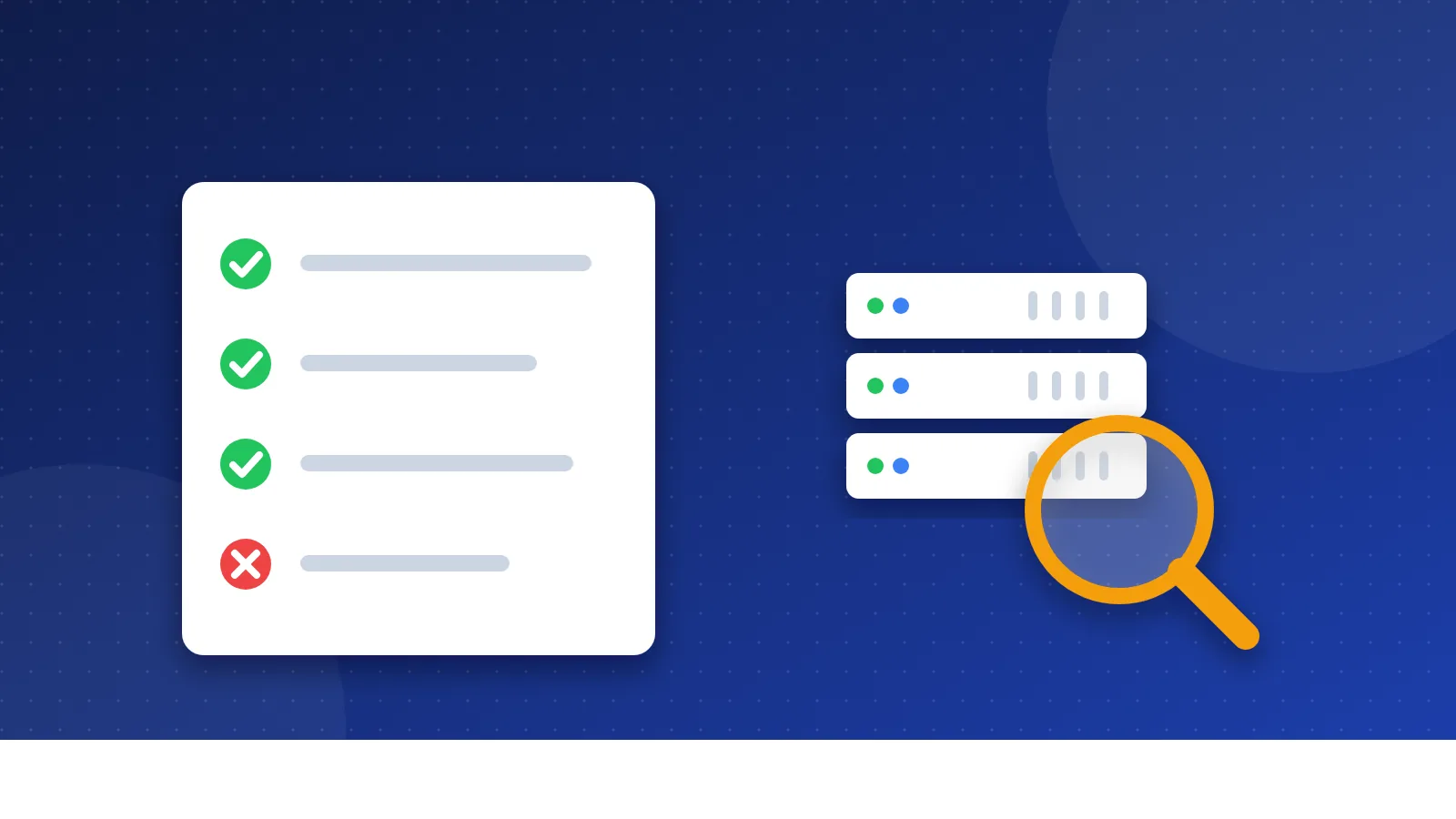
A new blog or small business site gets few visitors in its first months. You do not need a big server. A good shared plan is enough for most people. Look for these basics:
- Good uptime: the host should keep your site online close to all the time.
- Free SSL: the padlock should come with the plan and renew on its own.
- Backups: the host should save copies of your site, and you should know how to restore one.
- Fair renewal price: the first-year price is often a deal. Check what you pay after that.
- Helpful support: chat or tickets that answer in plain words when something breaks.
- One-click WordPress: handy if you plan to use WordPress.
Here is my honest view after many years. I once paid extra for speed features and a dedicated IP address. I could not feel any difference on my small sites. Today I use cheap shared hosting, and I put my effort into the content instead. Our checklist on how to choose web hosting for a new blog goes deeper.
Which beginner mistakes should you avoid?
- Paying for power you do not use. A VPS for a blog with ten visits a day wastes money.
- Looking only at the first price. The renewal price can be two or three times higher.
- Skipping backups. A broken plugin or a bad update can wipe your work. Keep at least one copy away from the host.
- Letting the domain expire. Your hosting can be fine, but if the domain lapses, nobody can reach the site.
- Buying many add-ons. Most extras at checkout are not needed for a new site.
So, what is web hosting in one line? It is a home for your website's files on a computer that is always online. Start with a simple shared plan that has good uptime, free SSL and backups. Move to something bigger only when your traffic and income make it worth it.
Frequently asked questions
Can I host a website for free?
Yes, some services host simple sites for free, often with ads or a branded address. Free plans usually limit space, speed and support. They are fine for practice, but a paid shared plan is better for a site you want to grow.
Do I need hosting if I already bought a domain?
Yes, in most cases. A domain is only the address, and hosting is where your files live. Without hosting, your domain has nothing to show unless you use a site builder that includes hosting.
Can I move my site to another host later?
Yes. You copy your files and database to the new host and then point your domain to it. Many hosts offer free help with the move, so you are not stuck with your first choice.