SERP Snippet Preview
FreeSEO Tools
See how your title tag and meta description may look in Google before you publish.
Free tools for webmasters and bloggers. They run in your browser: nothing you type or upload leaves your device.
Every tool runs in your browser — your text, images and files are never uploaded.
See how your title tag and meta description may look in Google before you publish.
Turn JPG and PNG images into smaller WebP files right in your browser. Nothing is uploaded.
Count words, characters, sentences and reading time, and see which words you repeat most.
Keep a simple log of every web directory you submit your site to. Add directories straight from the Bloghints lists, mark each one as submitted, approved or rejected, save the date and the live listing URL, and export everything as a CSV. Your data stays in your own browser.
Fill in your site details once and get a ready-to-paste submission kit: your real title, descriptions cut to 100, 160, 250 and 500 characters at sentence ends, keywords and one consistent name, address and phone line. It also warns about links, capitals and keyword stuffing.
Paste your draft to highlight stock phrases that make writing sound machine-made, such as "delve into" or "unlock the potential". Each match comes with a plainer option and a score per 100 words. It is not an AI detector: it shows where your text sounds generic, so you can fix it.
Paste old and new addresses, one pair per line, and get Apache rules ready for your .htaccess file. It writes 301 redirects and 410 rules for deleted pages, handles old ?id= style URLs, points redirect chains straight to the final page, stops loops and can force https and www in one step.
Fill in a short form and copy a clean block of head tags: title, meta description, canonical, robots, Open Graph and X (Twitter) cards. A live preview shows how your link may look when someone shares it, and warnings catch long titles, missing images and http addresses before you publish.
Build a robots.txt file for WordPress, Blogger or any other site in a few clicks. Keep crawlers out of admin and search pages, choose which AI training or AI search bots to block, add your sitemap line, then test any page path to see if Googlebot or an AI crawler may visit it.
Turn a list of spam links or a Search Console export into a clean disavow.txt that Google accepts. Choose whole domains or single pages, merge your old file, leave out your own domain and get a warning when a trusted site slips in. The tool also checks Google's line and size limits.
Type a short main keyword and get dozens of longer search phrases built from questions, beginner guides, comparisons, price words, audiences and local terms. Every idea is tagged as informational, commercial, transactional or local, so you can plan the right page type, then export the list as CSV.
Answer 12 quick yes-or-no questions while you look at a web directory and get a score out of 100 with a Submit, Maybe or Skip verdict. Red flags such as a required link back or spam listings mean Skip right away. Save the directories you check and export your list as CSV.
No tool matches your search.
 FeaturedRobots.txt for BeginnersWhat robots.txt does (and why it is not a noindex), the User-agent, Disallow, Allow and Sitemap lines, AI crawler names like GPTBot, and co…Read the guide →FeaturedArticle Directories: a hand-checked listSites where you can still publish original articles.See the list →
 FeaturedHow to Choose Web Hosting for a New BlogA simple checklist for picking your first host: uptime, renewal price, backups, support, server location, SSL and email, plus honest lesson…Read the guide →
 FeaturedWhitelabel Error Page: What It Is and How to Fix ItWhy Spring Boot shows the plain Whitelabel Error Page, how to replace it with your own error pages or an ErrorController, and how to avoid…Read the article →
 FeaturedHow to Point a Domain to HostingNameservers, A records and CNAMEs explained in plain words, with step-by-step instructions, realistic wait times for DNS changes and easy w…Read the guide →
 FeaturedHow Long Should a Meta Description Be?Meta description length explained: why Google has no fixed limit, why it may rewrite your text, a practical 140 to 155 character guide and…Read the guide →FeaturedFree tool: Submission TrackerKeep a simple log of every web directory you submit your site to. Add directories straight from the Bloghints lists, mark each one as submi…Use it free →
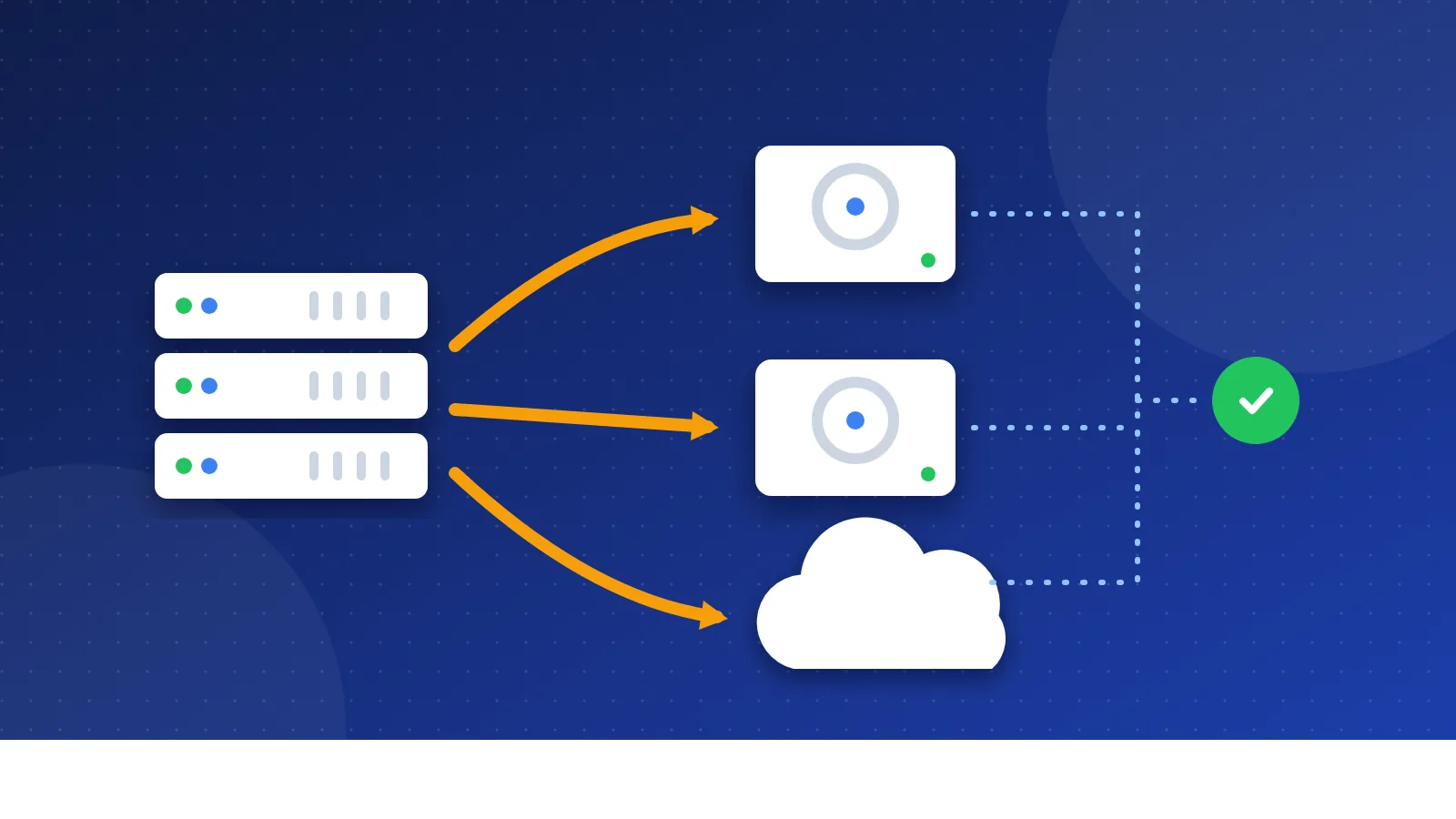 FeaturedHow Often Should I Back Up My Website?A plain guide to website backups: what to save, the 3-2-1 rule, host backups vs your own copy, how often to back up by site type and how to…Read the guide →
 FeaturedWhy You Need an SSL Certificate for a BlogNo shop, no logins, so why bother with HTTPS? Here is what an SSL certificate does for a small blog: no Not secure label, safe comment form…Read the article →FeaturedSocial Bookmarking: a hand-checked listBookmarking sites for discovery and visits.See the list →FeaturedFree tool: Submission Kit BuilderFill in your site details once and get a ready-to-paste submission kit: your real title, descriptions cut to 100, 160, 250 and 500 characte…Use it free →