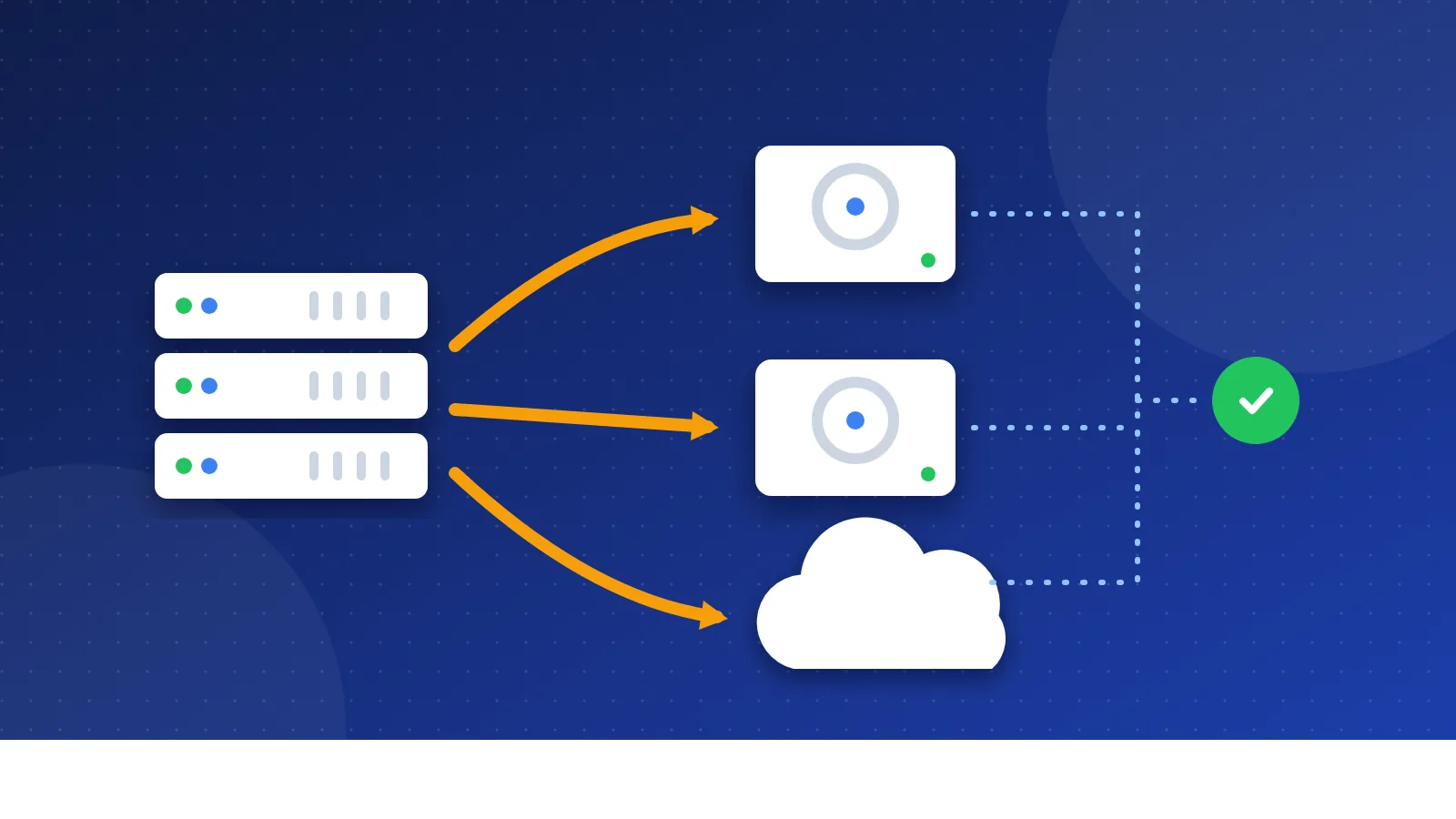
A disavow file generator turns a messy list of spam links into a clean text file that Google Search Console accepts. Paste links or domains, choose whether to disavow whole domains or single pages, and download a UTF-8 .txt file that stays inside Google's limits. Most sites never need one, so read the first section before you upload anything.
Do you really need to disavow links?
To disavow a link means asking Google to ignore it when it judges your site. Google's own help page says you should only disavow when you have a large number of spammy, artificial or low-quality links to your site, and those links caused a manual action or are likely to cause one.
In everyday terms, that means:
- You probably need it if Search Console shows a manual action for "unnatural links to your site", or if you (or someone you paid) built many paid or automated links in the past.
- You probably do not need it if you just see a few strange domains in your link report. Every site collects random scraper links, and Google ignores most of them on its own.
Disavowing good links can hurt you, because those links stop counting. That is why the tool warns you when your list contains trusted sites such as Wikipedia, big platforms or government domains.
I write this as someone who used backlink generators and bought sitewide links in the old days, before Google's 2012 crackdown on link spam. After that crackdown I stopped all of it out of caution. I noticed no visible drop afterwards, but I had no real numbers to prove it either way, which is exactly why guessing with a disavow file is risky.
How to use the disavow file generator
- Export your links. In Search Console, open the Links report and click Export external links. Paste the rows into the tool. It reads the first web address on each row.
- Remove links you want to keep. Delete every line you are not sure about. Only spam belongs in the file.
- Choose the level. "Whole domains" covers every page on a spam site, including pages Google finds later. "Exact pages only" fits a normal site that hosts one bad page.
- Enter your own domain so internal links never end up in the file.
- Merge your old file if you uploaded one before. A new upload replaces the old file completely.
- Download disavow.txt and upload it with Google's disavow links tool for the right Search Console property.
Google's disavow file rules
Google rejects files that break its format. The generator follows these rules for you:
| Rule | Limit or format |
|---|---|
| File type | .txt, UTF-8 or 7-bit ASCII |
| Whole domain | domain:example.com |
| Single page | The full URL on its own line |
| Comments | Lines that start with # |
| Size | Up to 100,000 lines and 2 MB |
| URL length | Up to 2,048 characters |
The tool removes duplicates, drops page URLs when their whole domain is already listed, strips "www." so one domain line covers both versions, and adds a dated comment at the top. That comment helps when you look at the file again a year later.
Better first steps than a disavow file
A disavow file is a last step. Before you use it, try the steps that fix the cause:
- Ask for removal. If you paid for links or placed them yourself, ask the site owner to remove them or add
rel="sponsored"orrel="nofollow". - Stop the source. Cancel link packages, stop automated tools and remove spammy profile or comment links you control.
- Build links people choose to give. Our guide on how to get backlinks for your website lists safer ways.
If a competitor seems to point spam links at you, read our negative SEO guide first. In most cases Google already ignores random spam links, so panic is rarely needed. For the bigger picture on penalties and recovery, see backlink penalties and how to recover.
After you upload the file
Google processes the file as it recrawls the pages in it, which can take weeks. Nothing changes overnight. If you had a manual action, clean up as many links as you can, upload the file, and then send a reconsideration request in Search Console that explains what you removed.
Keep a copy of every file you upload. When you need to add more domains later, paste the old file into the merge box so nothing gets lost. Used this way, a disavow file generator saves time and prevents format errors, while the hard part, choosing the right links, stays in your hands.
Frequently asked questions
Can a disavow file hurt my rankings?
Yes, if you disavow good links. Google stops counting every link in the file, so a link from a real, relevant site loses its value too. Only list links you are sure are spam.
Should I disavow domains or single URLs?
Use whole domains for spam sites, link farms and auto-generated pages, because they keep creating new spam pages. Use single URLs only when a normal site has one bad page that links to you.
Is my link list sent to Bloghints?
No. The generator works in your browser and keeps your last list only on your own device. You upload the finished file to Google yourself.