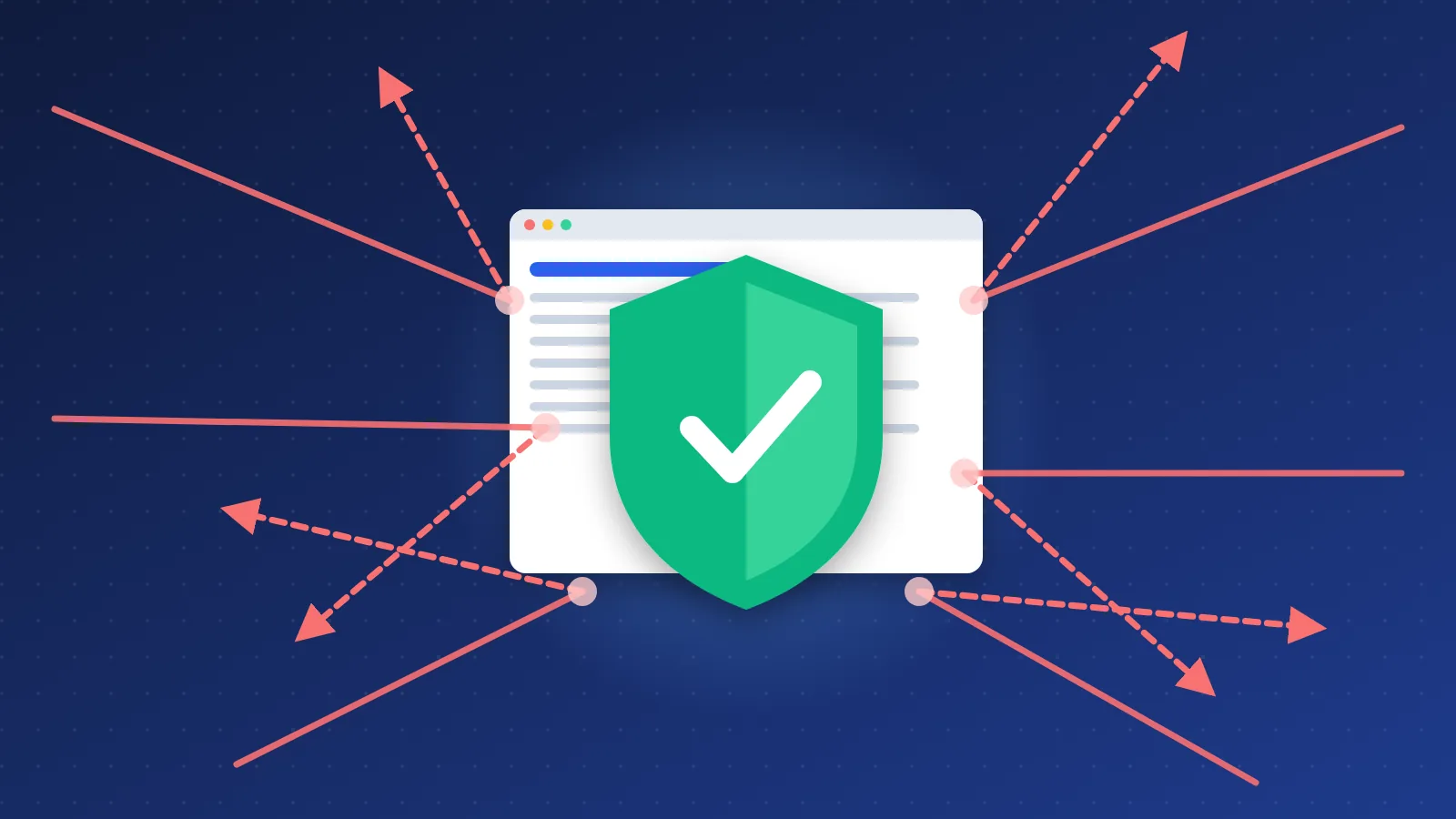
Negative SEO means someone deliberately tries to push your website down in search results — usually by pointing spammy links at it, copying your content, hacking your site or posting fake reviews. The good news: Google already ignores most spam links on its own. The best answer to how to protect your website from negative SEO is to focus on what can do real damage — keep the site secure and backed up, watch Google Search Console, and react fast to hacking or copied content.
What is negative SEO?
Normal SEO (search engine optimization) is everything you do to help your own pages rank. Negative SEO is the reverse: a competitor or a stranger tries to make your pages rank lower. If you are new to SEO, our SEO basics guide explains the terms used below.
Attacks fall into four groups:
- Link attacks — thousands of low-quality links pointed at your site, often with spammy anchor text (the clickable words of a link).
- Content attacks — your articles copied onto other sites, or changed after someone breaks into your site.
- Technical attacks — hacking, injected spam pages, a changed
robots.txtfile, or floods of traffic that knock the site offline. - Reputation attacks — fake negative reviews and false complaints sent to the sites that link to you.
Can spammy backlinks from a competitor hurt your site?
In most cases, no. Since Google's Penguin 4.0 update in September 2016, the spam-link filter runs in real time inside Google's core algorithm. Instead of punishing a whole site, it mostly ignores the bad links. Google's John Mueller put it plainly in 2022 when asked about negative SEO links: "I'd just ignore them."
Sites that lose rankings after a suspected "link attack" usually have another cause — a core update, a technical error, or their own old paid links. Spam links you never asked for are rarely the real problem.
The exception is a site that already has a history of buying links or running link schemes — or, like many of us in the early directory days, a long trail of reciprocal and comment links built just for ranking. There, a wave of new spam can make the overall pattern look worse. If that sounds like your site, read the disavow section below.
Which attacks can cause real damage?
Not every attack is equally dangerous. This is how I rank them for a typical small website:
| Attack | Real risk | What to do |
|---|---|---|
| Hacked site (spam pages, redirects, injected links) | High | Restore a clean backup, change all passwords, update software, request a review in Search Console |
| Changed robots.txt or "noindex" added to pages | High | Fix the file or tags, then check pages with the URL Inspection tool |
| Site offline from traffic floods | Medium | Use a host or CDN with DDoS protection; short outages rarely cost rankings |
| Copied (scraped) content | Low to medium | Ask the host to remove it; file a DMCA request with Google if it outranks you |
| Fake negative reviews | Medium for local businesses | Report them on the review platform and reply calmly in public |
| Spam links pointed at your site | Low | Usually nothing; monitor, and disavow only in the cases Google describes |
Google's spam policies treat hacked content — "any content placed on a site without permission, due to vulnerabilities in a site's security" — as a serious problem, because it hurts visitors. That is why security comes first on the checklist below.
How to protect your website from negative SEO: a checklist
- Verify your site in Google Search Console. Google sends security warnings, manual-action notices and indexing problems here. Turn on email alerts. Do the same in Bing Webmaster Tools.
- Lock down logins. Use unique, long passwords and two-factor login for your hosting, CMS and domain registrar. Remove old user accounts you no longer need.
- Keep everything updated. Out-of-date plugins and themes are the most common way small sites get hacked.
- Take automatic backups and test them. Keep at least one copy off your hosting account. A backup you have never restored is only a hope.
- Check your backlinks once a month. The Links report in Search Console is free. Paid tools give more detail — see our comparison of paid SEO tools or the free options in our SEO tools list. You are looking for sudden spikes, not individual bad links.
- Watch for copies of your content. Search Google for a unique sentence from your article in quotes. Publishing first and having your pages indexed quickly helps Google pick your version as the original.
- Monitor uptime. A free uptime monitor emails you when the site goes down, so you notice attacks or server problems within minutes.
- Keep your own link building clean. A natural backlink profile built from real mentions and quality listings is the best protection there is.
When should you use the disavow tool?
The disavow tool tells Google to ignore specific links to your site. Google says most sites will never need it, and that you should use it only if both of these are true:
- you have "a considerable number of spammy, artificial, or low-quality links" pointing to your site, and
- those links "have caused a manual action, or likely will cause a manual action."
If you do need it, try to get the links removed first. Then upload a plain text file (UTF-8, ending in .txt) with one URL or domain per line. To disavow a whole site, write domain:example.com. Lines starting with # are comments.
What to do if you think you are under attack
- Check Search Console first — Security Issues and Manual Actions. No message usually means no penalty.
- Rule out ordinary causes — a recent Google update, a broken page template, an accidental noindex, or a server outage.
- Scan the site for hacks — unknown pages, strange redirects, new admin users.
- Write down what you find — dates, screenshots and URLs. You will need them for removal requests or a reconsideration request.
- Fix, then ask for a review — after a hack or manual action, request a review in Search Console once the problem is gone.
Learning how to protect your website from negative SEO is mostly about good habits: a secure, backed-up site, monthly checks in Search Console, and honest link building. Do that, and the spam links someone throws at you will end up exactly where Google puts them — ignored.
Frequently asked questions
How do I know if my site is a victim of negative SEO?
Look for a sudden, large jump in links from unrelated or spammy sites, security warnings in Search Console, unknown pages appearing in Google, or copies of your content outranking you. A ranking drop alone is not proof — check for Google updates and technical errors first.
Should I disavow every spammy backlink I find?
No. Google ignores most spam links automatically and says most sites never need the disavow tool. Use it only when you have many artificial links and they have caused, or are likely to cause, a manual action.
Is negative SEO illegal?
It depends on the method and the country. Hacking a site, sending false legal notices or posting fake reviews can break computer-misuse, fraud or consumer laws in many places, while building spam links is mainly a breach of search engine rules. If you face a serious attack, document everything and speak to a lawyer.