Backlinks in SEO are links from other websites to yours. Search engines treat them like recommendations: when relevant, trusted sites link to a page, Google sees that page as more useful and finds it faster. If you are asking what are backlinks in SEO for beginners, the short version is this — a few links from real, related websites are worth far more than hundreds from random ones, and paid or automated links can do more harm than good.
What is a backlink, exactly?
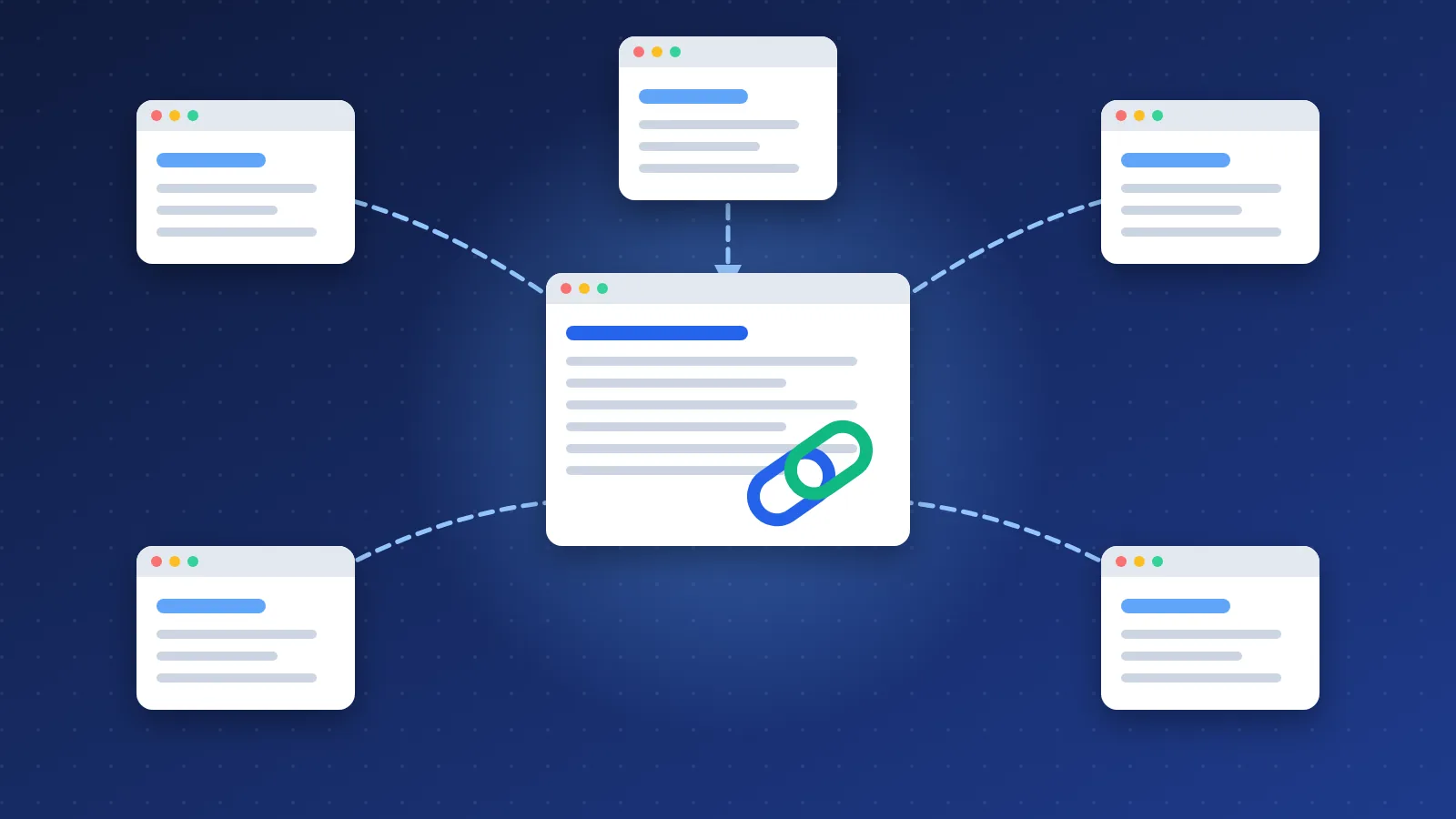
Say a food blog writes "this guide helped me list my bakery online" and links to a page on your site. For you, that link is a backlink (also called an inbound link). For the food blog, it is an outbound link.
Three words you will see in every link-building guide:
- Anchor text — the clickable words of the link.
- Referring domain — a unique website that links to you. Five links from one blog still count as one referring domain.
- Link profile — all the links pointing at your site, taken together.
Why do backlinks matter for search rankings?
Google explains it in its own documentation: it uses links "as a signal when determining the relevancy of pages and to find new pages to crawl." That gives backlinks three jobs:
- Ranking signal. A link from a respected, related site tells Google your page is worth showing.
- Discovery. Google finds many new pages by following links from pages it already knows. A link from an established site helps a new page get crawled sooner.
- Visitors. People click links. A mention on a popular blog in your niche can bring readers for years.
A short history: from PageRank to Penguin
Google's founders built the search engine in the late 1990s around PageRank, an idea that counted links between pages as votes. It worked so well that people started manufacturing votes — link farms, paid links and mass link swaps. On April 24, 2012, Google launched the Penguin update to fight that kind of link spam. Since Penguin 4.0 in 2016, the filter runs in real time and mostly ignores bad links instead of punishing whole sites. The lesson for beginners: links still matter, but only the ones a real person would add.
I saw that shift first-hand. In my early directory days I submitted my own sites to reciprocal and paid directories, bookmarked every new post by hand, paid for signature links on forums like Warrior Forum, tried backlink generators and left quick comments on auto-approve blogs just for the link. Many of those comments were never approved, and once Google started cracking down on link spam I stopped all of it. It was simply not worth the risk.
What are backlinks in SEO for beginners: the link types to know
Website owners can add a rel attribute to a link to tell search engines what kind of link it is. Google introduced the sponsored and ugc values in September 2019 and now treats all of them as hints rather than strict rules.
| Link type | How it looks | Used for | SEO value |
|---|---|---|---|
| Normal ("dofollow") | <a href="…"> | Editorial links a site chooses to give | Highest |
| Nofollow | rel="nofollow" | Links a site does not want to vouch for | Low, but still a hint and still brings visitors |
| Sponsored | rel="sponsored" | Ads and paid placements | Not meant to pass ranking value |
| UGC | rel="ugc" | Comments, forum posts, user profiles | Low |
A natural link profile has a mix of all of these. If every single link to your site is a perfect "dofollow" link with your main keyword as anchor text, that pattern itself looks manufactured.
Good backlinks vs bad backlinks
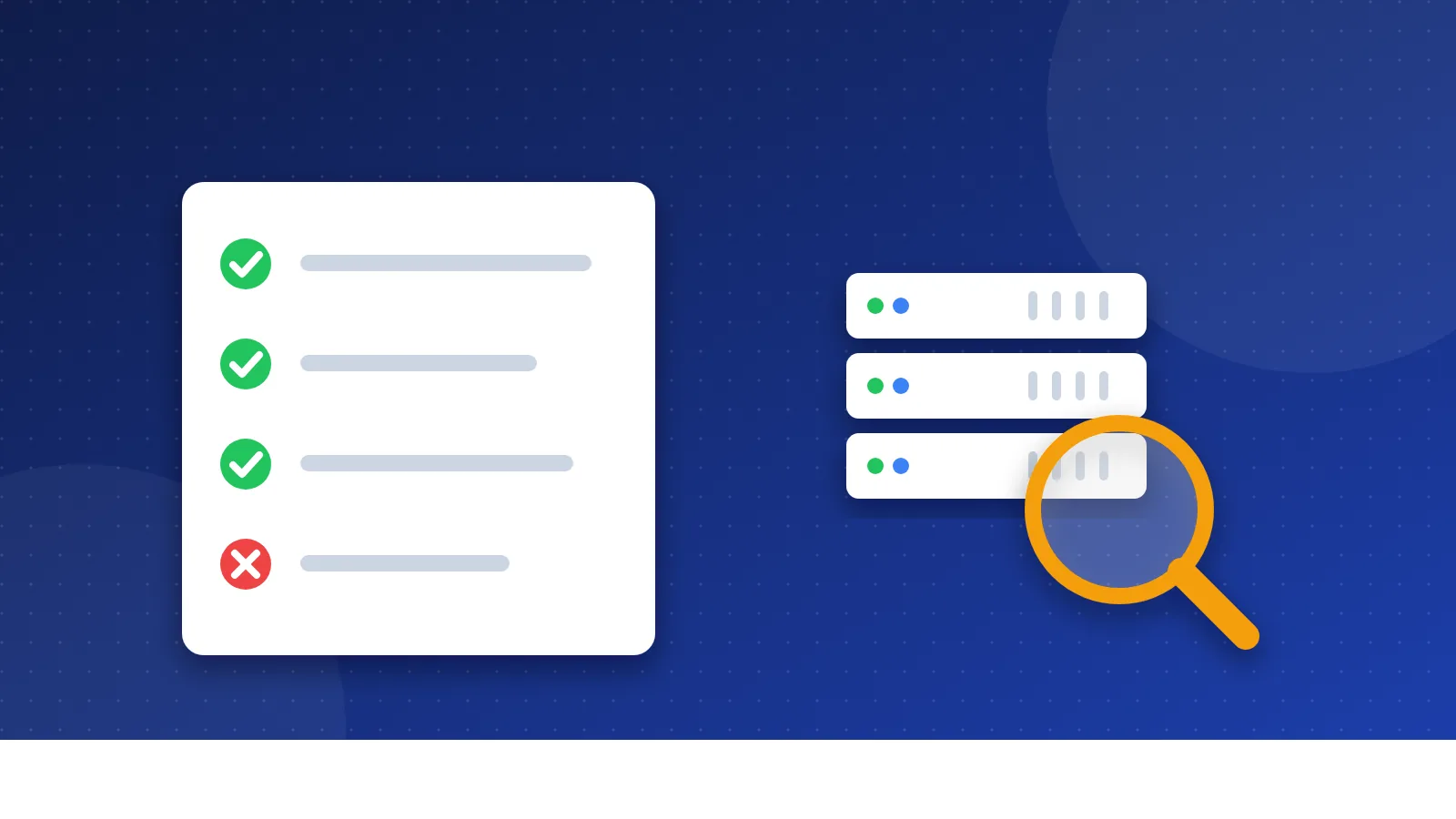
Bloghints started in 2006 as a web directory where every listing was checked by hand before it went live. That habit left me with three quick questions I still ask before I trust a link:
- Is the site related to my topic? A link from a gardening blog to a gardening shop makes sense. The same link from a casino site does not.
- Would a real person click it? Links inside useful content get clicks. Links hidden in footers or long lists of unrelated sites do not.
- Did the site choose to link? Earned links are safe. Bought links break Google's spam policies, which name "buying or selling links for ranking purposes" and "excessive link exchanges" as link spam.
Bad links usually come from link farms, private blog networks (sites built only to sell links), automated tools and spammy directories that accept anything. If someone else points junk links at you, Google mostly ignores them — our guide to negative SEO explains when you need to act.
How to get your first backlinks
- Claim your business and social profiles. Google Business Profile, LinkedIn and the main social networks. Most of these links are nofollow, but they confirm who you are and bring visitors.
- Submit to quality directories. Human-edited directories and local listings are a safe first step for a new site (new to this? read what a web directory is). Use a checked free directory list and, for local businesses, local business directories.
- Create one page people want to share. A clear how-to guide, a checklist, a template or a small free tool. Promote it to the people who would find it useful.
- Write for sites your readers already visit. A helpful guest article on a related blog earns a link and an audience.
- Find broken links on related sites. If a page links to a dead resource that you also cover, let the owner know and suggest your page as a replacement.
- Check what you have. The Links report in Google Search Console shows who links to you, for free. Look at it once a month.
Mistakes beginners make with backlinks
- Buying link packages. "500 backlinks for $20" means 500 links Google will ignore at best.
- Using the same keyword as anchor text everywhere. Real links use your brand name, the page title or plain words like "this guide." Mix it up the way people naturally would.
- Chasing numbers instead of relevance. Ten links from sites in your niche beat a hundred from unrelated sites.
- Ignoring nofollow links. They bring visitors, and visitors who like your content often link to it later with normal links.
- Expecting results next week. Links take weeks or months to be found and counted. Steady effort wins.
Once you have a few links, learn how SEO tools score them — our guide to Domain Authority explains what those numbers mean and what they do not.
So, what are backlinks in SEO for beginners? They are recommendations from other websites that help Google trust and find your pages. Earn them with useful content and honest listings, keep them relevant to your topic, avoid paid shortcuts, and your link profile will grow into one of your site's strongest assets.
Frequently asked questions
How many backlinks do I need to rank on Google?
There is no fixed number. It depends on how many strong links the pages already ranking for your keyword have. For low-competition, long-tail searches, a helpful page with a handful of relevant links can rank well, while broad, popular keywords may need links from many respected sites.
Are nofollow backlinks useless for SEO?
No. Google treats nofollow as a hint, not a strict rule, and these links still bring visitors and visibility. A natural link profile always includes some nofollow links, so they also help your profile look normal.
How can I check my backlinks for free?
Open Google Search Console and go to the Links report to see the sites that link to you and your most-linked pages. Bing Webmaster Tools has a similar free backlinks report, and most paid SEO tools offer limited free checks.