Here is how to submit your website to search engines in short: verify your site in Google Search Console and Bing Webmaster Tools, then submit an XML sitemap in each. Bing submission also covers Yahoo, IndexNow pings several other engines at once, and Yandex and Baidu only matter if you target their markets. Submitting tells search engines your pages exist; it never guarantees they will be indexed.
What "submitting" really means
Search engines find most pages on their own by following links. Submitting your site simply gives them a list of URLs and a way to report problems back to you. Two steps happen after that:
- Crawling is when a search engine's bot downloads your page.
- Indexing is when the engine decides to store that page so it can show it in results.
Google is clear that a request is only a request. Its documentation says crawling can take anywhere from a few days to a few weeks, and that asking for a crawl does not guarantee the page will appear in results quickly, or at all. Every other engine says much the same.
Before you submit anything
Run through this short checklist first. It saves you from submitting pages that cannot be indexed anyway.
- Your site has an XML sitemap, for example
https://example.com/sitemap.xml. Most CMS platforms make one for you. - Your
robots.txtfile does not block pages you want found. - Important pages do not carry a
noindextag. - Every page is linked from at least one other page on your site.
- You can edit your DNS records or upload a file to your site root, because most tools ask you to prove you own the site.
Google: Search Console, sitemaps and URL Inspection
I have used Google Webmaster Tools, now called Google Search Console, since my early days running Bloghints. It is still the first place to start.
- Add a property. A Domain property covers every subdomain and both http and https, but can only be verified with a DNS record. A URL-prefix property covers one exact address, such as
https://www.example.com/, and can be verified with an HTML file, a meta tag, Google Analytics, Google Tag Manager or DNS. - Submit your sitemap. Open the Sitemaps report and enter your sitemap URL. The report then shows when Google read it and any errors. One sitemap can hold up to 50,000 URLs or 50MB uncompressed; larger sites split it into several files.
- Add a Sitemap line to robots.txt. A line such as
Sitemap: https://example.com/sitemap.xmllets any crawler find it, not only Google. - Use URL Inspection for single pages. Paste a new or updated URL and request indexing. There is a quota, and Google notes that requesting the same URL again does not make it crawl any faster.
Google calls a sitemap "merely a hint". It helps discovery, but the page itself still has to be worth indexing.
Bing Webmaster Tools (and Yahoo)
Bing is the second account you should open, because it reaches further than Bing itself. Yahoo's own help page tells site owners to submit their site through Bing Webmaster Tools and says Yahoo cannot help with those submissions.
If you already use Search Console, the quickest route is Bing's import option: sign in to Bing Webmaster Tools, choose Import, connect your Google account and pick your sites. Bing brings over the verified sites together with their sitemaps. If you would rather not connect Google, Bing also accepts an XML file, a meta tag, a DNS record or Domain Connect.
IndexNow: tell several engines at once
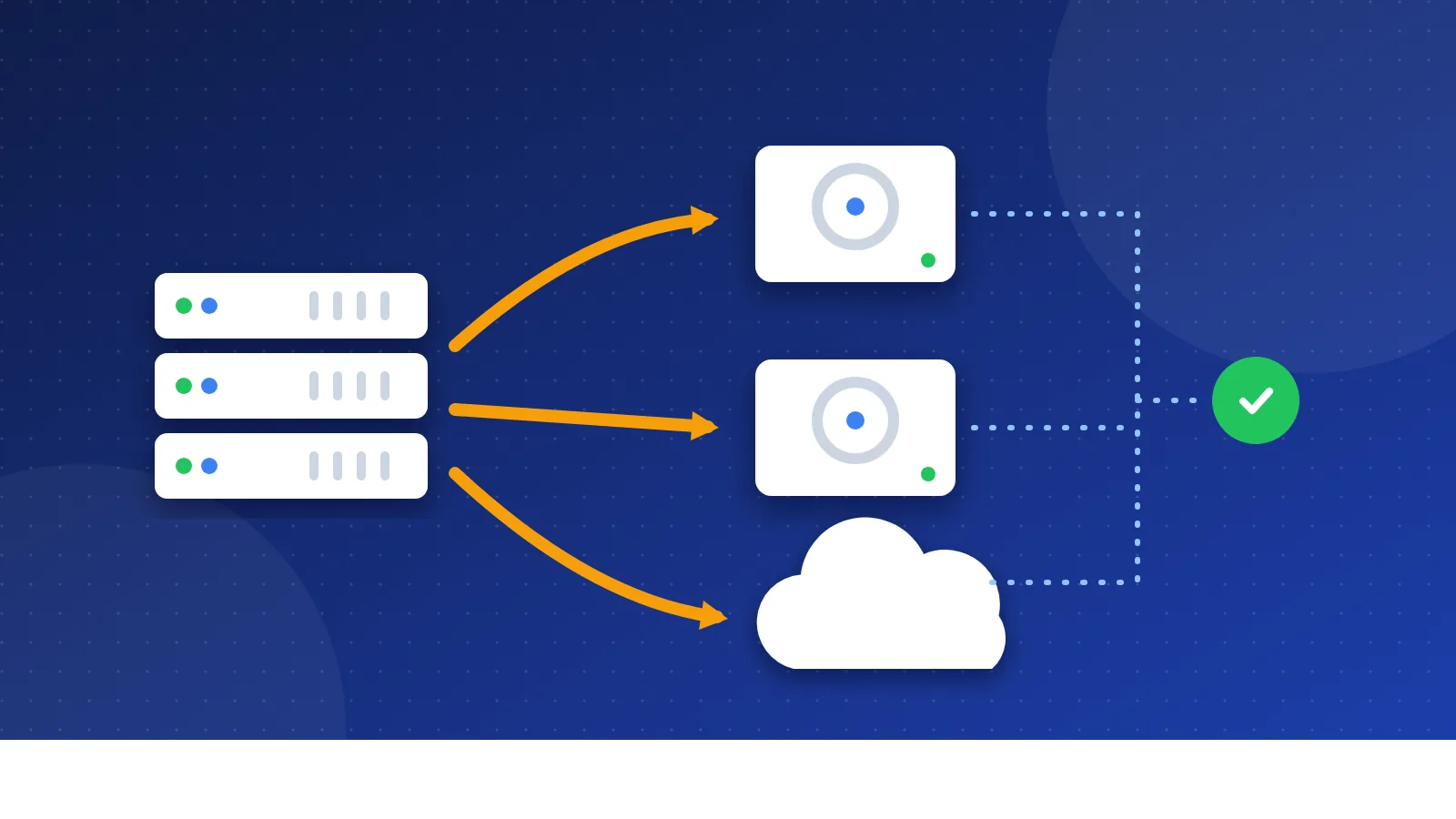
IndexNow is an open protocol for telling search engines that a URL was added, changed or deleted. You create a key, host it as a text file on your domain, then send your changed URLs to an IndexNow endpoint. Many CMS platforms and plugins can do this for you on every publish.
According to the IndexNow FAQ, participating engines include Bing, Yandex, Naver, Seznam.cz, Yep and Amazon, and a submission to one endpoint is shared with all of them. Google is not on that list, so IndexNow does not replace Search Console. Like every other method, it makes engines aware of changes; it does not promise crawling or indexing.
Yandex Webmaster
Yandex matters mainly for Russian-speaking audiences. You sign in to Yandex Webmaster with a Yandex ID, add the site URL exactly as it should appear in results, then verify ownership with a DNS record, an HTML file or a meta tag in the page head. Leave the verification code in place, because Yandex re-checks it. Yandex also states that adding a site does not guarantee it will appear in search. If you already send IndexNow pings, Yandex receives them too.
Baidu: only if you target China
Baidu runs its own webmaster platform, often called Baidu Ziyuan, and the interface is in Chinese. Verification works with a file upload, an HTML tag or a CNAME record. Unless your audience is in mainland China, you can skip it. If it is, read our Baidu SEO guide first, because hosting, language and site speed inside China matter more than the submission itself.
DuckDuckGo: nothing to submit
DuckDuckGo has no submission form or webmaster tool. Its help pages say it runs its own crawler, DuckDuckBot, and that its traditional links and images come largely from Bing. In practice, getting indexed in Bing is the best way to show up in DuckDuckGo.
How to submit your website to search engines: quick table
| Search engine | Where to submit | What to send |
|---|---|---|
| Google Search Console | Sitemap; URL Inspection for single pages | |
| Bing | Bing Webmaster Tools | Sitemap (or import from Search Console); IndexNow |
| Yahoo | Through Bing Webmaster Tools | Nothing extra |
| DuckDuckGo | No submission | Get indexed in Bing |
| Yandex | Yandex Webmaster | Verified site, sitemap; IndexNow |
| Baidu | Baidu's webmaster platform | Only for sites aimed at China |
When your pages still are not indexed
This part I know from experience. Many pages on my own sites stayed unindexed for years, even with internal links pointing to them, and for a long time I did not know why. Submitting them again and again did not help. What does help is finding the real reason in the Pages report: thin or duplicate content, pages nobody links to, or pages Google crawled and chose not to keep.
If you see "Crawled - currently not indexed", read why small blogs get crawled but not indexed. To find pages with no internal links, use our guide to finding orphan pages for free. You will also find free checkers and sitemap tools in our SEO tools list.
That is how to submit your website to search engines: two webmaster accounts, one sitemap, IndexNow for the engines that support it, and regional tools only when your audience needs them. After that, your time is better spent on pages worth indexing than on submitting again.
Frequently asked questions
Do I need to submit my site to search engines at all?
Not strictly, because search engines find pages through links. But Search Console and Bing Webmaster Tools show you which pages are indexed and why others are not, and a sitemap helps new sites get discovered. Setting them up takes less than an hour.
How long does it take for a new site to show up in Google?
Google says crawling can take from a few days to a few weeks, and there is no guaranteed time for indexing. Yahoo's help page mentions six to eight weeks or longer for Bing-powered results. New sites with few links usually take longer.
Are paid search engine submission services worth it?
No. Google, Bing, Yandex and IndexNow are all free to use, and no service can force a search engine to index a page. A service that promises submission to hundreds of search engines is selling something you can do yourself in an afternoon.