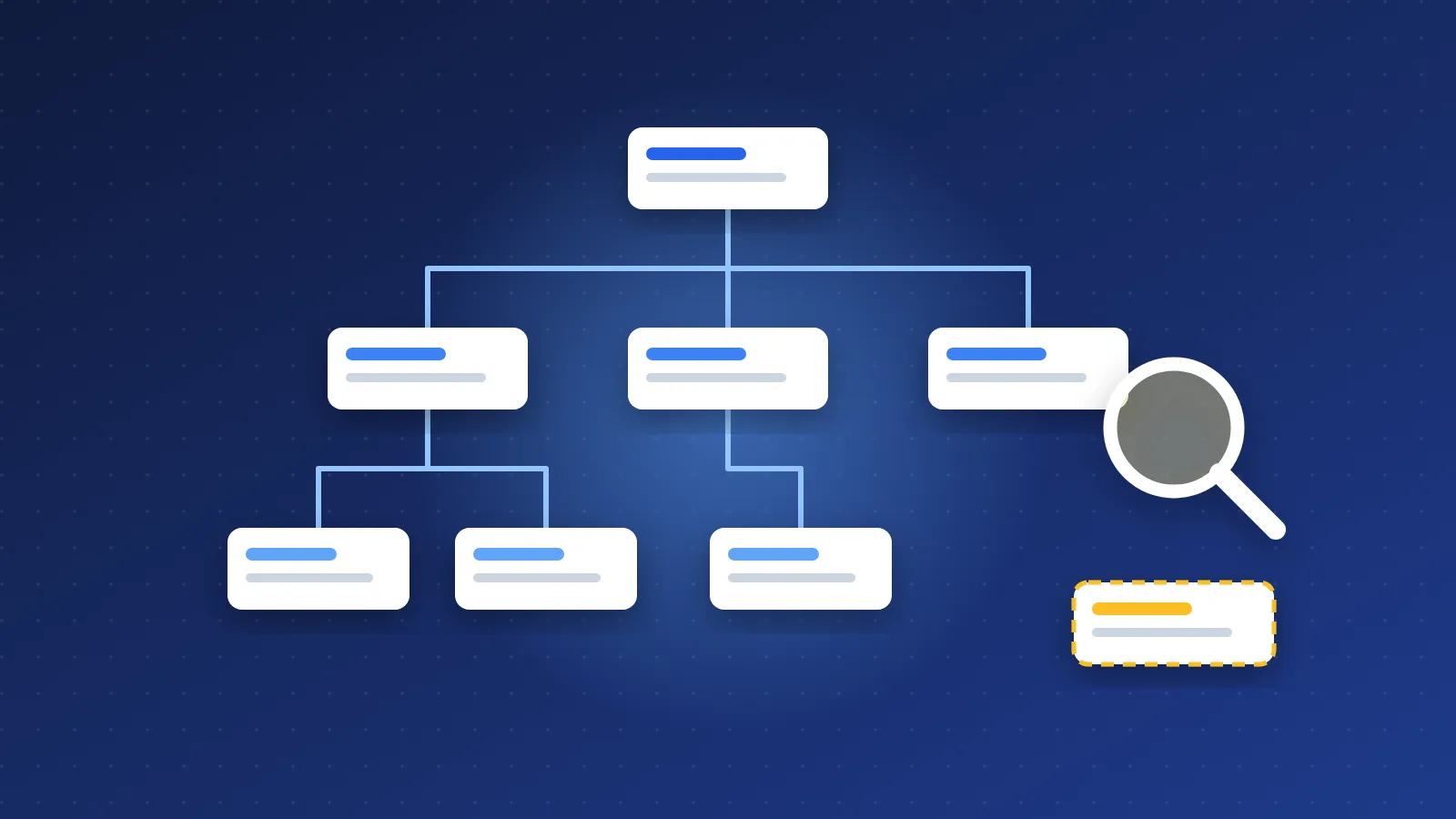
Here is how to find orphan pages without paid tools: export the URLs you want indexed (your XML sitemap or CMS page list), crawl your site by following internal links only, and compare the two lists. Any URL in the sitemap that the crawler never reached is an orphan. Google Search Console's Links report and a spreadsheet are enough to confirm the result and decide what to fix.
The whole job takes an afternoon for a site with a few hundred pages. The tools are free; the work is in the comparison and in fixing what you find.
What is an orphan page, and why does Google ignore it?
An orphan page is a published URL that no other page on your own site links to. It may sit in the sitemap, it may even have backlinks from other sites, but you cannot reach it by clicking through your own navigation, lists or articles.
Google discovers most pages by following links. Its link guidance says links should be real <a href> elements that crawlers can follow, and internal links are also one of the main ways you tell Google which pages matter. A sitemap entry helps discovery, but a URL that only exists in a sitemap sends a weak signal: "this page exists, but the site itself never mentions it." In practice, orphans are often crawled rarely, end up in "Discovered" or "Crawled – currently not indexed", or rank far below their potential.
Orphans usually come from a few predictable places:
- Pages removed from a menu or list during a redesign, but never unpublished.
- Pagination or category changes that cut old posts off from any archive.
- Landing pages built for a campaign and never linked from the main site.
- Links added with JavaScript click handlers or forms instead of normal anchors.
- CMS migrations where old internal links pointed at URLs that changed.
How to find orphan pages without paid tools: the sitemap vs. crawl method
This is the most reliable free method, and it works on any platform.
- Get your "should exist" list. Download your XML sitemap and pull out the URLs. Most CMSs can also export all published pages. For a site that lists other websites, include every list page and every detail page.
- Crawl from the homepage, links only. Use a free crawler: Screaming Frog's free version handles up to 500 URLs, which covers many small sites, and several open-source crawlers have no limit. Pick one from our SEO tools list. Important: turn off sitemap discovery in the crawler settings, or the sitemap URLs will be "found" and you will see no orphans at all.
- Export the crawled URLs that returned a 200 status.
- Normalise both lists. Same protocol, same www or non-www, same trailing slash rules, no tracking parameters. Mismatches here create false orphans.
- Compare. Paste the sitemap list into column A and the crawl list into column B of a spreadsheet. In column C use
=IF(COUNTIF(B:B,A2)=0,"ORPHAN","")and filter. On Linux or macOS,comm -23 sitemap.txt crawl.txton two sorted files does the same job in one line.
Run the comparison the other way too. URLs the crawler found that are missing from the sitemap are not orphans, but they show pages you forgot to list, or junk URLs (filters, tag pages, parameters) that should not be indexable at all.
Using Search Console to check internal links for free
Search Console gives you a second opinion from Google's side. Open the Links report and look at "Top linked pages" under internal links. Export the list. It shows the pages Google has seen internal links pointing to, with a count for each.
Now compare that export with your sitemap list using the same spreadsheet formula. Pages from the sitemap that do not appear in the internal links table, or appear with only one or two links, are orphans or near-orphans from Google's point of view. Two caveats: the report is based on Google's own crawl, so it lags behind recent changes, and on bigger sites the table may not list every URL. Treat it as confirmation of your crawl, not a replacement for it.
The Page indexing report is a useful third check. Click into "Discovered – currently not indexed" and "Crawled – currently not indexed" and look for URLs from your orphan list. When a page appears in both places, you have found a strong suspect for why it is not getting traffic.
How to fix orphan pages
Not every orphan deserves to be rescued. Sort them first:
| Orphan type | Action |
|---|---|
| Useful, current page | Link it from its hub, a related list and one or two relevant articles |
| Outdated but has backlinks or traffic | Update it, or 301 it to the closest current page |
| Thin duplicate of another page | Merge the content and 301 to the stronger page |
| Junk (tests, old campaigns, empty tags) | Remove from the sitemap and delete (410) or noindex |
For pages worth keeping, use three kinds of links:
- Hub links. Every page should belong to a hub or category page that lists it. On a list site, that means each list appears on a hub such as our webmaster lists page, and each detail page appears on at least one list.
- Related links. A short "related" block at the end of a page, built from the same category or tags, catches pages that fall out of chronological archives.
- Contextual links. One or two links from inside the body of relevant articles, with descriptive anchor text. These carry the most meaning, so add them by hand where they genuinely help the reader, the same way you would think about external backlinks.
Automatic internal linking (a CMS rule that turns a keyword into a link) can help at scale, but keep it limited: one automatic link per target per page, never in headings, and never to the page itself.
How to stop new orphan pages appearing
Finding orphans once is good; not creating new ones is better. A few habits do most of the work:
- Require a parent. In your CMS, a page cannot be published without a category, hub or parent list.
- Generate the sitemap from the same data as your menus and lists. If something is removed from every list, it should prompt you to unpublish or redirect it.
- Check before deleting links. When you remove an item from a list or menu, ask where else it is linked.
- Repeat the audit quarterly. Save your spreadsheet as a template, and the comparison takes minutes next time.
- Use real anchors. Make sure navigation, "load more" buttons and filters output normal
<a href>links that a crawler can follow.
Once you know how to find orphan pages without paid tools, the audit becomes a regular quarterly habit: sitemap list, link-only crawl, a COUNTIF column and the Search Console Links report, followed by linking the keepers and cleaning out the rest.
Frequently asked questions
Can a page in my XML sitemap still be an orphan?
Yes. A sitemap helps Google discover a URL, but it is not an internal link. If no page on your site links to it, it is still an orphan and usually gets crawled and valued less than well-linked pages.
How many internal links does a page need so it is not an orphan?
Technically one link from a crawlable page is enough. In practice, aim for at least two or three: one from its hub or list, plus related or contextual links. Important pages should get more.
Do orphan pages hurt my whole site's SEO?
A few orphans mainly hurt themselves, because they get little crawling and weak signals. A large number of thin or forgotten orphans can dilute crawl activity and overall quality, so it is worth deleting or merging the ones that add nothing.