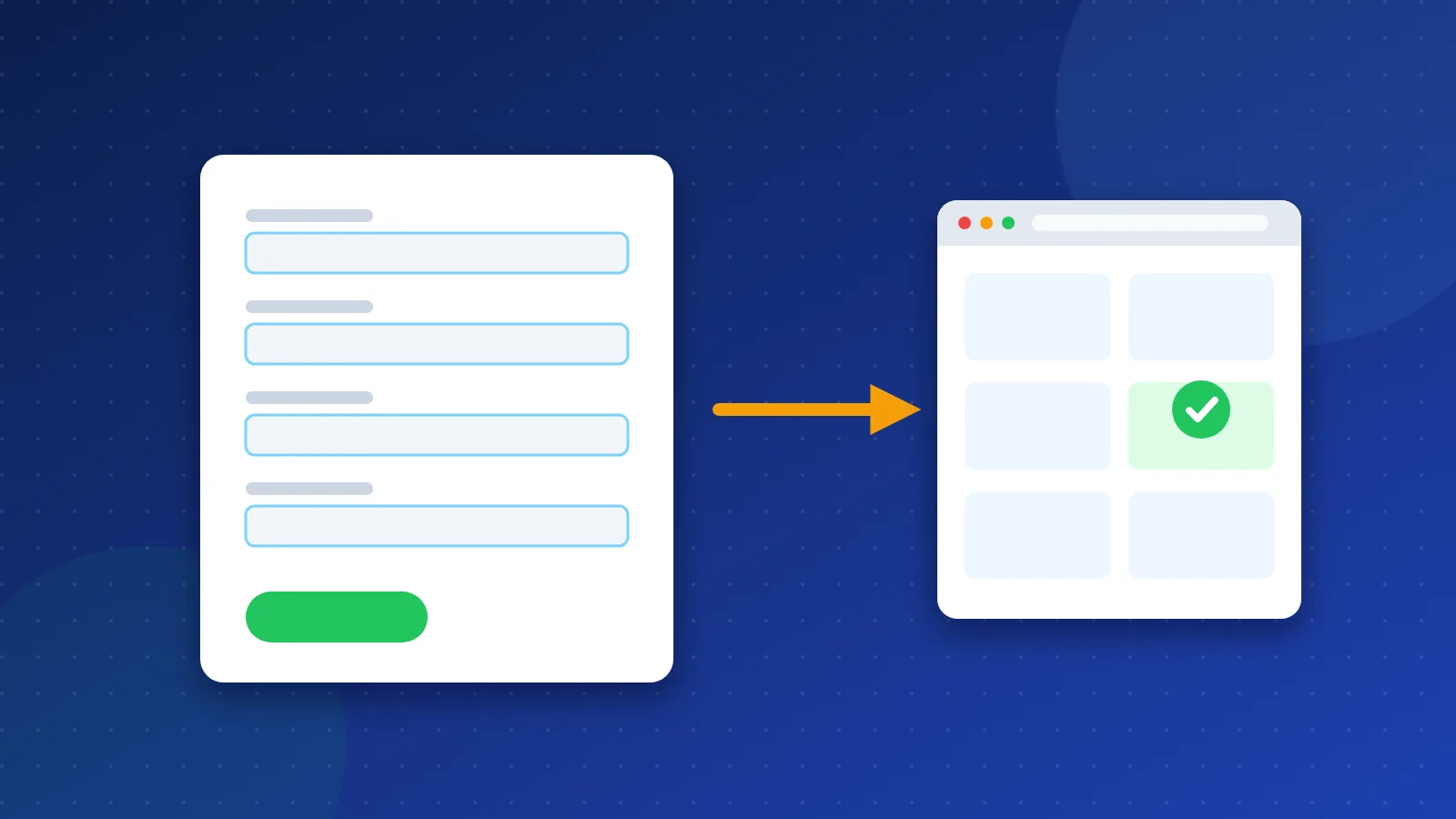
Website directory submission is the process of adding your site to an online directory so editors can review and list it. It goes smoothly when you prepare four things first: your site name, a short description, the right category and your contact details. Then you follow each directory's rules and submit once.
This guide covers what to prepare, the steps to follow, and the small mistakes that get most submissions rejected. If you still need to choose directories, read our guide to picking free directories safely first.
What should you prepare before you submit?
Create one simple text file with your listing details. You will copy from it each time, and your information will stay the same everywhere.
| Item | What to write | Example |
|---|---|---|
| Site title | Your real site or business name | Rosa's Bakery |
| URL | Your home page, with https | https://example.com/ |
| Description | Two or three plain sentences | What you offer and for whom |
| Category | The most specific fit | Food > Bakeries |
| Contact details | Name, address, phone, email | Same on every site |
Use an email address on your own domain if you can. Editors trust it more than a free email account, and it proves you own the site.
How to write a title and description editors accept
The title is your real name, not a list of keywords. "Rosa's Bakery" passes. "Best Cheap Cakes Bakery NYC Birthday Cakes" gets rejected. Google's own rules for business profiles say the same thing: your name should match your real-world name, and extra words can get a profile suspended.
The description should tell a visitor what they will find. Keep it to two or three sentences, about 25 to 50 words. Write a fresh version for each directory. A few changed words are enough, and it keeps you from posting the same text across the web.
- Say what the site offers and who it serves.
- Add a place if you serve one area.
- Skip hype like "the best" or "number one".
- Do not paste your home page text.
Why do your business details need to match?
Local SEO experts call your name, address and phone number "NAP". When the same NAP appears on many trusted sites, people and search engines can confirm that your business is real. BrightLocal says these details must be accurate on every site where you are listed.
Small differences cause problems. "Suite 4" on one site and "#4" on another, or an old phone number, can confuse both customers and search engines. Pick one format and use it everywhere. If you move or change your number, update every listing.
The website directory submission steps
- Read the rules. Each directory lists what it accepts. Some reject new sites, adult topics or sites with many ads.
- Check your site first. Make sure every page loads, the contact page works and there are no "coming soon" pages. Editors visit your site before they approve it.
- Find the right category. Browse the directory and open the deepest category that fits. Many directories only let you submit from inside a category.
- Fill in the form. Copy your title, URL and contact details from your text file. Write a fresh description.
- Choose free or paid review. Paid review is faster. A paid listing is an ad, so it should carry
rel="sponsored"orrel="nofollow", as Google asks. - Confirm your email. Most directories send a link to confirm the submission. Check your spam folder.
- Record it. Note the directory, date, category and price. Check back after two to four weeks.
Why do submissions get rejected?
When I ran Bloghints as a web directory, I checked every listing and its link by hand. These are the common reasons an editor turns a site down:
- A keyword-stuffed title instead of a real name
- The wrong category, such as a shop in "Arts"
- A site that was broken, empty or full of copied text
- A description that was just a list of keywords
- The same site sent again and again
Most of these take one minute to fix. A clean, honest submission is the fastest way to approval.
Should you use instant approval directories?
Some directories list your site right away, with no human review. I used them for my own sites years ago. They are quick, but because they accept almost anything, many fill up with spam. Google lists low-quality directory links as link spam.
If you try them, choose a few that still look clean and check our instant approval directory list. Never use them as your main way to get links.
What can a directory listing do for you?
Keep your hopes realistic. A listing on a good directory can help a new site get found, bring some visitors who browse your category, and back up your business details for local search. It will rarely lift your rankings on its own.
Think of each listing as a small sign in a busy street. One sign will not make your shop famous. A few signs in the right streets, with the same correct address, help the right people find you. Content and real relationships do the rest.
After you submit
Check that your listing is live and the link works. Track visits from each directory in your analytics. After a few months, you will see which ones send real people. Spend your next effort on those, and on niche directories in your field. Our article on niche web directories explains why.
A careful website directory submission is mostly about preparation. Get your name, description, category and contact details right once, reuse them, and choose a few directories that real people use.
Frequently asked questions
How long should a directory description be?
Two or three sentences, about 25 to 50 words, works for most directories. Follow the limit on the form if there is one. Say what you offer and who it is for, in plain words.
Can I use the same description on every directory?
You can, but a fresh version for each one is better. Editors notice copied text, and changing a few words takes little time. Keep your name, address and phone number the same, though.
What if my submission is never approved?
Many free directories are slow or no longer maintained. If you hear nothing after a month, check whether the directory still adds new sites. If not, move on instead of sending it again.