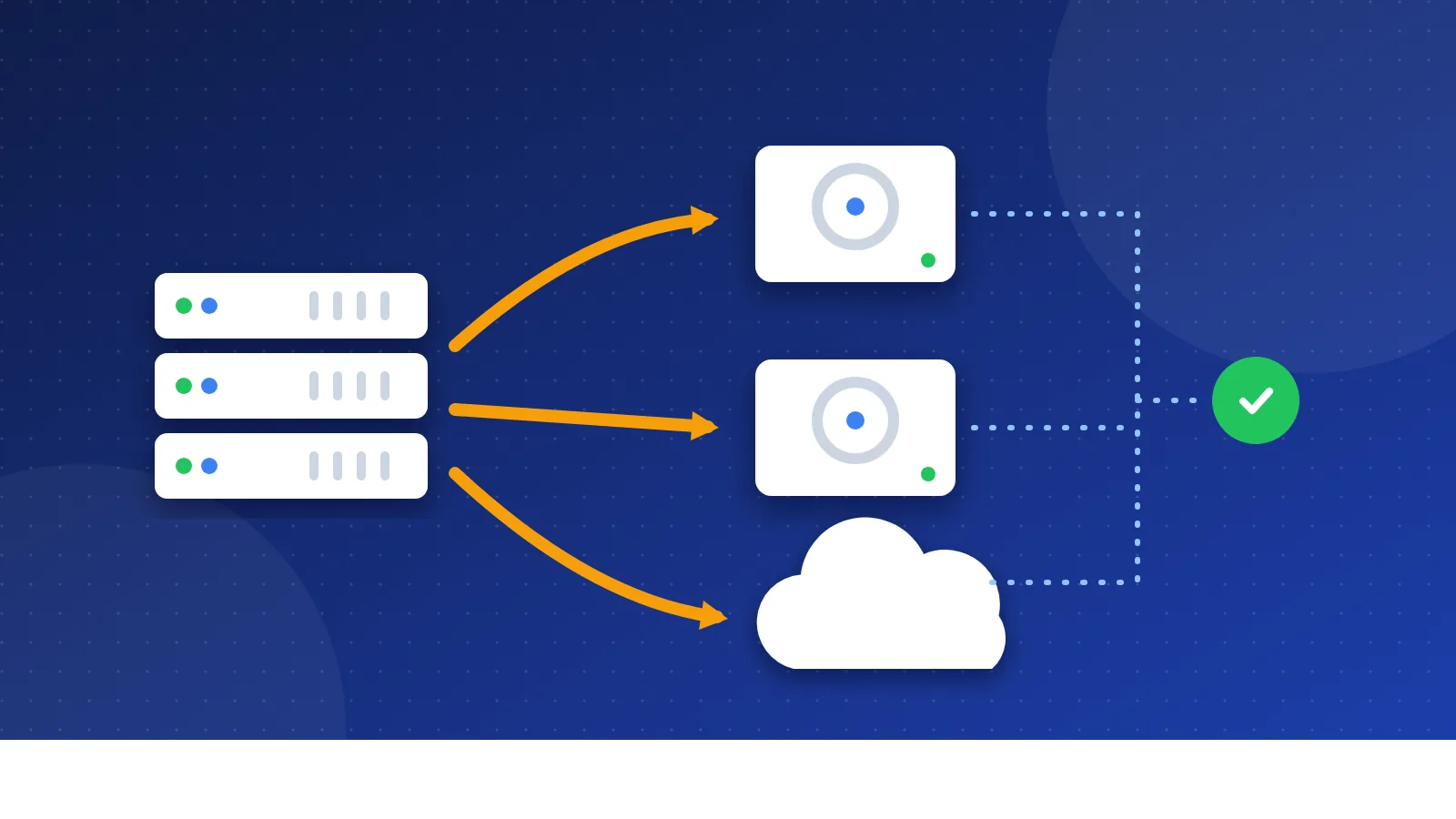
An .htaccess redirect generator turns a simple list of old and new addresses into Apache rules you can paste into your .htaccess file. Type one redirect per line, and the tool writes 301 rules, handles addresses with a ? in them, fixes redirect chains and can send every visitor to one https version of your site.
When you need a redirect
A redirect tells browsers and search engines that a page has moved. Without one, people who click an old link land on a "404 Not Found" page, and the links other sites gave that page stop helping you.
You need redirects when you:
- Rename a page, for example from
/seo-tips.htmlto/blog/seo-tips/. - Move to a new CMS that uses a different URL pattern.
- Merge two articles into one better page.
- Switch from http to https, or from www to non-www.
- Move to a new domain name.
I faced this myself when I moved Bloghints from hand-made PHP include files to a CMS. Many old pages end in .php, and some directory pages used addresses like site.php?id=3. Every one of those addresses needed to keep working, so I spent a lot of time on redirect rules.
301 or 302: which one to pick
Google treats a 301 (or 308) as a permanent move and uses it as a strong sign that the new page should show in search results. A 302 (or 307) is temporary: Google follows it, but may keep the old address in its index.
| Situation | Use |
|---|---|
| Page renamed or moved for good | 301 |
| New domain, https or www change | 301 |
| Page away for a short sale or repair | 302 |
| Page deleted with no replacement | 410 (gone) |
For a page you deleted on purpose, a redirect to the homepage is not the best answer. Google may treat that like a missing page anyway. The tool writes a "gone" rule (status 410) when a line has only an old address, which tells crawlers the page will not come back.
How to use the .htaccess redirect generator
- List your redirects. Write the old address, a space, then the new address. You can paste full URLs or paths that start with
/. - Add your site address if you want full URLs in the rules. Then tick "Send every visitor to the exact site address" to add https and www handling in one step.
- Read the warnings. The tool flags loops, duplicates and chains, and old addresses that sit on a different domain.
- Back up your current .htaccess file through your hosting file manager or FTP.
- Paste the code near the top, above other rewrite blocks such as "# BEGIN WordPress", and save.
- Test three or four old addresses in a private browser window. Each one should land on the new page in one step.
Redirect chains and loops
A chain happens when page A redirects to B, and B redirects to C. Visitors still arrive, but every extra step adds waiting time, and crawlers may stop following after several hops. Chains grow quietly over the years as you rename pages more than once.
The generator spots chains inside your list and points A straight to C. It also stops loops, where two rules send visitors back and forth between the same pages. A loop gives visitors an error like "too many redirects", so the tool leaves those lines out and tells you which ones to fix.
Addresses with a question mark
Old PHP sites often use addresses like page.php?id=12. The simple Redirect line in Apache ignores the part after the question mark, so it cannot tell id=12 from id=13. The generator uses mod_rewrite for those lines: a RewriteCond checks the exact query, and the QSD flag removes the old query from the new address.
If your host runs Nginx instead of Apache, .htaccess files do nothing. Ask your host or check your control panel for a redirect manager. Hostinger, cPanel and most shared hosts use Apache or LiteSpeed, which read .htaccess files.
Common mistakes
- Redirecting everything to the homepage. Send each old page to the closest matching new page.
- Leaving old internal links. Update links in your menus and articles so visitors skip the redirect. Our guide to fixing broken links explains how to find them.
- Deleting redirects too soon. Keep them for at least a year. Old bookmarks and links from other sites keep using the old address.
- Adding https rules twice. If your host already forces https from its control panel, untick that option here to avoid a loop.
Want the full background on how the rules work line by line? Read how to create a 301 redirect in .htaccess. When your redirects are in place, check that crawlers can still reach your pages with the robots.txt generator and its built-in tester. A careful list in an .htaccess redirect generator takes minutes, and it keeps the visitors and links your old pages earned.
Frequently asked questions
Where is my .htaccess file?
It sits in the main folder of your site, often called public_html. The name starts with a dot, so many file managers hide it. Turn on "show hidden files" to see it, or create a new file with that exact name.
Do redirects hurt my SEO?
A clean 301 to a matching page keeps most of the value of the old page, and Google shows the new address after it recrawls. Problems come from chains, loops and redirects to unrelated pages, which this tool helps you avoid.
Is my list sent to Bloghints?
No. The generator runs in your browser and saves your list only on your own device, so you can come back to it later. Nothing is uploaded to our server.