To fix broken links, find them first with Google Search Console and a crawler, then repair each one you control: update the link to the right URL, add a 301 redirect to a close replacement, or remove the link. Start with links in your menus, sitemap and popular posts. You do not need to chase every 404 on the web; Google says many are harmless.
Broken links matter to me for a personal reason. When Bloghints was a web directory, what made it different was that we checked listings by hand and linked them live, not copied from other lists. Dead links were the enemy. The same habit still applies to any blog: a link that goes nowhere wastes a reader's click and your credibility.
What is a broken link?
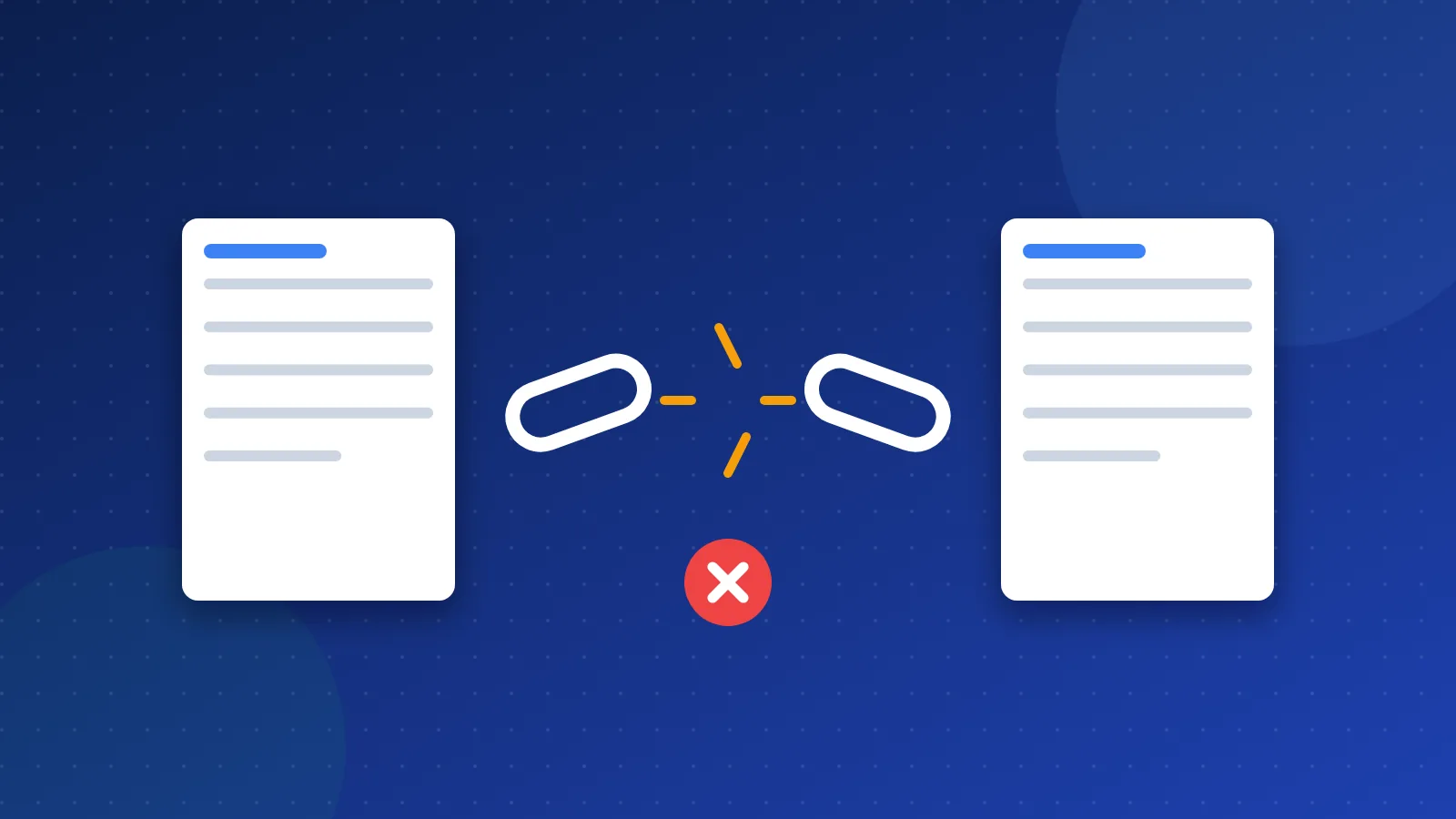
A broken link points to a page that does not load. Usually the server answers with a 404 (not found) or 410 (gone) code. Sometimes the domain has expired, the server times out, or it returns a 500 error.
There are two kinds:
- Internal broken links point to pages on your own site. You control both ends, so you can always fix them.
- External broken links point to other sites. You can only change your side: update, replace or remove the link.
A third case is a broken backlink: another site links to a page of yours that no longer exists. You cannot edit their page, but a redirect on your side can catch those visitors.
Do broken links hurt SEO?
Not the way many old articles claim. Google's documentation says it does not index URLs that return a 4xx code, and it slowly crawls them less often. Its Search Console help adds that 404s "are not necessarily a problem" when a page was removed with no replacement. Google recommends fixing mainly the 404s that you link to yourself or list in a sitemap.
So a 404 does not trigger a site-wide penalty. The real costs are smaller but add up:
- Lost readers. A visitor hits a dead end and leaves.
- Lost link value. If other sites link to a page that now returns 404, that link no longer helps you.
- Wasted crawling. On large sites, many dead internal links send crawlers to pages that do not exist.
- Weaker trust. A post full of dead sources looks neglected to readers.
How to find broken links
1. Google Search Console
Open Indexing, then Pages, and look for "Not found (404)". Click the row to see sample URLs. Use the URL Inspection tool to see where Google found the link. Search Console is free and shows what Google itself ran into.
2. A site crawler
A crawler visits your pages like a search bot and lists every link that fails. Screaming Frog SEO Spider has a free mode for small sites. Ahrefs Site Audit and Semrush Site Audit do the same in their paid plans. Sort the report by "inlinks" so you fix the dead URLs that most pages point to.
3. Your server logs and 404 reports
Your host's error log or analytics can show which missing URLs real people request. These often come from old backlinks or typos in links on other sites.
4. A quick manual check
On a small blog, click through your menu, footer and top ten posts once a quarter. It takes minutes and catches the links that matter most. Our list of SEO tools includes checkers that can help.
How to fix broken links, case by case
| Situation | Best fix |
|---|---|
| Typo in your own link | Correct the URL in the post or menu |
| Page moved or renamed | 301 redirect old URL to new URL, then update links |
| Page deleted, close match exists | 301 redirect to the closest page |
| Page deleted, no match | Let it return 404 or 410; remove links to it |
| External source is dead | Replace with a live source or remove the link |
- Fix the source link first. Even if you add a redirect, update the link itself so readers go straight to the right page.
- Redirect only to real matches. Sending every dead URL to the home page confuses readers, and Google may treat it as a soft 404. For the exact lines, see how to create a 301 redirect in .htaccess.
- Replace dead external sources. Look for the same page on the source's new URL, an archived copy, or a better source.
- Recover broken backlinks. If another site links to a missing page of yours, add a redirect to the best current page. You can also ask the site owner to update the link.
- Clean the sitemap. Remove URLs that return 404 or redirect. A sitemap should list only live, final URLs.
How to prevent broken links
- Keep URLs stable. Choose clear slugs and avoid changing them. If you must, add the redirect the same day.
- Check after every migration. New CMS, new theme or HTTPS switch: run a crawl right after.
- Use a helpful 404 page. A good error page with search and popular links keeps visitors on the site. Our guide to custom error pages covers this.
- Schedule a check. Once a month for busy sites, once a quarter for small blogs.
Broken links are normal on any site that lives long enough. The goal is not zero 404s; it is no dead ends where readers actually click. Find them, fix broken links in your own pages first, redirect only where a real match exists, and repeat the check on a schedule.
Frequently asked questions
Will 404 errors in Search Console hurt my rankings?
Not by themselves. Google says 404s are not necessarily a problem when a page is gone with no replacement. Fix the ones you link to or list in your sitemap, and the ones that still get visits or backlinks.
Should I redirect all broken pages to my home page?
No. Redirect only to a page that covers the same topic. A blanket redirect to the home page confuses visitors, and Google may treat it as a soft 404, so you gain nothing.
How often should I check for broken links?
For a small blog, once a quarter is usually enough. Check right away after a redesign, a CMS move or a URL change. Large or busy sites benefit from a monthly crawl.