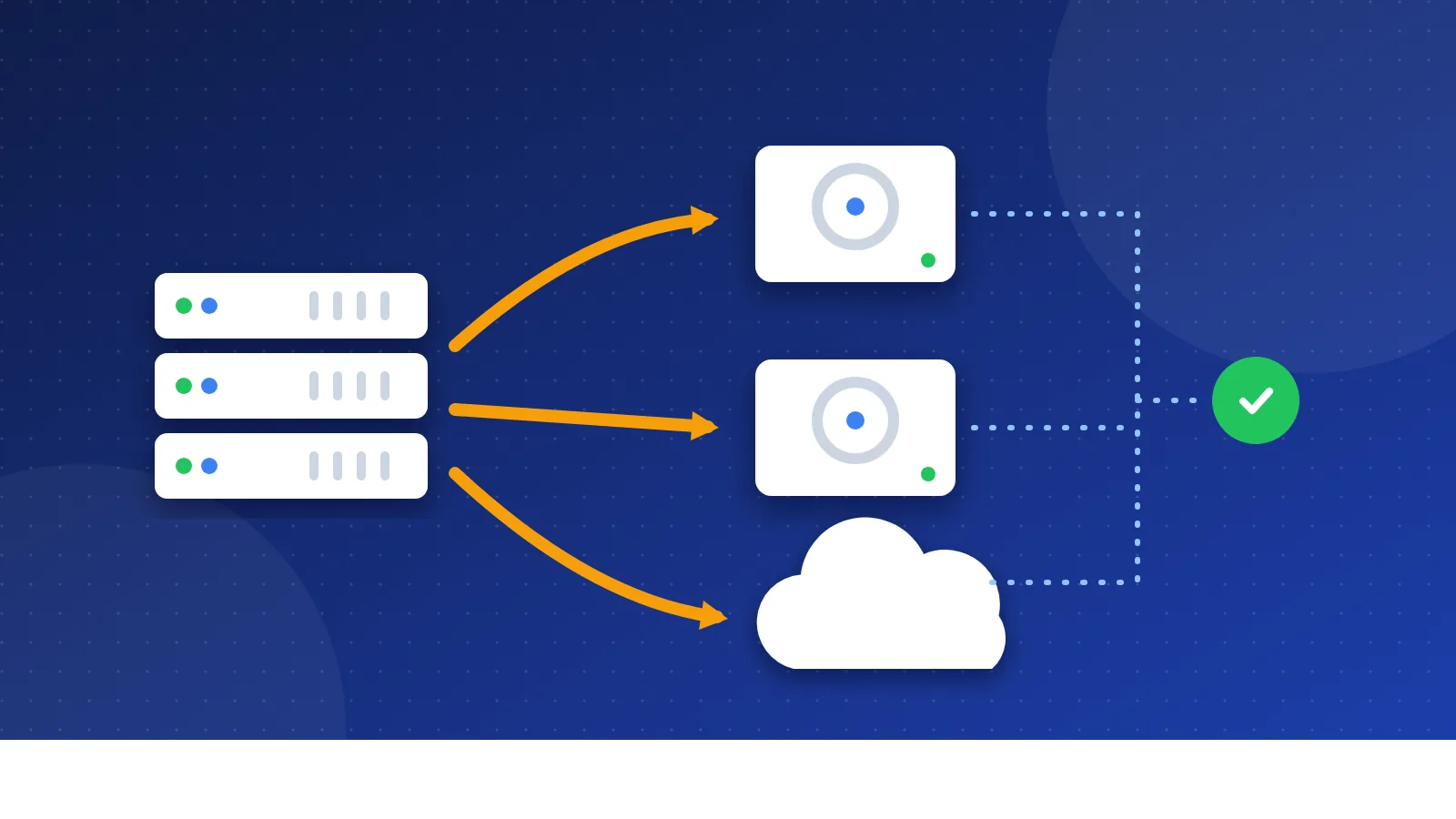
To create a 301 redirect in .htaccess, open the .htaccess file in your site's root folder, add a line like Redirect 301 /old-page/ https://example.com/new-page/, save it and test the old address. A 301 tells browsers and Google that the page has moved for good, so visitors and most link value follow it to the new URL. It works on Apache and LiteSpeed servers, which most shared hosts use.
I am going through this myself right now. Bloghints ran for years on a home-made template of plain HTML, PHP and CSS includes. In 2026 I am moving it to a custom CMS, and the first rule of the move is simple: every old URL must keep working. Redirects are how you keep that promise when an address has to change.
What is a 301 redirect, and when do you need one?
A redirect sends anyone who asks for one URL to another URL. The number is the HTTP status code. A 301 means "moved permanently". A 302 or 307 means "moved for now".
Google's documentation says permanent redirects (301 and 308) act as a strong signal that the new URL should be the one in search results. Temporary redirects do not, so Google may keep showing the old address. Google also states that 301s do not cause a loss in PageRank, the link value a page earns from links.
Use a 301 when you:
- rename a page or change its folder,
- merge two similar posts into one,
- move from HTTP to HTTPS,
- pick one version of your domain (with or without www),
- move to a new domain or a new CMS with different URLs.
If a page is gone and has no real replacement, a 404 or 410 is the honest answer. Do not send every dead page to the home page; Google may treat that as a soft 404 anyway.
Before you edit: three safety steps
- Find the file. It sits in your public root folder (often public_html). It starts with a dot, so turn on "show hidden files" in your file manager or FTP app.
- Make a backup. Download a copy first. One typo can cause a "500 Internal Server Error" on the whole site, and a backup lets you undo it in seconds.
- Check your server. .htaccess works on Apache and LiteSpeed. Nginx ignores it, so on Nginx you or your host must add redirects in the server config.
The Apache docs add one more point: if you can edit the main server config, put redirects there, because Apache reads .htaccess on every request. On shared hosting you usually cannot, and .htaccess is the normal choice.
How to add a 301 redirect in .htaccess: copy-ready examples
Replace example.com and the paths with your own. Put each rule on its own line.
Redirect one page
Redirect 301 /old-page.html https://example.com/new-page/
The first path is relative to your root and starts with a slash. The target should be the full new URL. This uses the simple mod_alias module, which most hosts turn on.
Redirect a whole folder
RedirectMatch 301 ^/news/(.*)$ https://example.com/blog/$1
The (.*) part captures the rest of the path, and $1 puts it back. So /news/my-post/ goes to /blog/my-post/.
Send all HTTP traffic to HTTPS
RewriteEngine On
RewriteCond %{HTTPS} off
RewriteRule ^(.*)$ https://%{HTTP_HOST}/$1 [L,R=301]
This uses mod_rewrite. The condition line checks that the request is not secure yet; the rule then sends it to the same path on HTTPS. Some hosts behind a proxy or CDN need a different check, so test it carefully.
Send www to non-www
RewriteEngine On
RewriteCond %{HTTP_HOST} ^www\.example\.com$ [NC]
RewriteRule ^(.*)$ https://example.com/$1 [L,R=301]
Flip the names if you prefer the www version. Pointing the target straight at https:// saves one hop when you also force HTTPS.
Move a whole domain
Redirect 301 / https://new-example.com/
Place this in the .htaccess of the old domain. Apache keeps the rest of the path, so old-domain.com/about/ goes to new-example.com/about/. Only use it when the new site has the same paths.
How to test your redirects
- Open the old URL in a private browser window. You should land on the new page.
- Check the status code with a header checker or your browser's network tab. It should show 301, not 302.
- Make sure there is only one hop. A chain like http, then www, then the final URL wastes time. Google follows a few hops, but each one slows visitors.
- After a big change, crawl the site and fix the leftovers. Our guide on how to fix broken links explains how.
Common .htaccess redirect mistakes
- Redirect loops. Page A goes to B and B goes back to A. The browser shows "too many redirects". Check old rules before you add new ones.
- Using 302 by accident. In mod_rewrite, a plain
[R]flag sends a 302. Always writeR=301. - Wrong order. Apache reads rules from top to bottom. Put specific page rules above broad folder or domain rules.
- Forgetting internal links. A redirect is a safety net. Still update your menus, posts and sitemap to the new URLs.
- Removing redirects too soon. Google advises keeping them for as long as possible, generally at least one year. Old backlinks, such as listings in a web directory, may point at the old address for much longer.
Once you know the pattern, a 301 redirect in .htaccess takes a minute to write. Back up the file, add the rule, test the old URL, and keep the rule in place. That small habit protects the links and readers you spent years earning.
Frequently asked questions
Does a 301 redirect lose SEO value?
Google says 301 and other permanent redirects do not cause a loss in PageRank. The new URL still has to be a good match for the old one. Sending many unrelated pages to one general page will not keep their value.
How long should I keep a 301 redirect?
Google recommends keeping redirects as long as possible, and generally at least one year. For visitors, keeping them for good is even better, because old links and bookmarks may stay around for years.
Why does my site show a 500 error after editing .htaccess?
Usually a typo or a module your host does not support. Restore your backup copy, then add the new lines one at a time and test after each one. Your host's error log often names the exact line.