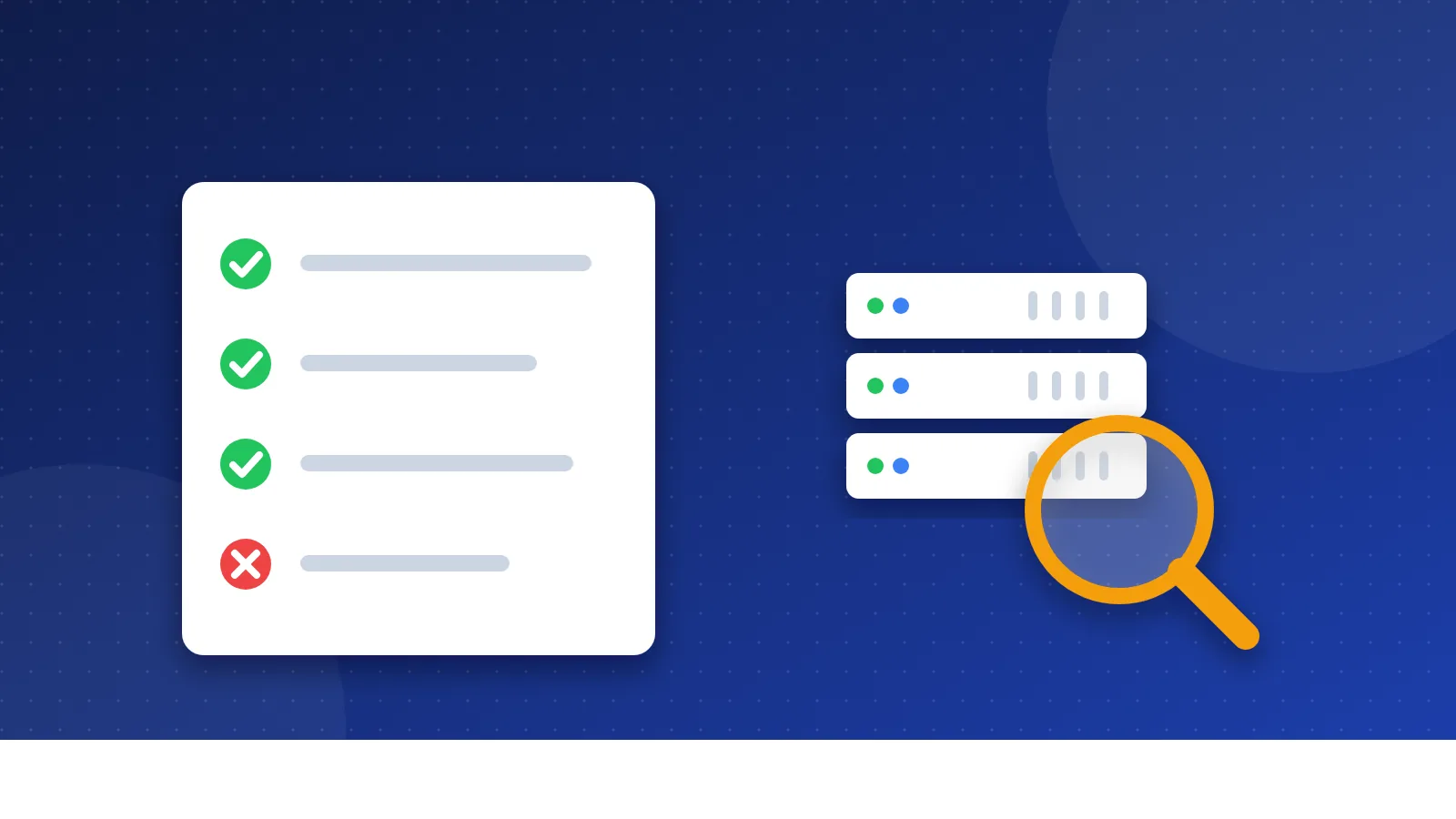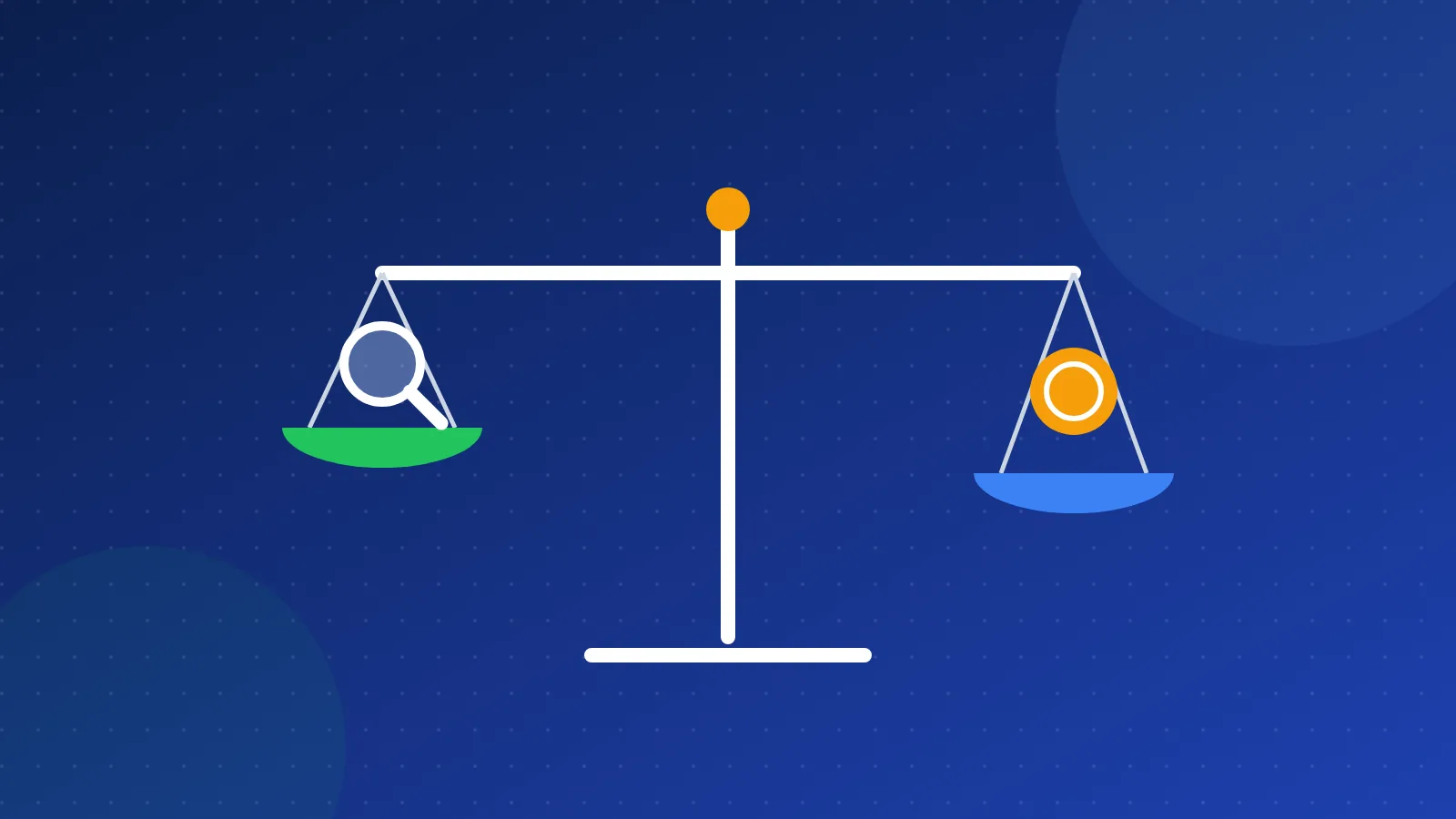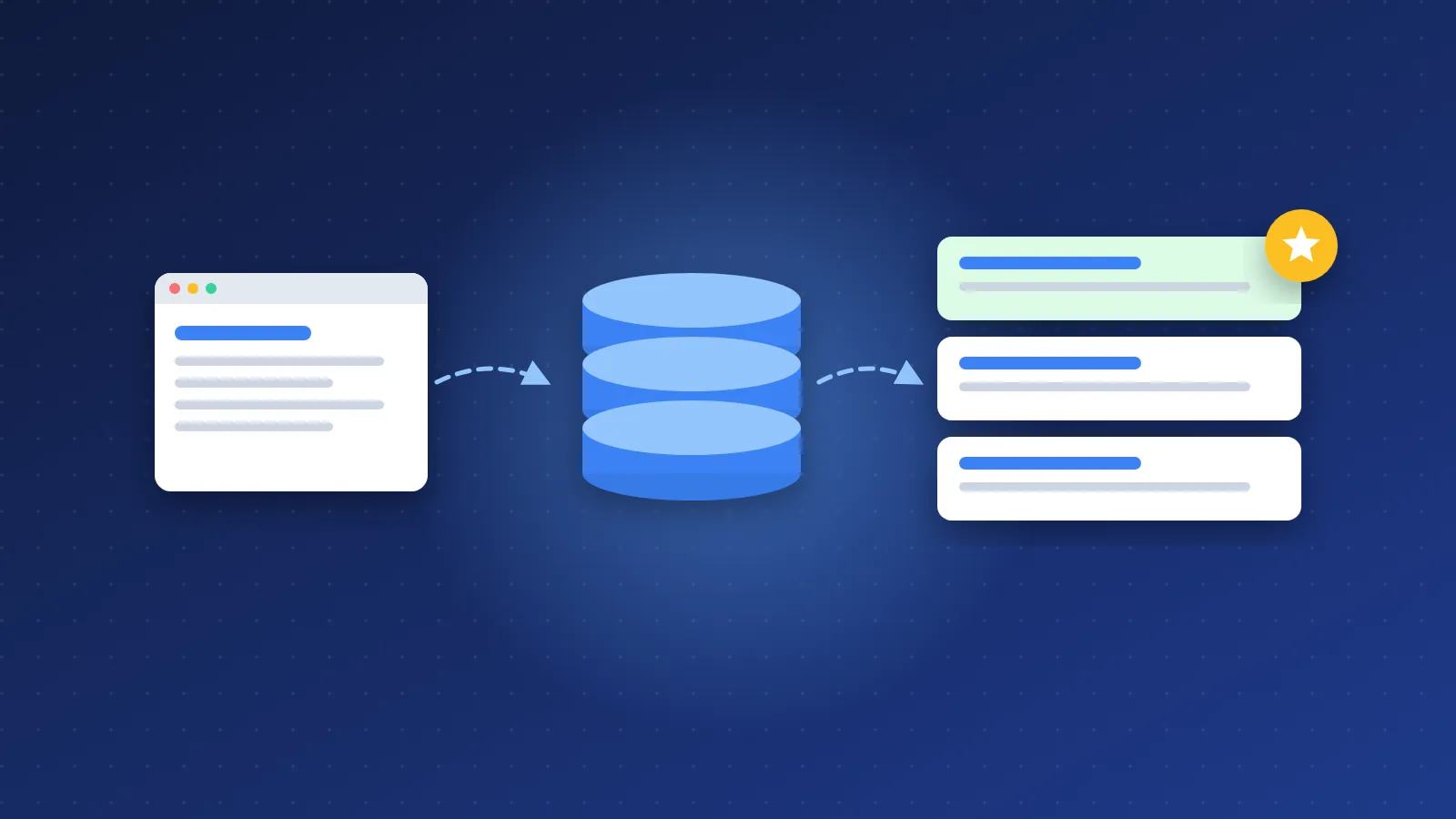
So, what is SEO in simple terms? SEO, short for search engine optimization, means making your website easy for search engines like Google to find, understand and recommend when someone searches for a topic you cover. You do not pay for it per click; you earn it by having useful pages that are built and linked in a way search engines can read.
This beginner guide walks through how search engines work, the three main parts of SEO, how long it takes, and what I learned from doing it the wrong way for a while.
What is SEO in simple terms? An everyday example
Think of Google as a huge library with a very fast librarian. Every day the librarian collects new pages, files them on the right shelf and, when someone asks a question, hands over the pages that seem most helpful.
SEO is everything you do so that the librarian:
- finds your page in the first place,
- understands what it is about, and
- trusts it enough to hand it to people near the top of the results.
The "free" results Google shows under the ads are called organic results. SEO is about those. Ads are a separate, paid system. Google states in its own documentation that it does not accept payment to crawl a site more often or to rank it higher.
How search engines work: crawl, index, rank
Google describes its search in three stages. Knowing them makes almost every SEO tip easier to understand.
1. Crawling
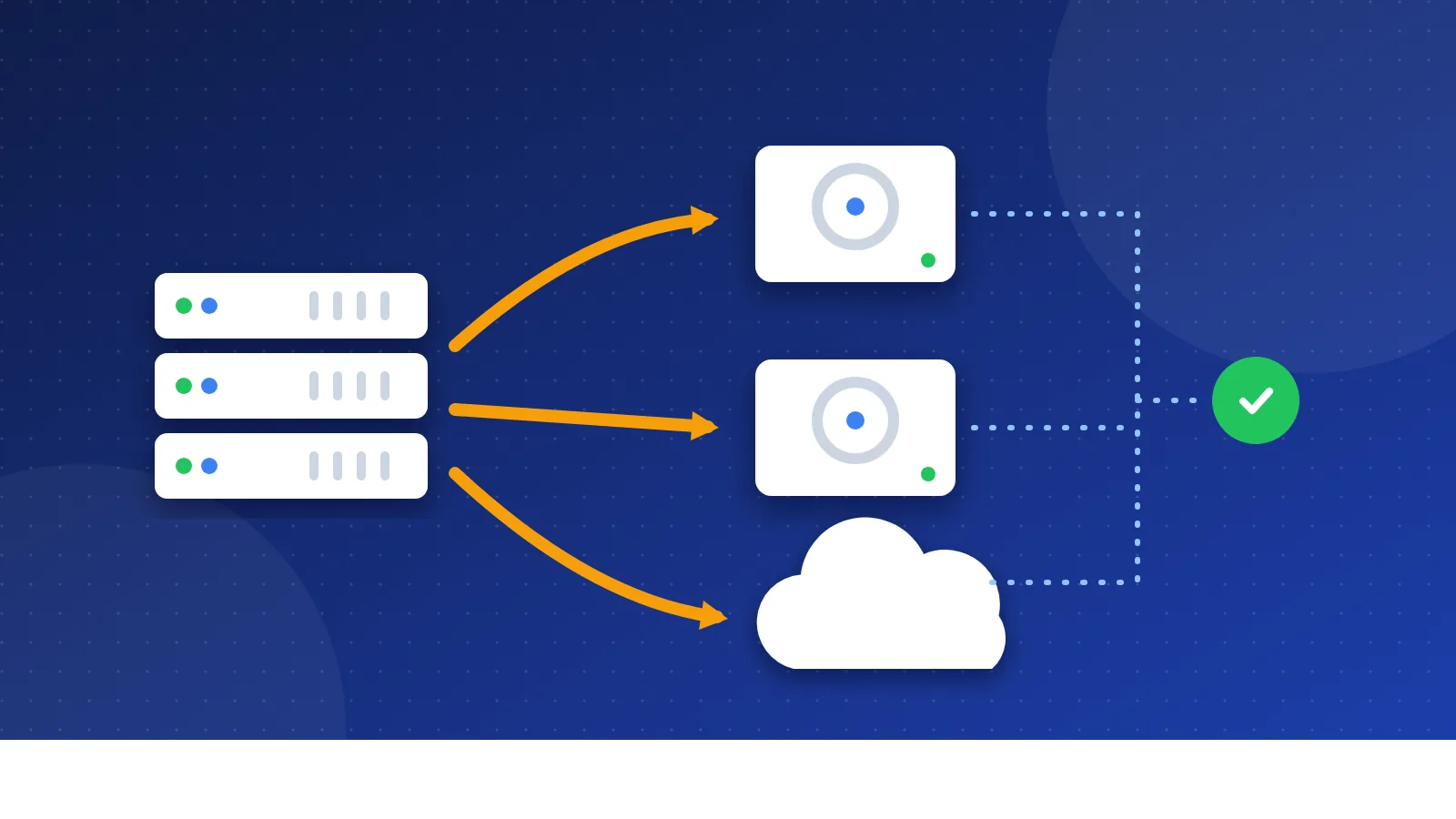
Google uses automated programs, often called crawlers or Googlebot, to discover and download pages. Most new pages are found by following links from pages Google already knows. Google's starter guide says the vast majority of new pages it finds every day come through links. That is why internal links and links from other sites matter so much.
2. Indexing
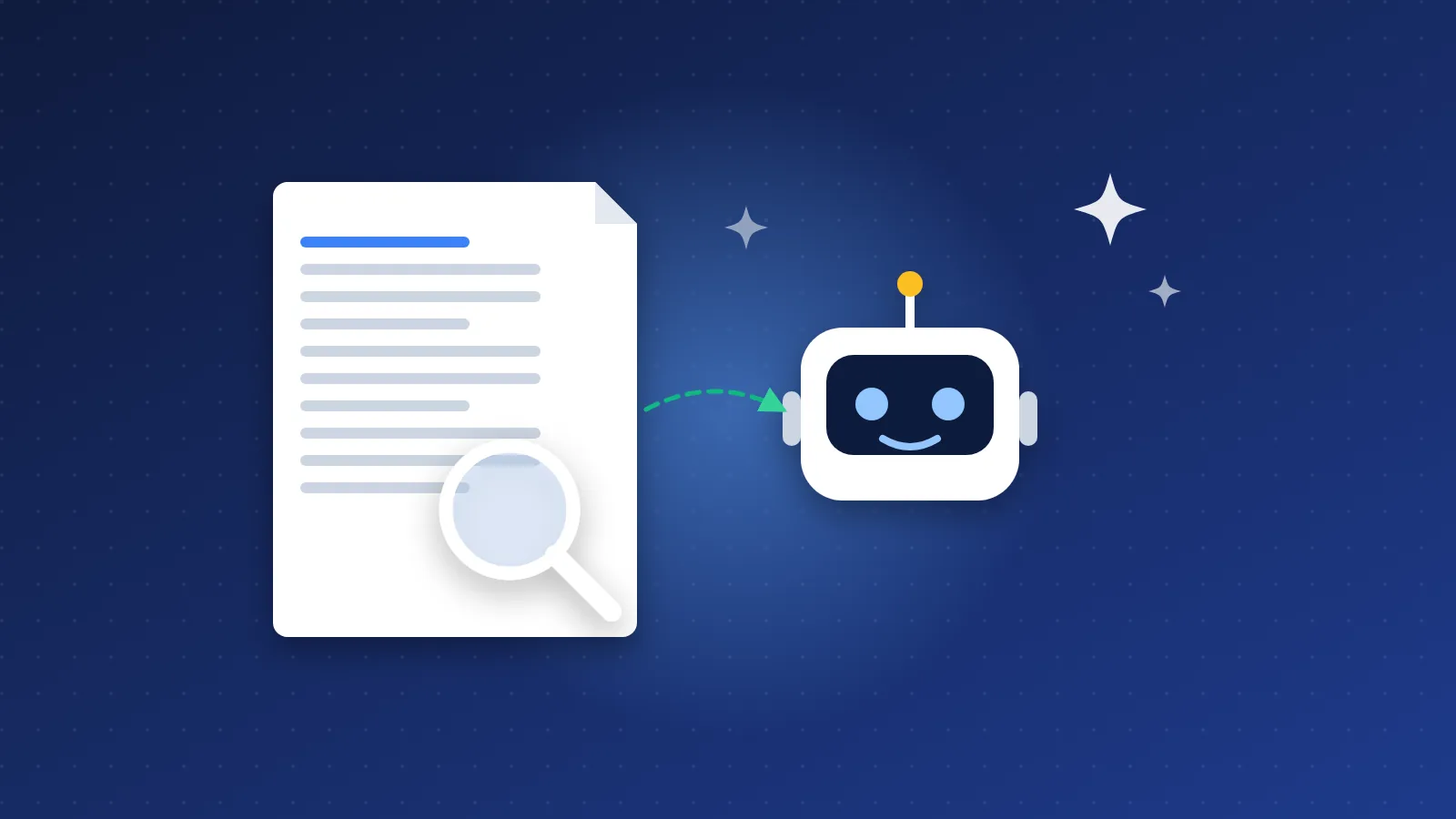
After a page is crawled, Google tries to understand it: the text, headings, images and videos. It then stores that information in its index, a giant database. Not every crawled page gets indexed. Google says plainly that it does not guarantee it will crawl, index or show any page. If some of your pages are stuck, our guide on "crawled, currently not indexed" on small blogs explains the usual causes.
3. Ranking (serving results)
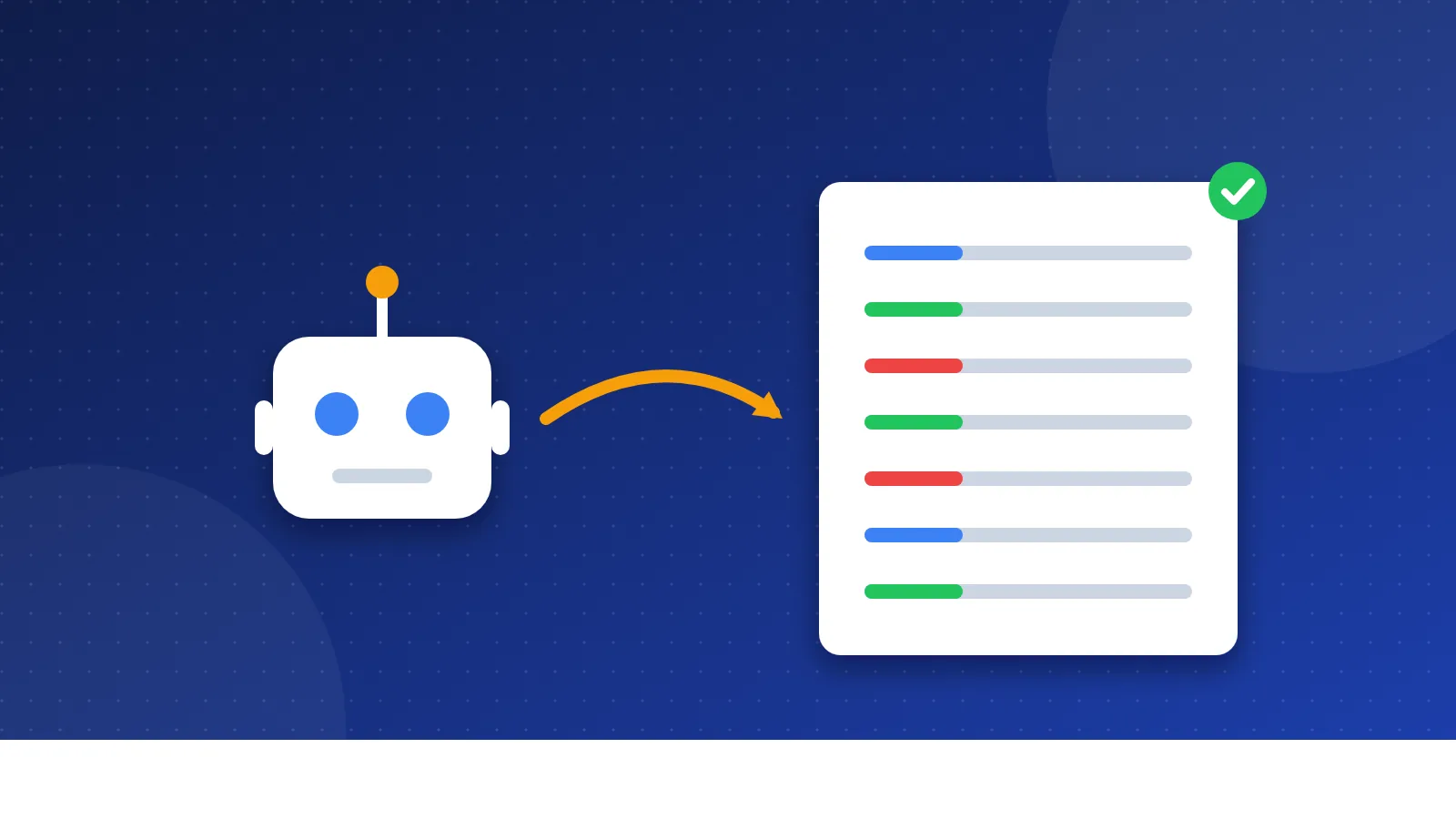
When someone searches, Google picks the pages from its index it thinks answer best and puts them in order. Many factors play a part, including the searcher's language, location and device. The ranking is done by software, not by people choosing favourites.
The three parts of SEO
SEO work is usually split into three groups. A beginner needs a little of each.
| Type | What it means | Beginner examples |
|---|---|---|
| On-page SEO | Everything on the page itself | A clear title, a helpful answer near the top, sensible headings, descriptive link text, words your readers actually use |
| Off-page SEO | Signals from outside your site | Links from relevant sites, mentions of your brand, a listing in a few good directories |
| Technical SEO | How well search engines can access your site | Fast loading, working on phones, an XML sitemap, a correct robots.txt, no broken links, HTTPS |
On-page: start with the searcher
Before you write, ask what the person typing the search really wants. A good page answers that early and in plain words. Use the phrases your readers use; a little keyword research helps you find them. You do not need to repeat a keyword again and again. Google's starter guide also notes that it does not use the keywords meta tag at all, so you can skip that old habit.
Off-page: links are votes, but not all votes count
A link from another site to yours works a bit like a recommendation. Links from relevant, trusted sites help; links you buy or swap just to manipulate rankings break Google's link spam rules. Our beginner article on backlinks and SEO covers the difference.
Technical: remove the roadblocks
Technical SEO sounds scary, but for a small site it mostly means: make sure pages load, work on mobile, link to each other, and are not accidentally blocked. A free site check from our SEO tools section is a good first step.
What I learned starting out in 2006
I started Bloghints in 2006 as a web directory, and like many people back then I thought SEO was mainly about collecting links. I submitted my own sites to reciprocal and paid directories, and here and there wherever I could. It seemed to work: my first website reached PageRank 5 on the old Google toolbar, which felt like a big deal at the time.
I also tried things I would not suggest today, like forum signature links and generic blog comments just for a backlink. When Google cracked down on link spam (the Penguin update in 2012), I stopped all of that out of caution. The lesson I took is simple: links that exist only to fool a search engine are a risk, while content people actually want keeps its value. If you are curious how directories fit into SEO now, read what a web directory is.
How long does SEO take?
Longer than most beginners hope. Google's own starter guide says some changes can show up in a few hours while others take several months, and suggests waiting a few weeks before judging whether a change worked.
For a brand new site, expect a slow start. Google first has to discover the site, then decide which pages are worth indexing, then learn where they fit. A realistic plan for a beginner looks like this:
- First weeks: set up Google Search Console, submit a sitemap, fix obvious technical problems.
- First months: publish useful pages on a focused topic and link them together.
- Ongoing: update pages that are close to page one, earn links by being worth linking to, and remove or improve pages nobody reads.
A first SEO checklist for a new page
Before you hit publish, run through these questions. They cover most of what matters for a beginner.
- Is there one clear topic? A page that tries to answer five different questions usually answers none of them well.
- Does the first paragraph answer the question? Readers and search engines both like to see the point early.
- Is the title honest and specific? It should describe the page in words a searcher would use, without clickbait.
- Do the headings tell the story? Someone skimming only the headings should understand what the page covers.
- Is it linked from other pages on your site? A page with no internal links is hard for crawlers and readers to find.
- Is every fact checked? Dates, prices and claims should come from a source you actually opened.
- Does it work on a phone? Open it on your own phone and scroll through it once.
- Would you send it to a friend? Google's helpful content guidance asks a similar question: is this a page someone would bookmark, share or recommend?
After publishing, check Search Console a week or two later to see whether the page was indexed and which searches it appears for.
Common SEO myths
- "I can pay Google to rank." No. You can pay for ads, but organic rankings cannot be bought from Google.
- "More keywords means higher rankings." Stuffing keywords makes a page worse to read and is listed as spam.
- "SEO is a one-time job." Other sites keep publishing and search keeps changing, so pages need updates.
- "AI can do all of it." AI tools can help, but publishing lots of unedited AI pages can cross into scaled content abuse. See how to use AI tools for SEO safely.
Websites mentioned in this guide
These are the sites and tools connected to this guide. Each one is worth a look once the basics above make sense.
| Search Engine Optimization for Dummies | IP Address |
|---|---|
| Write | 174.143.201.50 |
✓ Links verified Oct 3, 2026
Putting it together
If you remember one thing about what is SEO in simple terms, make it this: help search engines find your pages, make each page clearly useful to a real person, and earn trust slowly instead of trying to trick the system. The tactics change over the years, but that core idea has stayed the same since I started.
Frequently asked questions
Is SEO free?
The traffic from organic results is free, because you do not pay per click. The work is not: it costs time, and sometimes money for hosting, tools or writing help. Many beginners do all of it themselves with free tools like Google Search Console.
Can I do SEO myself as a beginner?
Yes. Most of the basics are writing clear pages, linking them sensibly and fixing technical errors that Search Console reports. I taught myself, and Google's own SEO Starter Guide is a good free place to begin.
What is the difference between SEO and paid search?
SEO aims for the organic results, which you cannot buy from Google. Paid search means ads that appear above or beside those results and charge you when people click. Ads stop the moment you stop paying, while good SEO work keeps bringing visits over time.