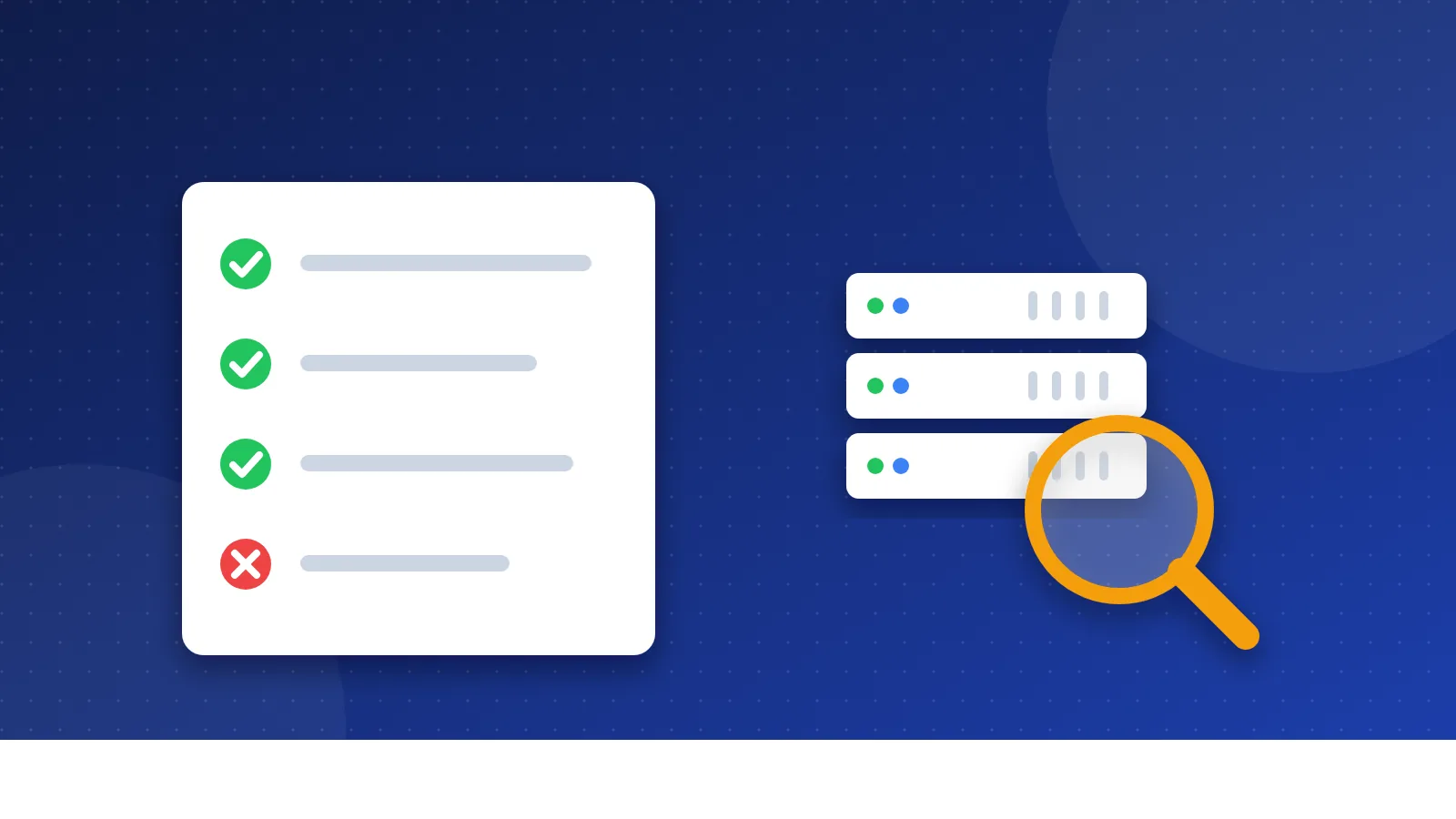
A directory submission tracker is a simple log of every web directory you send your site to: the date you submitted, the status, and the address of your listing once it goes live. This free tracker pulls directories straight from the Bloghints lists, saves your progress in your browser and exports everything to a CSV file you can open in Excel or Google Sheets.
Why track directory submissions at all?
Directory submissions are slow work. Each one means finding the right category, writing a description, filling in a form and often confirming an email. After the tenth form, most people forget which sites they already did.
I ran into this myself. Back when I submitted my own sites to free, paid and reciprocal directories, I kept no proper record. I sent the same site to some directories twice, and I never knew which listings had gone live. Today a log saves you from three common problems:
- Double submissions. Editors notice them, and some directories reject a site that applies twice.
- Lost listings. Without the listing URL, you cannot check later whether the link still exists.
- No idea what worked. If you never write down results, you cannot tell which directories are worth your time.
How to use the directory submission tracker
- Pick a list. Choose one of the Bloghints lists in the first box, for example the free directory list, and click "Add sites from this list". The tool reads every page of that list and adds each directory once.
- Add your own sites. Open "Add your own directories" and paste one URL per line. You can write a name before the URL with a "|" sign.
- Submit and update the status. After you send a form, set the status to "Submitted". The tool fills in today's date for you.
- Record the result. When the directory approves your site, set the status to "Live" and paste the listing URL. If the editor says no, choose "Rejected".
- Export a copy. Click "Export CSV" now and then. Your data lives only in this browser, so a CSV file is your backup.
The tool never sends your list to our server. If you switch to another computer, export the CSV first and use "Import CSV" on the new one.
What each status means
| Status | When to use it | What to do next |
|---|---|---|
| To do | You have not submitted yet | Check the directory still accepts sites |
| Submitted | You sent the form | Watch your inbox for a confirmation email |
| Waiting for review | You confirmed the email and wait for an editor | Check back in two to four weeks |
| Live (approved) | Your listing is online | Save the listing URL and recheck it later |
| Rejected | The editor declined | Read why, fix it, and move on |
| Skipped | The site looks dead, spammy or asks for a reciprocal link | Nothing |
How long does approval take?
Expect anything from a few minutes to several months. Instant approval directories publish right away. Free directories with real human editors often take two to eight weeks, and some never answer at all. Paid reviews are usually faster, often within a few days.
A realistic rule: if a free directory shows no change after about three months, mark it "Rejected" and stop waiting. Your time is better spent on the next directory or on your own content.
Which directories are worth tracking?
A tracker helps you work fast, but it cannot turn a bad directory into a good one. Google's spam policies name "low-quality directory or bookmark site links" as an example of link spam. So pick directories the way an editor would:
- Real people review sites, and the listings are real businesses or blogs.
- The category pages appear in Google when you search the directory's name.
- The directory does not ask you to link back (a reciprocal link) as a condition.
- It is not stuffed with casino, adult or "make money fast" sites.
- Paid directories mark paid listings, ideally with
rel="sponsored"ornofollow, as Google asks for paid links.
Treat directories as a way to be found and to build trust, not as a ranking shortcut. If you are new to the topic, read what a web directory is first. For a local business, a few accurate listings in local business directories often matter more than fifty general ones.
Tips that save hours
- Prepare your text once. Use the Submission Kit Builder to write your title, descriptions and keywords in the lengths most forms ask for.
- Use one email address for all submissions, and write it in the Note column if you use several.
- Write logins in a password manager, not in the Note column.
- Work in small batches. Ten careful submissions a day beat fifty rushed ones with typos.
- Recheck live listings every few months. Directories close, move or delete pages without telling anyone.
Keep the directory submission tracker open in one tab while you work through a list in another. It turns a messy afternoon of forms into a clear record you can come back to.
Frequently asked questions
Is my tracker saved online?
No. The tracker saves your list in your own browser, and nothing goes to Bloghints. If you clear your browser data or change devices, the list is gone, so export a CSV file regularly.
Can I track submissions for more than one website?
Yes, with one CSV per website. Finish or export the list for site A, click "Clear all", then start a new list for site B. Import the right CSV whenever you switch.
Does submitting to directories still help SEO?
A few good, edited directories can help people and search engines find and trust your site, especially local ones. Mass submissions to low-quality directories do not help and can count as link spam, so quality matters more than the number of listings.