This Rapid URL Indexer review explains what the service is, how it says it works, and where it fits. In short, Rapid URL Indexer is a paid tool that tries to get Google to notice URLs you submit, and it refunds credits for URLs that stay out of the index. It can help with pages Google has not found yet. It cannot fix pages Google has already judged not worth indexing.
I have not run a paid test of this service on my own sites, so I will not give you an indexing rate of my own. What follows comes from the vendor's site and Google's documentation, plus my own long fight with pages that stayed unindexed.
What is Rapid URL Indexer?
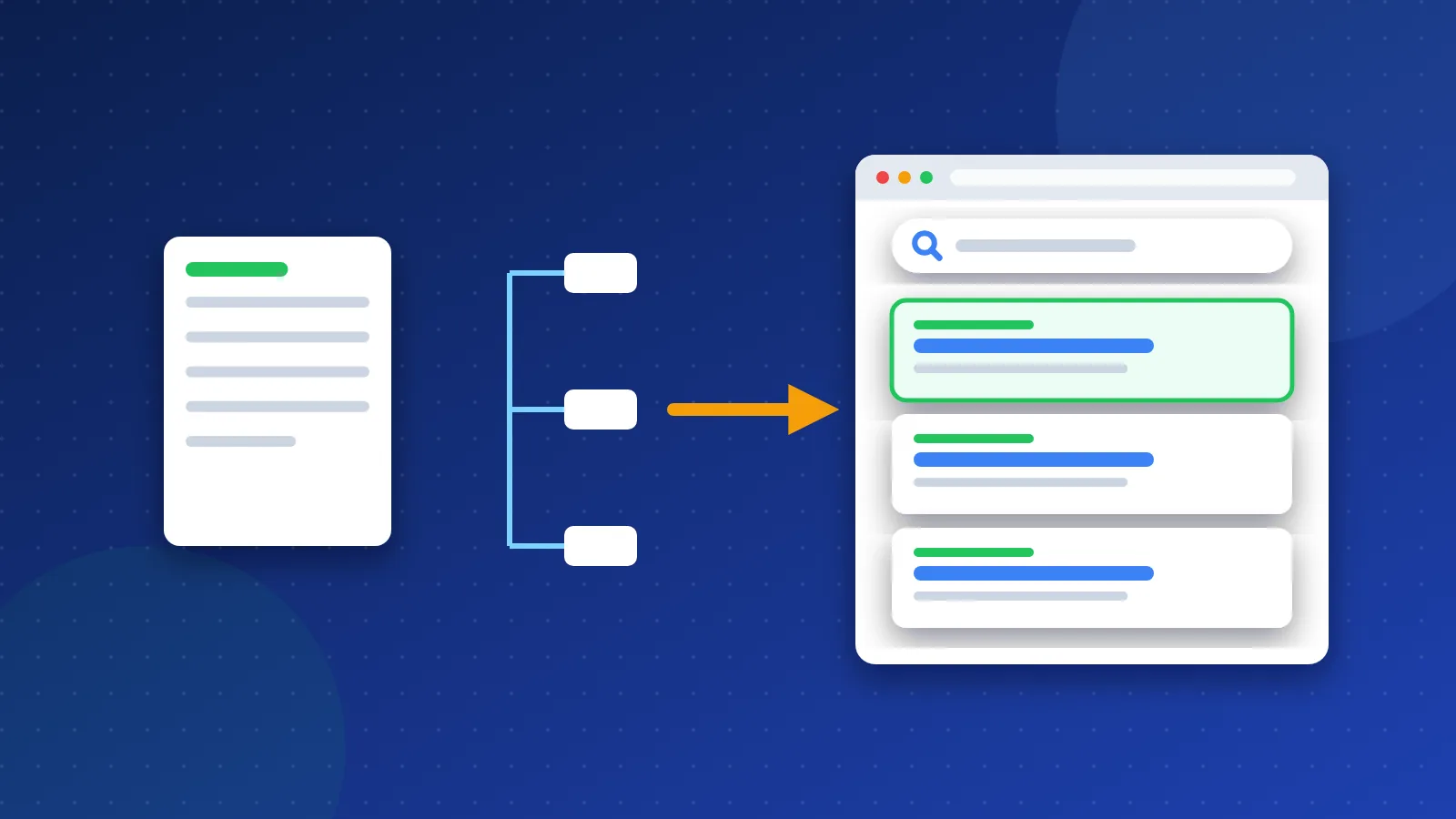
Rapid URL Indexer is an online service. You paste a list of URLs into its dashboard, pay with credits, and the service sends what it calls "indexing signals" to help Google discover them. Its site lists a WordPress plugin, a REST API and a Zapier link for automatic submission.
The vendor does not publish the exact method. That matters, because "indexing tool" can mean many things, from simple pings to links placed on other sites. Without knowing the method, you cannot fully judge the risk.
What does the service claim?
When I checked its site in October 2026, these were the main claims:
- Pricing: credits at about $0.04 to $0.05 each, depending on the package. The smallest package was 500 credits for $25.
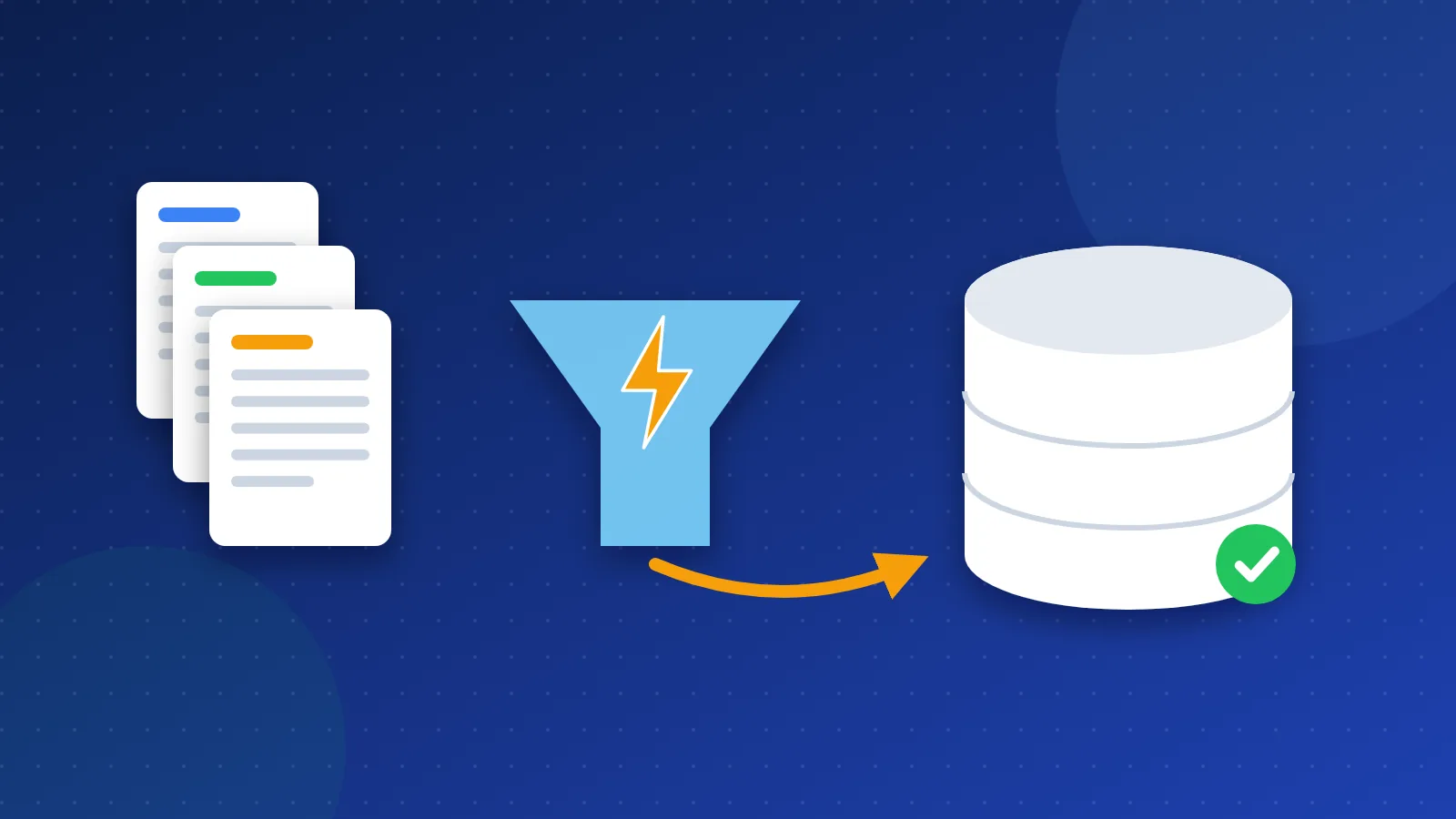
- Standard mode: one credit per URL. The service watches each URL for 14 days and returns credits for URLs that stay unindexed.
- Apex mode: three credits per URL, with one credit returned if the URL is still unindexed after 14 days.
- Speed and rate: it claims a 91% average indexing rate and indexing within 6 to 24 hours in Standard mode.
- The fine print: the same site states that Google makes the final indexing decision, so indexing is not guaranteed.
Treat the rate and speed as marketing claims. They are averages over the vendor's own customers, and your pages may behave very differently. Prices and plans change, so check the site before you buy.
How does fast indexing fit with Google's rules?
Many older articles say these tools work by "submitting URLs to Google's Indexing API". You should know what Google says about that API:
- Google states the Indexing API only supports pages with JobPosting data or BroadcastEvent data inside a VideoObject. In plain words: job ads and livestream videos.
- Since around September 2024, Google's API page warns that all submissions go through spam detection. Using several accounts or other tricks to get past the quota may lead to Google revoking access.
So if any indexing service pushes ordinary blog posts or product pages through that API, it uses the API for content Google did not build it for. Rapid URL Indexer does not say it does this. I mention it because many similar tools have been linked to the API, and you should ask any vendor how its method works.
Google also states it does not accept payment to crawl a site more often. A paid tool cannot buy you a faster crawl from Google directly. At best, it creates more signals that lead Google to a URL sooner.
Rapid URL Indexer review: who might it suit?
From the claims and from how Google treats indexing, I see a narrow fit:
- Pages on other sites you do not own. Think of a guest post, a profile or a listing that links to you. You cannot use Search Console there, so a submission tool is one of the few options.
- Large batches of new pages that Google has not discovered yet, where your sitemap and links have not done the job.
- People who want the refund model. Paying only for URLs that land in the index lowers the cost of a failed try.
It is a poor fit for pages that sit in "Crawled – currently not indexed" in Search Console. Google already visited those pages and chose not to keep them. Sending more signals does not change the page itself.
What to try before you pay
- Check Search Console. Open URL Inspection and read the status. A noindex tag or robots.txt block is a free fix.
- Submit a clean sitemap. Google calls this the right way to tell it about many URLs at once.
- Request indexing for a few key pages. Google notes a quota, and repeat requests do not speed things up.
- Use IndexNow for Bing and its partner engines. It is free and many plugins support it.
- Improve internal links. Link new pages from pages that already get visits.
- Improve the page. Merge thin pages and add something other pages do not have.
My guide on how to list your site in search engines walks through these steps in detail. You can also browse our SEO tools list for free checkers.
Pros and cons at a glance
| Pros | Cons |
|---|---|
| Refunds for unindexed URLs in Standard mode | Method not fully public |
| Works on URLs you do not own | Cannot fix low-quality pages |
| API, plugin and Zapier options | Indexing still not guaranteed |
| Low cost per URL | Index entry is not the same as ranking |
My honest take
On my own sites, many pages stayed out of Google for years even with internal links pointing at them. Back then I wished for a button that would just fix it. Looking back, I think most of those pages were simply too thin. A paid push would not have changed that.
That is the core of this Rapid URL Indexer review: the tool may speed up discovery, but discovery is rarely the real problem on your own site. If you want to know what results to expect after a page makes it into the index, read my follow-up on whether URL indexing tools improve SEO results.
Frequently asked questions
Is Rapid URL Indexer safe to use?
The vendor does not publish its full method, so nobody outside can fully judge the risk. Using it on your own clean content is low risk in my view. Avoid any indexing service that relies on spam links or abuse of Google's Indexing API.
Does Rapid URL Indexer guarantee indexing?
No. Its own site says Google makes the final decision. Instead of a guarantee, Standard mode returns credits for URLs that stay unindexed after 14 days.
Will an indexed page rank higher?
Not by itself. Indexing only makes a page eligible to appear. Ranking depends on relevance, quality and links from other sites.