The simplest answer to how to track traffic from ChatGPT and Perplexity in Google Analytics 4 is to open the Traffic acquisition report and look at the AI Assistant channel, which Google added to the default channel group in May 2026. For a fuller and more controllable view, build a custom channel group that matches AI referrer domains with a regular expression. Either way, some AI visits arrive without a referrer and land in Direct, so your AI number is a floor, not the full total.
Where do AI assistant visits show up in GA4?
When someone clicks a link in ChatGPT, Perplexity or a similar assistant, the browser usually sends a referrer such as chatgpt.com or perplexity.ai. GA4 records that as the session source. Until recently those sessions were mixed into the Referral channel next to every other site that links to you.
In May 2026 Google added an AI Assistant channel to the default channel group. When GA4 recognises an AI referrer, it sets the medium to ai-assistant and the campaign to (ai-assistant). Google named ChatGPT, Gemini and Claude as examples but has not published the complete list of recognised sources.
To see it, go to Reports, Acquisition, Traffic acquisition and look for AI Assistant in the session default channel group. Switch the dimension to Session source to see which assistants are sending visits.
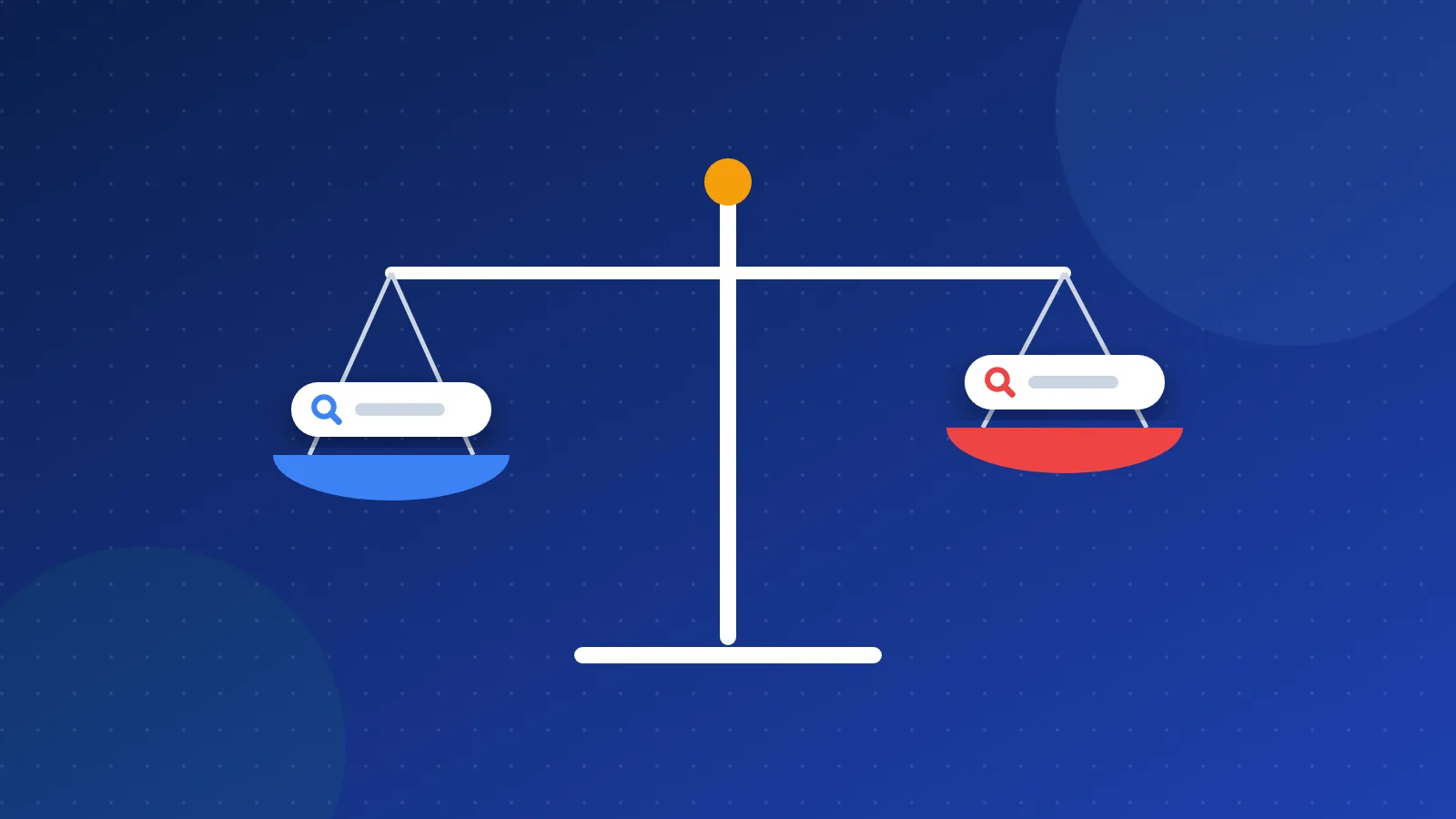
Native channel or custom group?
| Native AI Assistant channel | Custom channel group | |
|---|---|---|
| Setup | None | About ten minutes |
| Source list | Chosen by Google, not published | You control the regex |
| New assistants | Added when Google updates it | Added when you edit the rule |
| Historical data | Only from the launch date | Custom groups apply to past data too |
| Direct traffic from apps | Not captured | Not captured |
I use both. The native channel is a sanity check, and the custom group is what I report from because I know exactly what is in it.
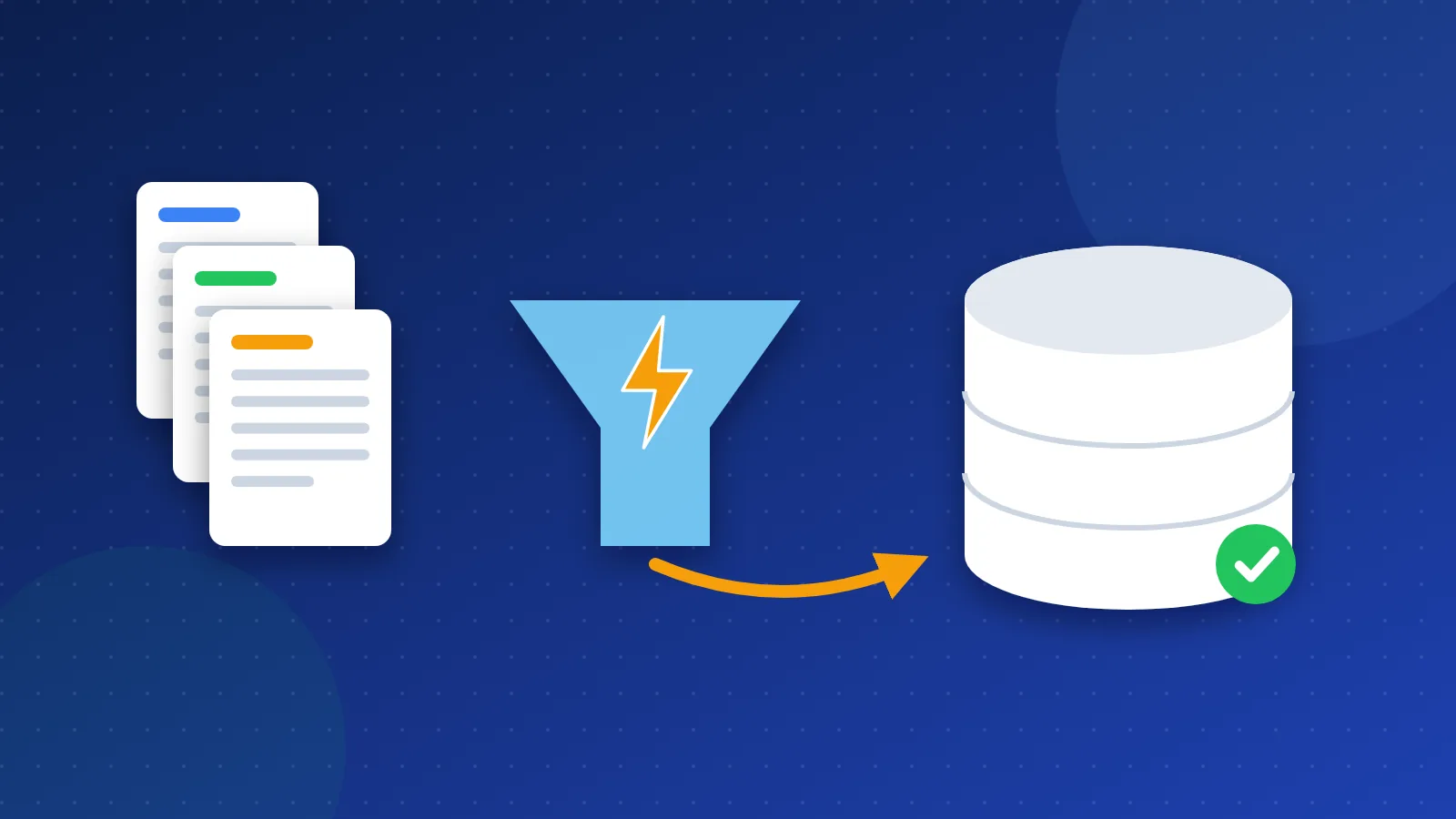
Creating an "AI assistants" channel group
- Go to Admin, Data display, Channel groups.
- Click Create new channel group. GA4 copies the default group as a starting point.
- Name it something clear, such as "Default + AI (custom)".
- Click Add new channel and call it "AI Assistants".
- Set the condition to Source, matches regex, and paste the pattern from the next section.
- Save the channel, then drag it above Referral in the list. Channel rules run top to bottom and the first match wins, so a channel placed below Referral will stay empty.
- Save the group. In Traffic acquisition, switch the primary dimension to your new channel group.
If you also run campaigns with UTM tags, keep paid and email channels above the AI channel so tagged traffic is not misfiled.
Regex for common AI referrers
This pattern covers the assistants most sites see today. It matches the full source value, so it will not catch unrelated sites that happen to contain the same letters:
^(chatgpt\.com|chat\.openai\.com|perplexity\.ai|www\.perplexity\.ai|claude\.ai|gemini\.google\.com|copilot\.microsoft\.com|chat\.deepseek\.com|grok\.com|meta\.ai|you\.com|poe\.com)$
A few notes from maintaining patterns like this:
- Check your own sources first. Run a Traffic acquisition report by Session source for the last 90 days and search for "ai", "gpt" and "chat" to find referrers the pattern misses.
- ChatGPT sometimes adds
utm_source=chatgpt.comto the links it shows. GA4 then records chatgpt.com as the source, which this pattern catches either way. - Review the list every few months. New assistants and new domains appear regularly.
- Do not include google.com. AI Overviews and AI Mode visits come through Google Search and are counted as organic search, not as assistant referrals.
Why does some AI traffic look like direct traffic?
A referrer only exists if the app or browser sends one. Many visits from AI tools do not:
- Desktop and mobile apps often open links in a way that sends no referrer.
- In-app browsers can strip referrer information.
- Copied links that a reader pastes into a new tab are always Direct.
No channel rule can recover a referrer that was never sent. TechWyse cites estimates that only around 60 to 80 percent of AI-originated visits carry a clean referrer, so treat that as a rough range rather than a measured fact for your site.
You can still spot the pattern. Look at Direct traffic landing on deep informational pages, such as a specific guide rather than your homepage. If Direct visits to those pages rise at the same time as your AI referrals, a share of that Direct traffic is probably coming from assistant apps. It is an estimate, but a useful one.
What should you do with the numbers?
For most small sites, AI assistants send a small share of total visits today. The value is in the detail, not the total:
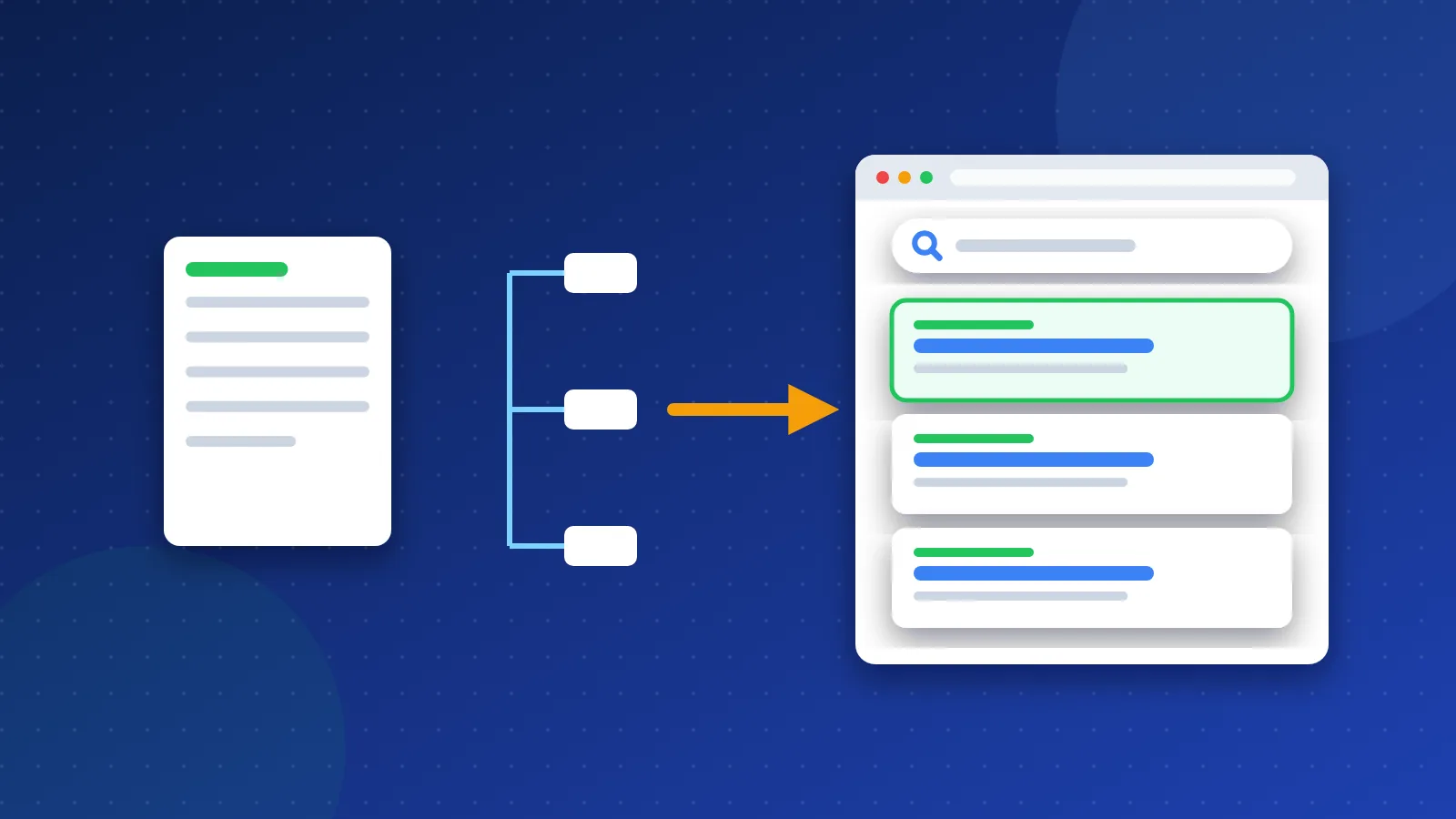
- Find the landing pages. Add Landing page as a secondary dimension. The pages assistants link to show which topics they trust you on.
- Compare engagement. Check engaged sessions and key events for AI visitors against organic search. Visitors who arrive after reading a summary often know exactly what they want.
- Improve the pages that get cited. Keep their facts current, tighten the opening answer and add internal links to related guides.
- Look for gaps. If competitors are cited for topics you cover, the page probably needs a clearer answer or better sources.
- Keep building authority. Assistants lean on sources that are mentioned and linked elsewhere, which is why earning backlinks and appearing in trusted webmaster resources still matters.
Summary: how to track traffic from ChatGPT and Perplexity in Google Analytics 4
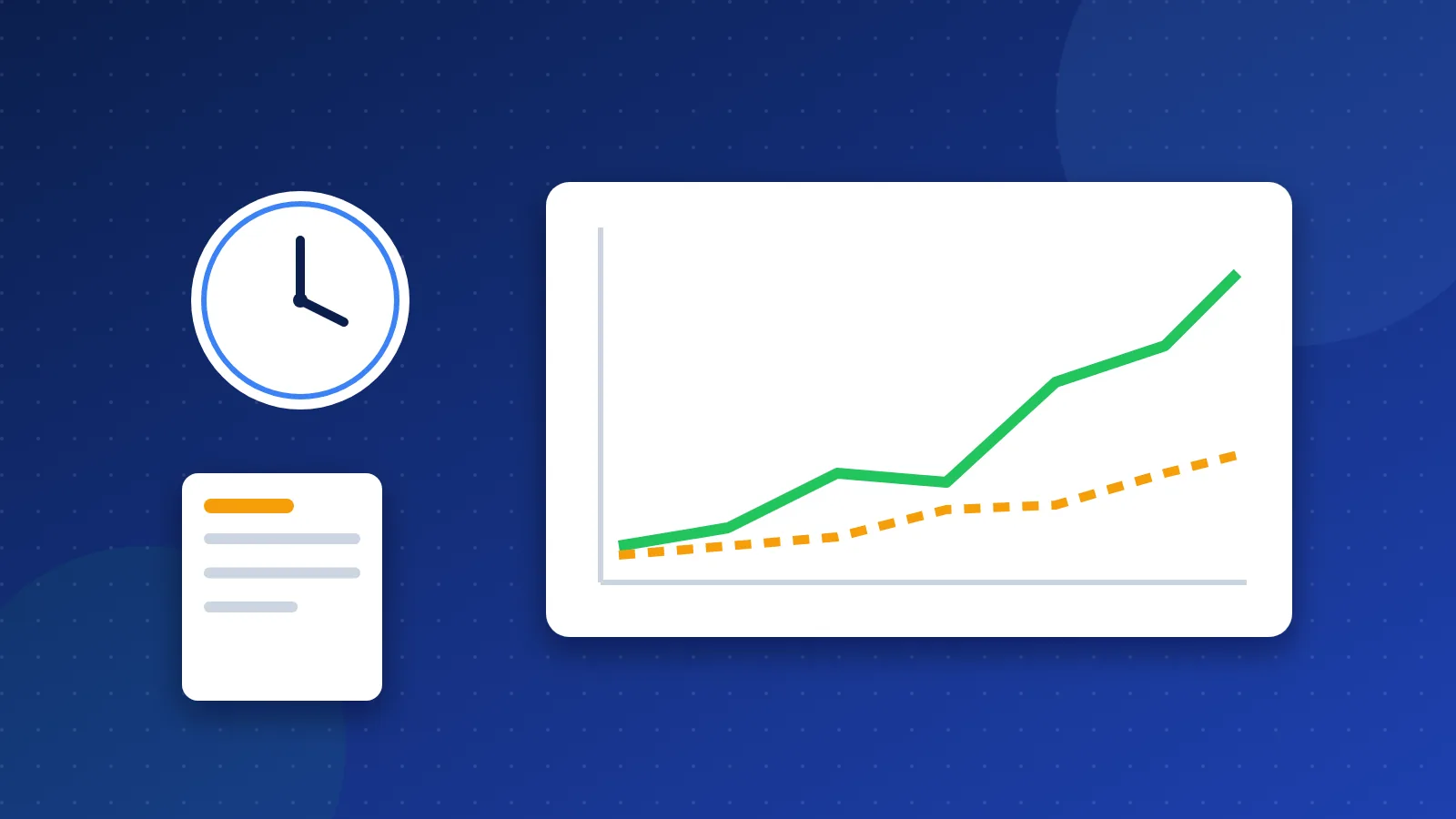
Set up a monthly exploration with AI channel sessions by source and landing page, and you will have a trend line within a quarter. That is the practical way to handle how to track traffic from ChatGPT and Perplexity in Google Analytics 4: use the native channel as a baseline, keep a custom group you control, and remember that the real total is higher than either one shows.
Frequently asked questions
Does GA4 track ChatGPT traffic automatically now?
Partly. Since May 2026, GA4 groups recognised AI referrers, including ChatGPT, into a default AI Assistant channel. It only works when a referrer is sent, so visits from apps without one still show as Direct.
Will a custom channel group change my historical data?
No data is altered. Custom channel groups are applied when reports are built, so you can view past traffic through the new group without changing the default reports or the raw data.
Is AI Overview traffic counted as AI Assistant traffic?
No. Clicks from AI Overviews and AI Mode come from Google Search, so GA4 counts them as organic search. Search Console also includes them in the normal Web search type rather than reporting them separately.