About Bing Webmaster Tools
Bing Webmaster Tools is Microsoft's free dashboard for seeing and fixing how your site appears in Bing, and it is worth the ten minutes it takes to set up. Bing Webmaster Tools for small websites is especially useful because it adds things Google Search Console does not: backlink data for competitor sites, built-in keyword research, instant URL submission through IndexNow, and reports on citations in Microsoft Copilot answers. If you already have Search Console, you can import your sites and skip manual verification.
Who makes it and who is it for?
The tool is run by Microsoft for its Bing search engine. Microsoft's own webmaster blog points out that Bing results also feed partners such as Yahoo and DuckDuckGo, so the data covers more than bing.com alone.
It suits the same people who use Search Console: bloggers, small-business owners, SEO freelancers and developers. It is particularly handy for people on a tight budget, because a few of its reports overlap with features you would otherwise pay a subscription for.
Why set up Bing Webmaster Tools for small websites?
Small sites rarely get much Bing traffic, so many owners skip it. That is a mistake for three reasons. First, the setup cost is close to zero. Second, the extra reports help your SEO generally, not only on Bing. Third, Microsoft's index now feeds AI answers, and this is one of the few places that show you citation data from an AI assistant.
Features that matter for SEO work
- Search Performance. Impressions, clicks, CTR and average position. Microsoft says the report can show up to 16 months of data.
- URL Inspection and Site Explorer. Check whether a URL is indexed and crawlable, and browse your site as Bing sees it with filters for weak and strong pages.
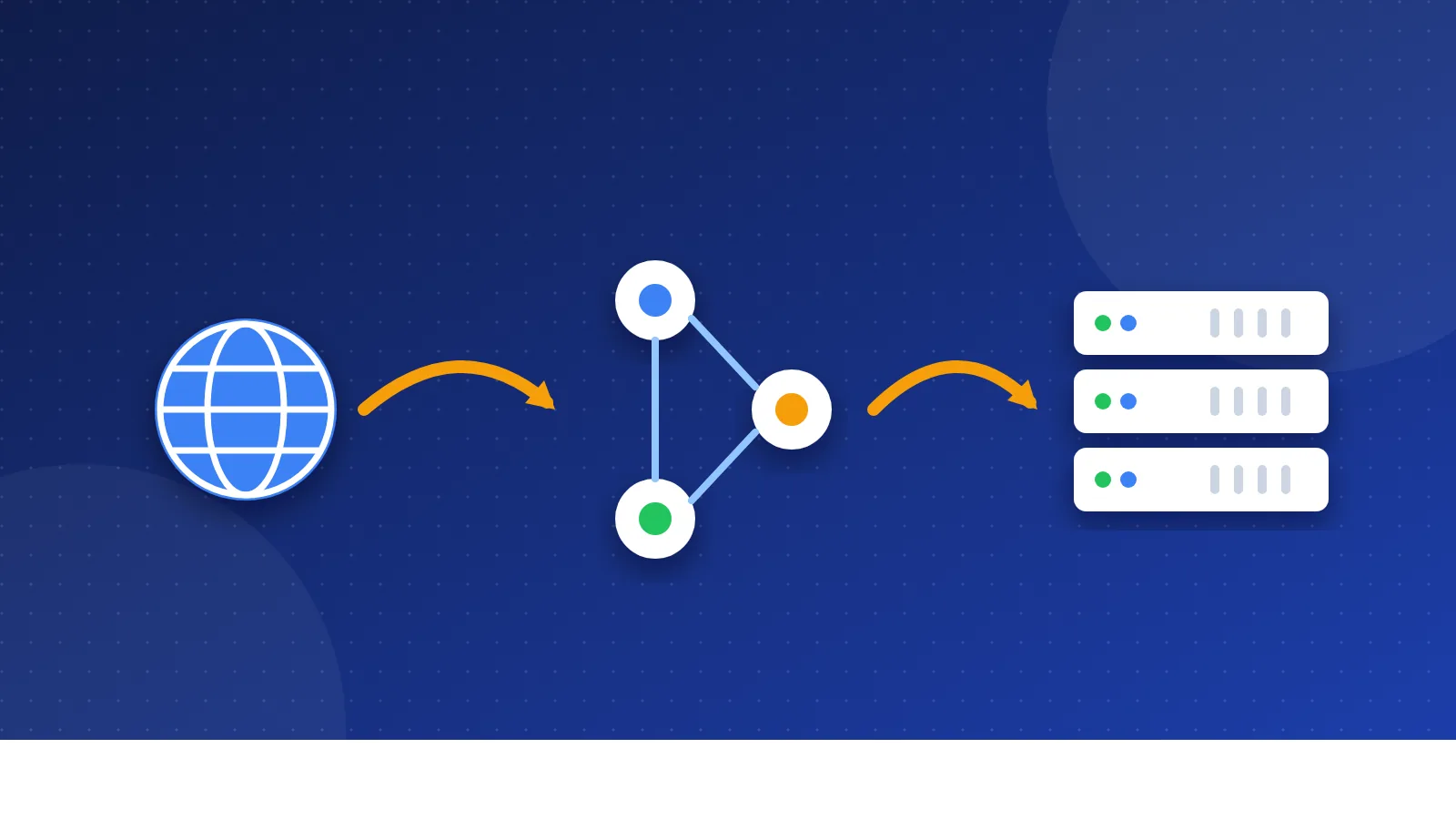
- IndexNow and URL Submission. IndexNow is a protocol Microsoft Bing and Yandex announced in October 2021. One ping tells every participating search engine that a URL was added, changed or deleted.
- Backlinks. Referring domains and linking pages, and, unlike Search Console, you can also look up backlinks for other sites.
- Keyword Research and Site Scan. Query volume and trends from Bing data, plus an on-demand audit that flags issues such as broken links and missing meta descriptions.
- AI Performance. Launched in public preview on February 10, 2026, it shows how often your pages are cited as sources in Microsoft Copilot and Bing's AI-generated summaries, which pages get cited, and the grounding queries behind them. In June 2026 Microsoft added Intents, Topics, Citation Share and a period Compare view.
| Feature | Bing Webmaster Tools | Google Search Console |
|---|---|---|
| Search performance data | Yes (Bing) | Yes (Google) |
| Competitor backlink lookup | Yes | No |
| Keyword research tool | Yes | No |
| IndexNow instant submission | Yes | No |
| AI answer citation report | Yes (Copilot, Bing AI summaries) | No separate report |
| Price | Free | Free |
Pricing as of October 2026
Free. Microsoft's blog describes it as free with full feature access, and its 2024 comparison with Google Search Console lists both as free tools. There is no paid tier to upgrade to.
Limits and honest downsides
- Small numbers. For most small sites Bing sends a fraction of Google's traffic, so performance data can be thin and noisy.
- Preview features change. AI Performance and its newer views are labelled preview, so expect metrics and layouts to move.
- Backlink data is Bing's view. It is useful for spotting new links, but it will not match what paid link indexes report, and it does not score link quality.
- IndexNow is not Google. Google is not named as a participant in the IndexNow announcement, so you still need sitemaps and Search Console for Google.
How do you get started?
- Go to bing.com/webmasters and sign in with a Microsoft, Google or Facebook account.
- Add your site. The quickest route is importing it from Google Search Console; otherwise verify with Domain Connect, an XML file, a meta tag or a DNS record.
- Submit your XML sitemap.
- Turn on IndexNow, either through your CMS or a plugin, so new posts are pinged as soon as you publish.
- Run a Site Scan, fix the top errors, and check back after the dashboard fills with data.
How it fits link building and directory submissions
The competitor backlink lookup is the part bloghints readers will like most. Enter a competing site, see which directories and blogs link to it, and compare that list against our webmaster lists. It will not be a complete picture, but it costs nothing and often turns up niche directories you missed.
After a round of submissions from our free directory list, the Backlinks report is also a simple way to see which listings Bing has actually crawled.
Alternatives
- Google Search Console
- Yandex Webmaster
- Ahrefs Webmaster Tools
For most readers the answer is not either-or. Set up Search Console first, then add Bing Webmaster Tools for small websites as a free second opinion with extra link and keyword data, IndexNow, and a first look at how AI answers cite your content.
Frequently asked questions
Is Bing Webmaster Tools free?
Yes. Microsoft offers it free with full access to its reports, and there is no paid plan. You only need to sign in and verify that you own the site.
Can I import my site from Google Search Console?
Yes. During setup you can connect your Google account and import sites already verified in Search Console, and they are verified automatically. If you prefer, you can still use Domain Connect, an XML file, a meta tag or a DNS record.
Does IndexNow help my pages get indexed in Google?
Not directly. IndexNow was created by Microsoft Bing and Yandex and notifies the search engines that have adopted it. For Google, keep using XML sitemaps and the URL Inspection tool in Search Console.